[245] Adjust DeviceRGB input profile
[246] Adjust DeviceCMYK input profile
4.
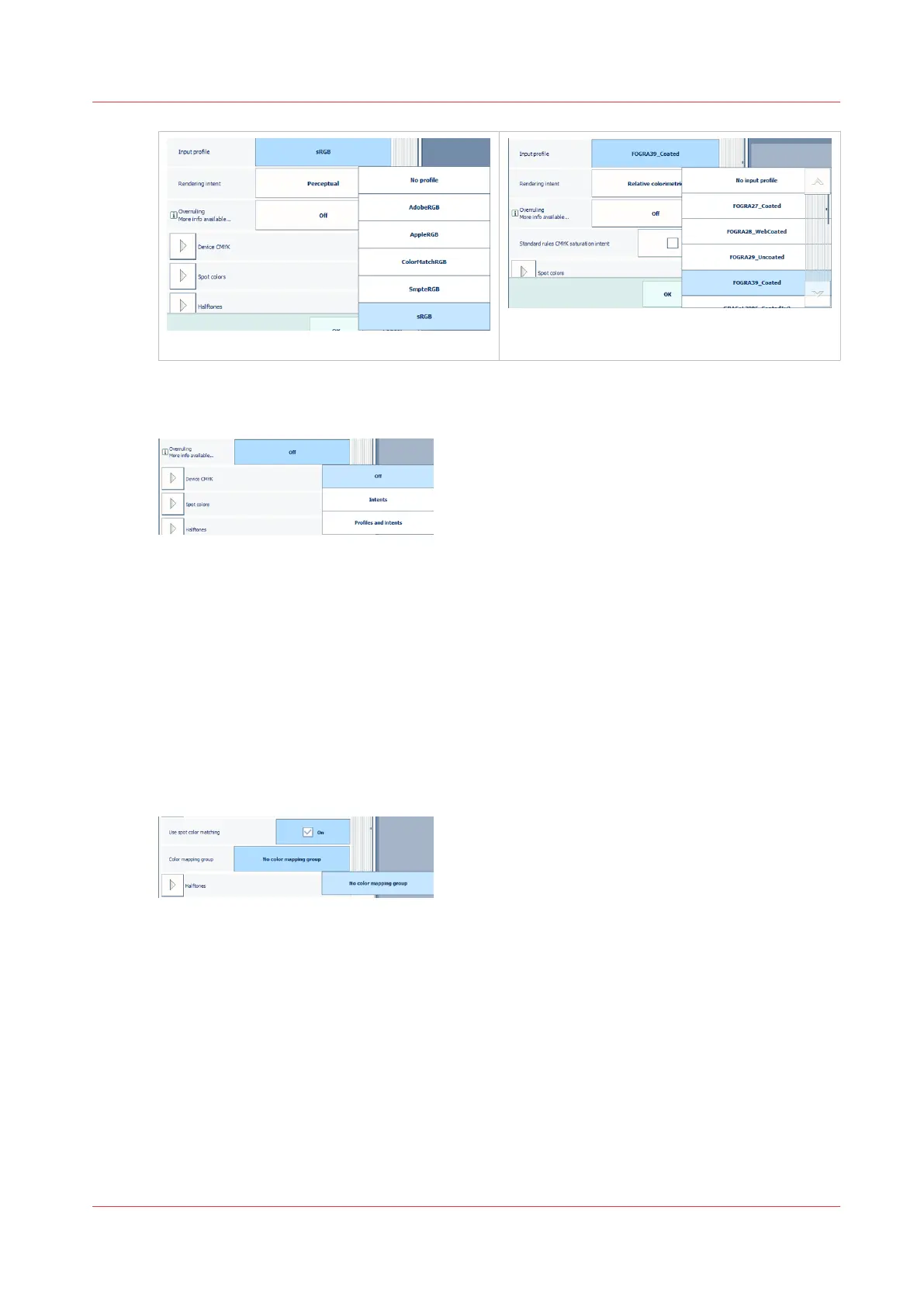
Use the [Overruling] function to indicate if the RGB or CMYK embedded input profile and
rendering intent must be overruled or not.
[247] Overruling of embedded input profile or rendering intent
• [Off]: no overruling of embedded input profile and rendering intent.
• [Intents]: only overruling of embedded rendering intent.
• [Profiles and intents]: overruling of embedded input profile and rendering intent.
5.
Use the [Standard rules CMYK saturation intent] function to indicate if the standard ICC color
management rules of the CMYK saturation intent must be applied. For the CMYK saturation
intent, the printer by default maps pure (100%) C, M, Y and K input colors into pure C, M, Y
and K output colors. However, it can be required that the standard ICC color management
rules must be used without an improvement of the color management of the printer.
6.
Use the [Spot color matching] function to enable or disable spot color matching. If a source
file contains a spot color, the printer must know the spot color definition to exactly print the
required color.
[248] Adjust color mapping
7.
If the [Spot color matching] function is enabled, you can select a color mapping group. With
color mapping you can re-define the color values of a source color (RGB, CMYK or spot color).
8.
Use the [Print black & white] function to define how jobs are printed: in black and white or in
color.
Change print quality options for the job
Chapter 8 - Document printing
207


 To Next Page
 Loading...










