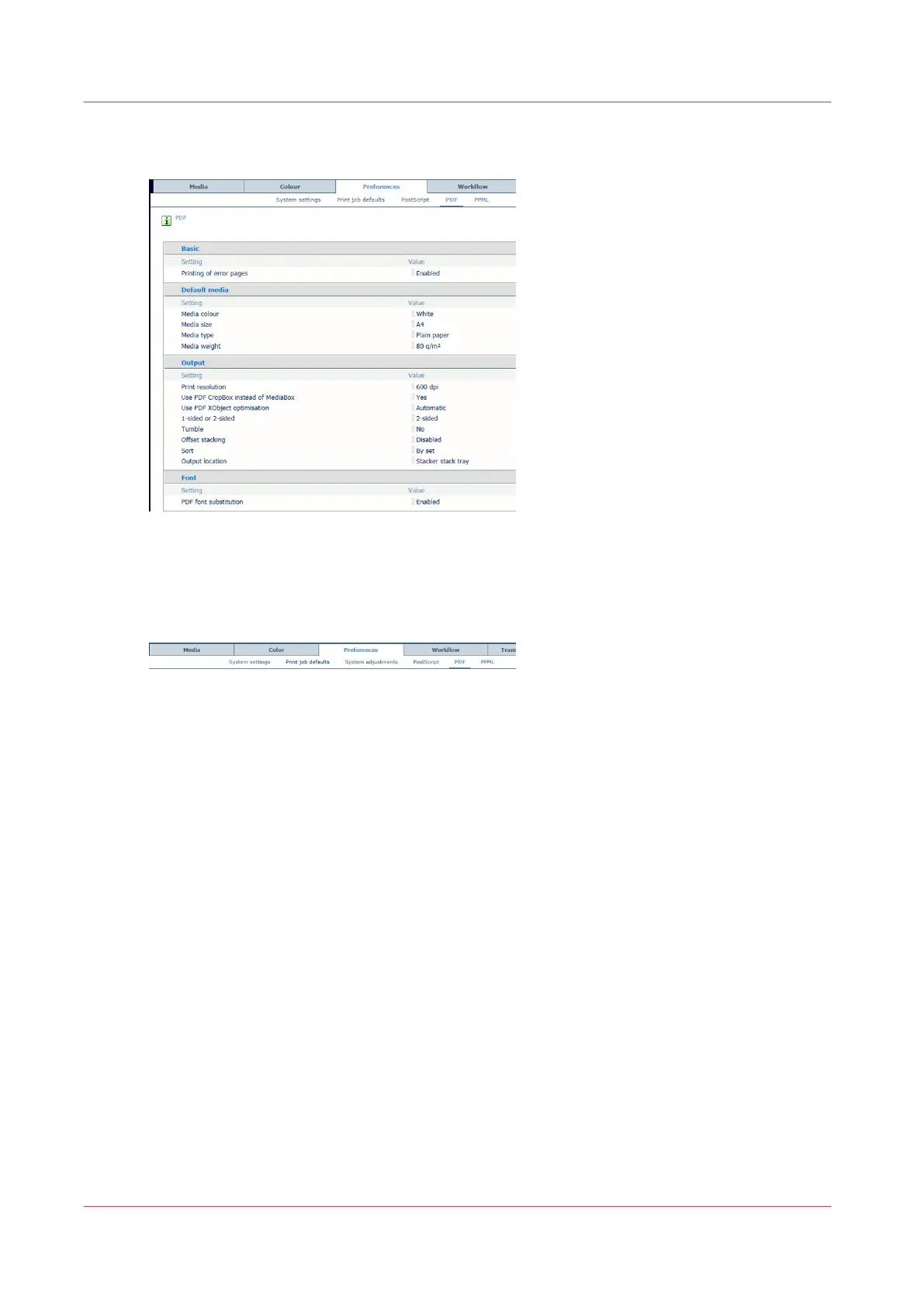
Define PostScript, PDF, and PPML job defaults
[74] Default [PDF] functions
Go to the [PostScript], [PPML] or [PDF] defaults
1. Open the Settings Editor and go to: [Preferences].
[75] [PostScript], [PPML] and [PDF] tabs
2. Click [PostScript], [PPML] or [PDF].
Enable error pages (PostScript, PPML, PDF)
Use the [Printing of error pages] function to enable or disable the printing of error pages.
Define job timeout (PostScript)
Use the [Job timeout] function to define the job timeout. When the processing time of a
PostScript job exceeds the set value, the printer prints - if enabled - an error page.
Define page timeout (PostScript)
Use the [Page timeout] function to define a page timeout. When the processing time of a
PostScript page exceeds the set value, the printer prints - if enabled - an error page.
Define the default media (PostScript, PPML, PDF)
1.
Use the [Media color] function to define the color of the default media. When you enter the
color name in the English language, a sample of the color is automatically displayed in the
media catalog. For other languages, enter the RGB value of the color.
2.
Use the [Media size] function to define the default media size.
3.
Use the [Media type] function to define the default media type.
4.
Use the [Media weight] function to define the default media weight.
Define PostScript, PDF, and PPML job defaults
76
Chapter 5 - Define defaults














 To Next Page