Clean the SZ-rollers in the registration output module without system tray
When the SZ-rollers in the registration output module are polluted, image quality and registration
problems may occur.
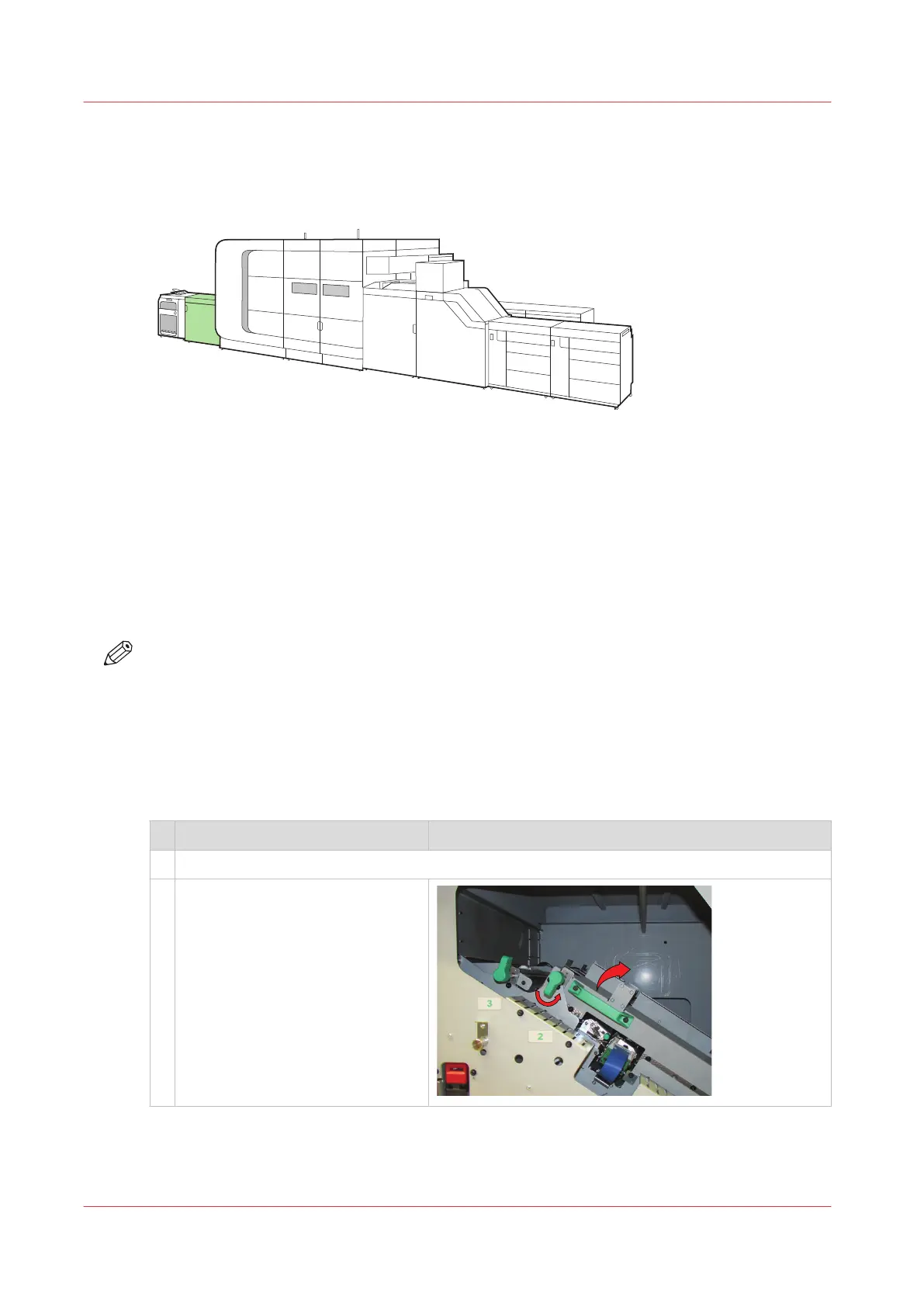
[453] Location of the registration output module without system tray
Before you begin
You need the following items:
• Cleaning cloths
• Bottle of process maintenance liquid (PML)
NOTE
• In order to keep your hands clean, it is advised to use nitrile gloves when you work with ink,
ColorGrip, or PML. For details see the related material safety data sheets. (
VarioPrint i-series
consumables
on page 332)
• When you spill any liquid, wipe up the drops with disposable towels and transfer the used
towels to a sealable container appropriate for disposal.
Procedure
Action
1 Open the front door of the registration output module.
2 • Turn the green knob to unlock
the paper guide.
• Lift the paper guide until the
guide is locked at the upper
side.
4
Clean the SZ-rollers in the registration output module without system tray
382
Chapter 13 - Maintain the printer



 To Next Page
 Loading...









