Define an information bar
An information bar contains printer and job information. It can be selected as a job property. The
bar is printed in the trim area of a page. Duplex sheets get the bar at both sides and simplex
sheets at the print side.
Information bars can help to evaluate the print quality according to the displayed information.
There is one factory defined information bar: FOGRA Validation Print. You can add more custom
information bars.
Go to the information bars
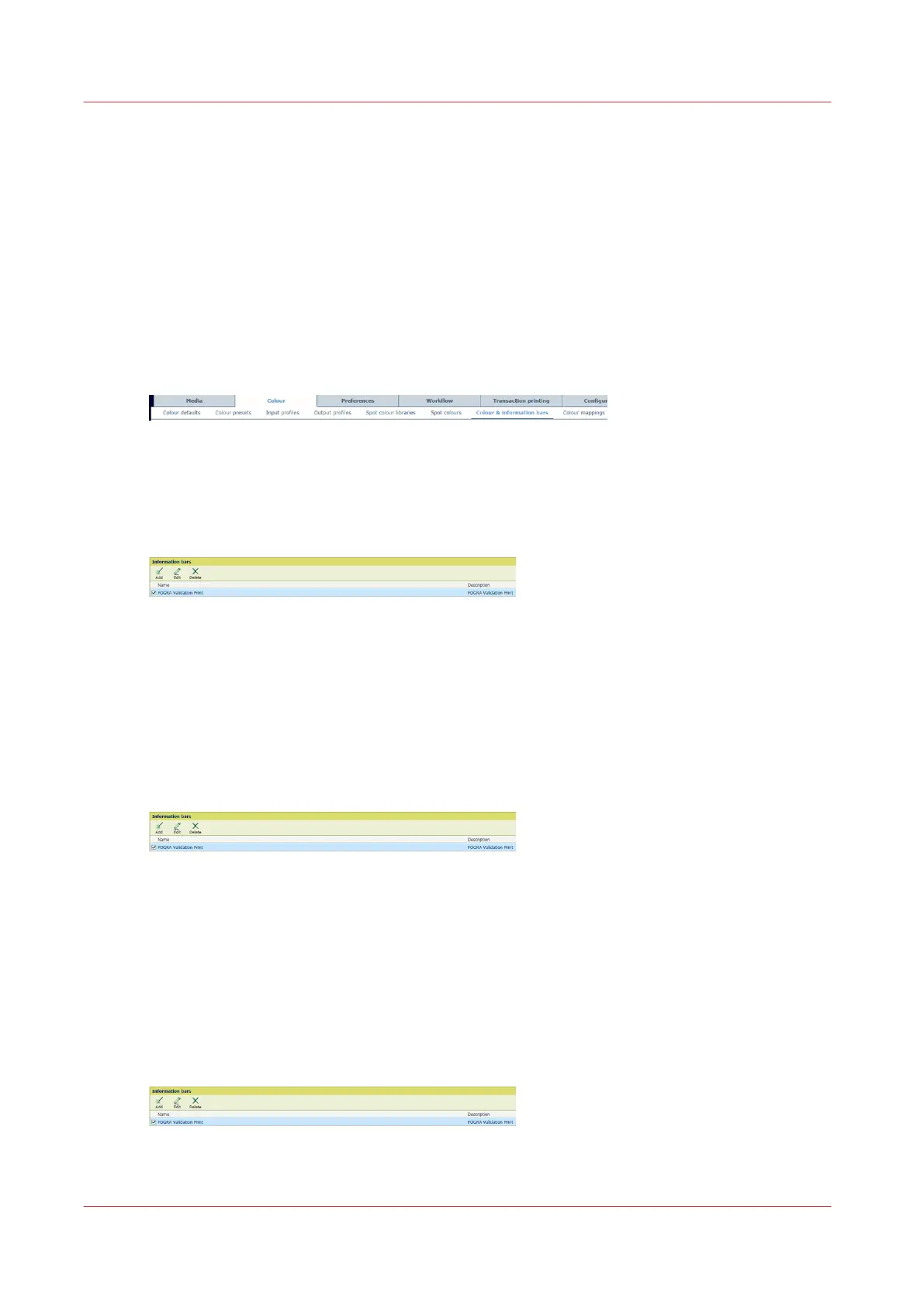
1. Open the Settings Editor and go to: [Color]→[Color & information bars].
[373] [Color & information bars] tab
Add an information bar
1. Click [Add].
[374] [Information bars] menu
2. Select for each field the information you want to display. Select [Custom value] for a fixed
text that you can enter. You can use a maximum of 12 fields.
3. Click [OK].
Edit an information bar
1. Select an information bar.
2. Click [Edit].
[375] [Information bars] menu
3. Select for each field the information you want to display. Select [Custom value] for a fixed
text that you can enter. You can use a maximum of 12 fields.
4. Click [OK].
Delete an information bar
You cannot delete the factory defined information bar.
1. Select one or more information bars.
2. Click [Delete].
[376] [Information bars] menu
Define an information bar
288
Chapter 11 - Manage color definitions


 To Next Page
 Loading...










