Define a media print mode
A media print mode defines how the printer must print the media. Media print modes allow to
print the same media with a different sets of print parameters. It depends on the job which media
print mode the operator selects. A media print mode includes a reference to an output profile.
(
Learn about media elements
on page 264)
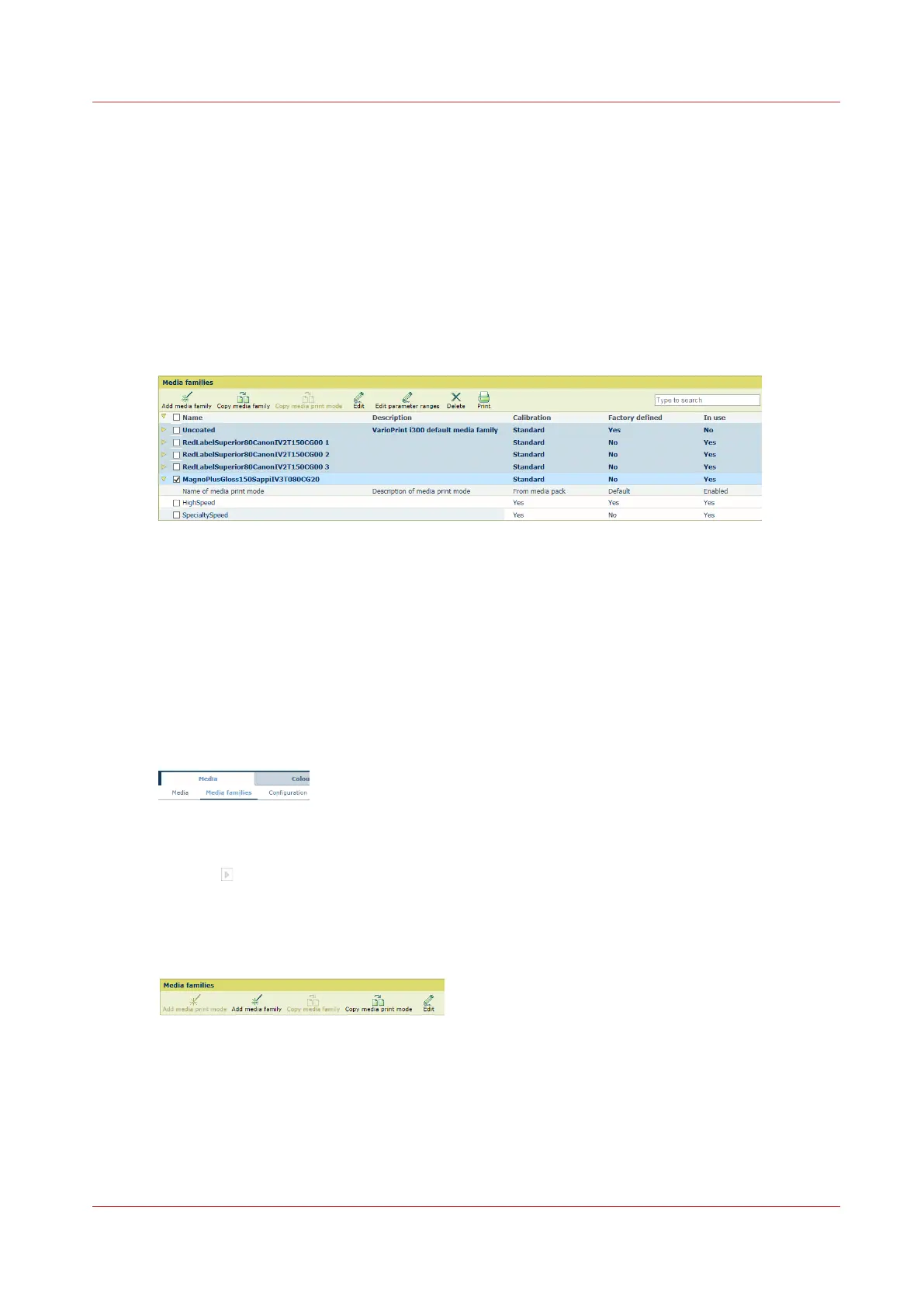
A media family has one or two factory defined media print modes:
• HighSpeed: media print mode for high print speed. This media print mode is not available for
coated media.
• SpecialtySpeed: media print mode for lower print speed. This media print mode is available for
all media.
[357] Media families and media print modes
A media print mode has the following status fields.
• [From media pack]: the media print mode came from a media pack or not.
• [Default]: the media print mode is the default media print mode or not.
• [Enabled]: the media print mode is enabled and can be used or not.
When the media print mode is disabled, you do not need to calibrate it to perform a media
family calibration.
Go to the media print modes
1. Open the Settings Editor and go to: [Media]→[Media families].
[358] [Media families] tab
2. Select a media family. To find a media family, enter a search string.
3. Click to display the media print modes.
Copy a media print mode
1. Select the media print mode.
[359] [Media families] menu
2. Click [Copy media print mode].
3. Define the media print mode settings. (
Define the media print mode settings
on page 280)
Define a media print mode
Chapter 10 - Manage media definitions
277


 To Next Page
 Loading...










