Shut down the printer
When you do not operate the printer, you can reduce the energy consumption with the sleep
mode. (
Put printer in sleep mode
on page 324)
You can also shut down the printer to further reduce the energy consumption. After the printer
has been shut down the PRISMAsync controller, the control panel, the print engine, and the
attached modules are switched off.
To save energy during recurring periods that the printer is not productive, for example overnight
or over the weekend, use the energy save timers. (
Configure the energy save timers
on page 327)
IMPORTANT
Do not use the main power switch.
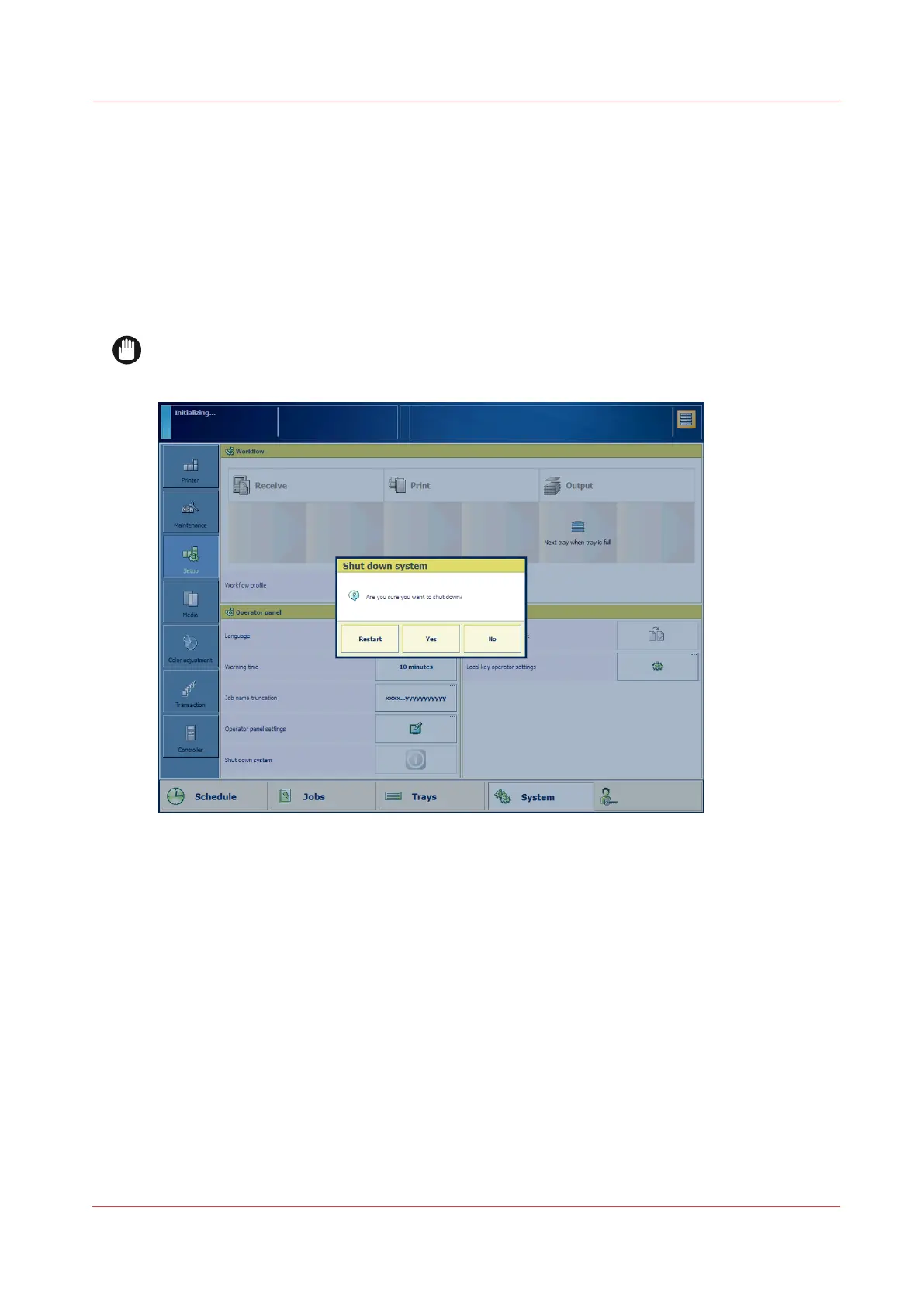
[419] Shut down the printer
1. Touch [System]→[Setup].
The [Controller] view also has the shutdown option.
2. Touch [Shut down printer].
3. Touch [Yes].
A message indicates when the shutdown process is starting. When the shutdown process has
been completed, the control panel light is off.
Shut down the printer
Chapter 12 - Save energy
325


 To Next Page
 Loading...










