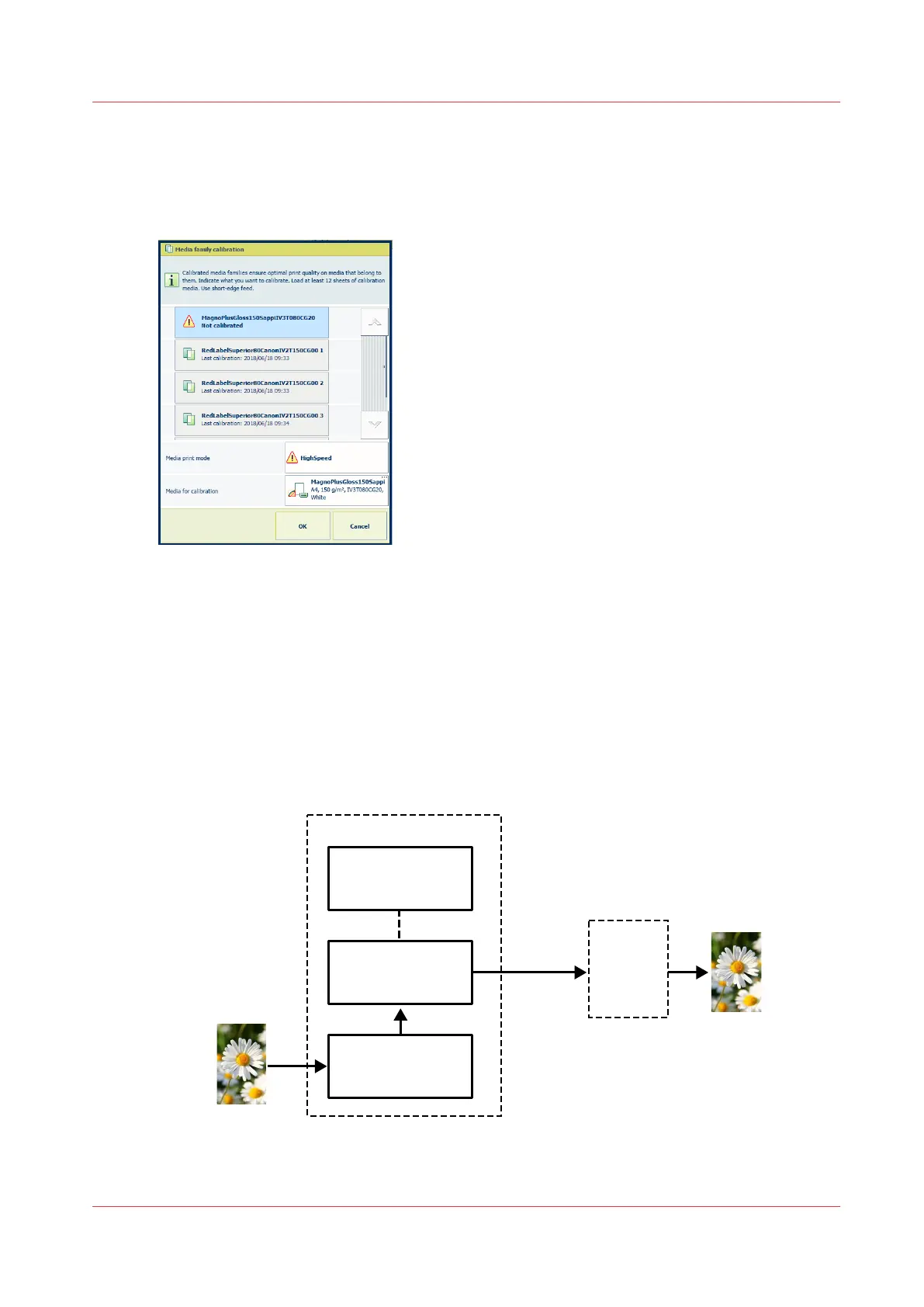
Calibration status of media family and media print mode
A media family gets the status
calibrated
when all media print modes of this media family have
been calibrated. The media family calibration dialog shows which media families and media print
modes need calibration.
[277] Media family calibration
Calibration curves
The output profile of a media print mode describes of the expected behavior of the printer when
it prints media. (
Learn about input and output profiles
on page 294) The actual ink amounts to
print these CMYK values, however, slightly change over time. Printer settings, the humidity, and
the temperature can influence the ink production of the nozzles. These factors affect the
production of the individual process colors.
Per media print mode, the media family calibration procedure creates C, M, Y, and K calibration
curves.
Output
Lab
C M Y K
C’ Y’ M’ K’
Media family
calibration
Calibration
curves
Print
engine
Output profile
PRISMAsync Print Server
Input
[278] Calibration curves
Learn about media family calibration
Chapter 9 - Print what you expect
223


 To Next Page
 Loading...










