Action
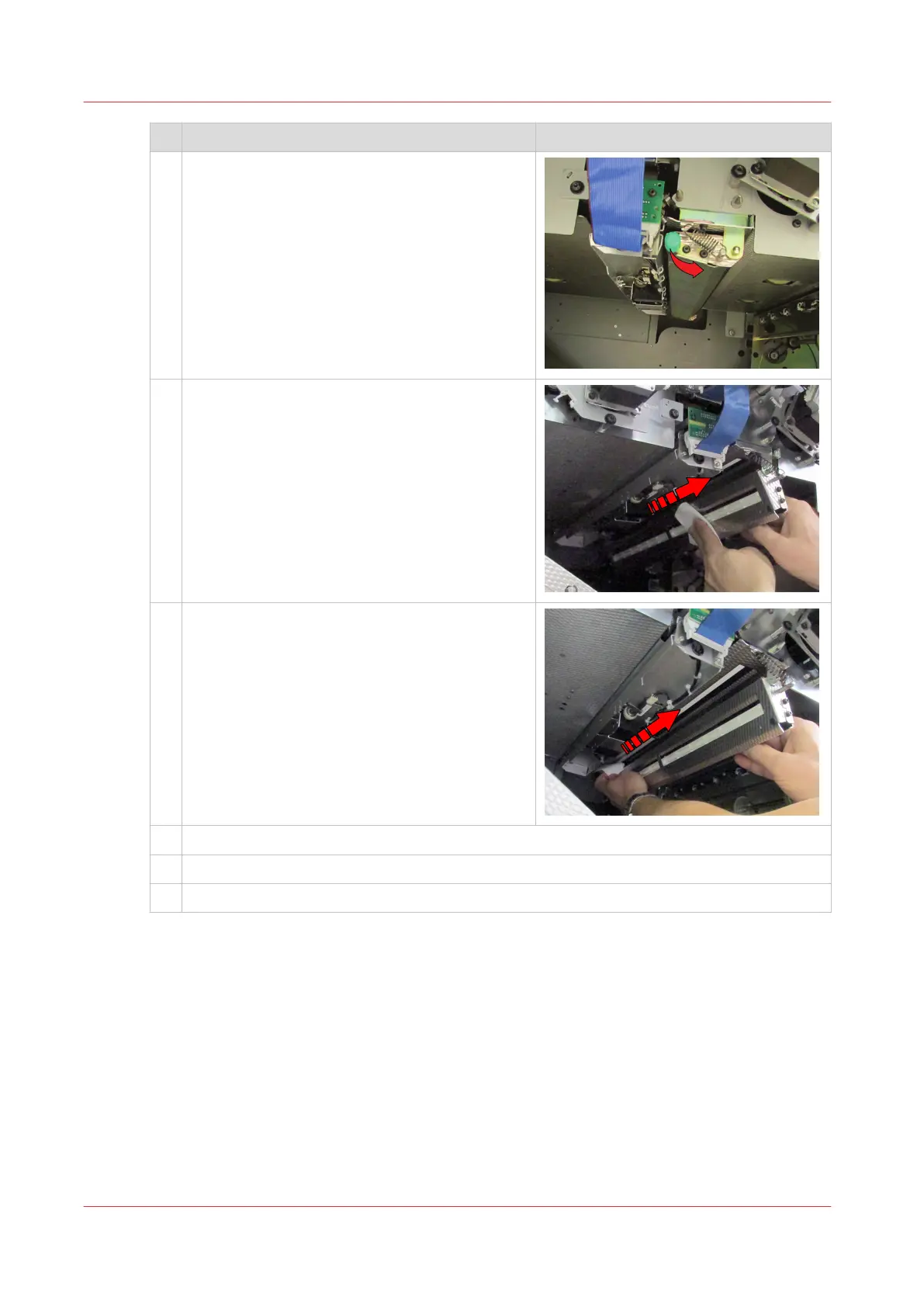
3 Use the green handle to open and hold the Z-
sensor unit.
4 Take a cleaning cloth and move the cloth three
times over the lower sensors.
5 Take a new cleaning cloth and move the cloth
three times over the upper sensors.
6 Gently close the Z-sensor unit.
7 Close the paper guide by the green handle.
8 Close the front doors of the paper path module.
After you finish
Dispose the used cleaning cloths.
Clean the Z-sensors in the paper path module
360
Chapter 13 - Maintain the printer


 To Next Page
 Loading...










