Action
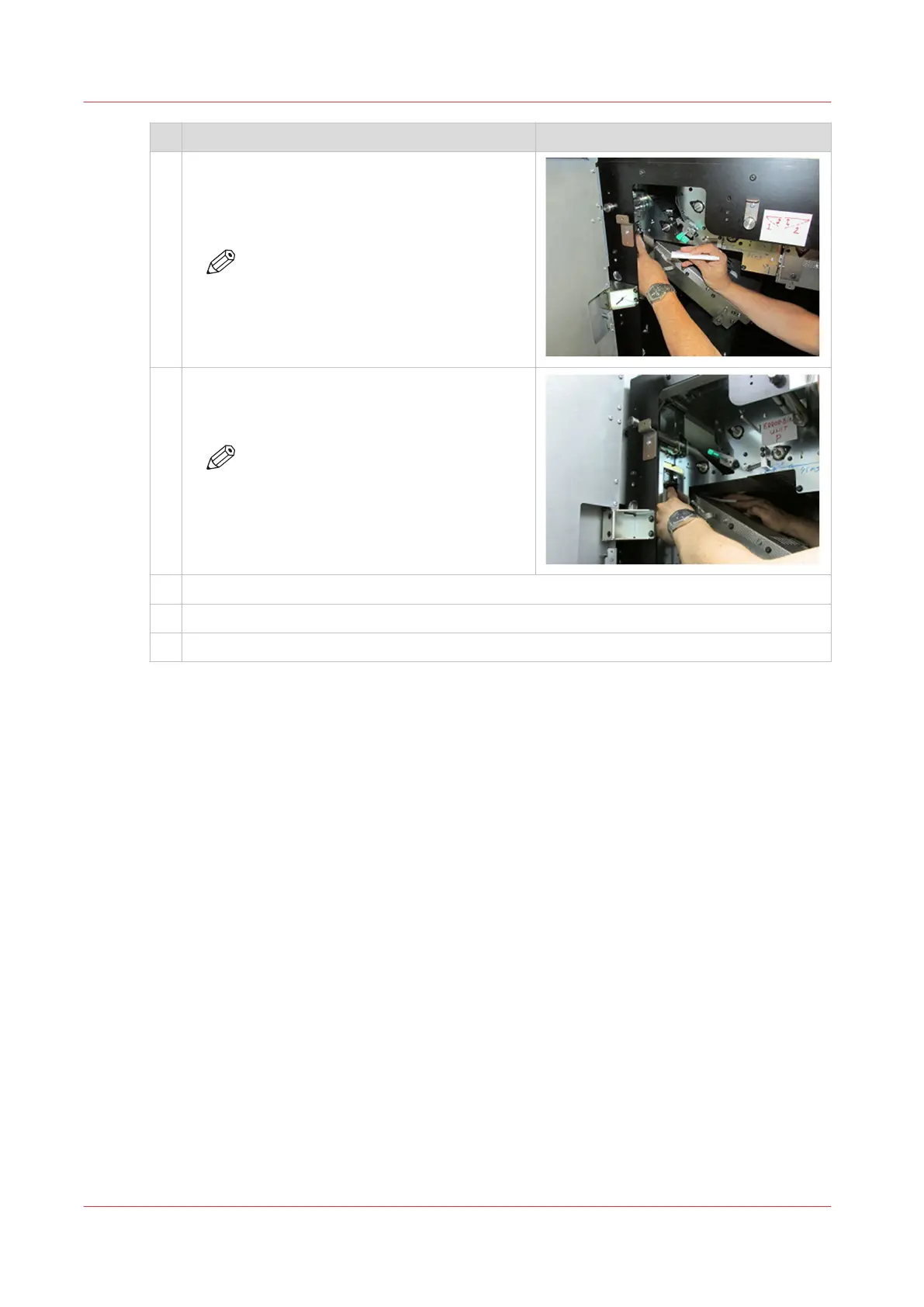
4 1. Take five cleaning cloths and fold the cloths
in half.
2. Move the folded cloths over the lower sen-
sors three times.
NOTE
You cannot easily access the lower Z-
sensors.
5 Take five new cleaning cloths, fold the cloths in
half, and move the folded cloths over the upper
sensors three times.
NOTE
You cannot easily access the upper Z-
sensors.
6 Gently close the Z-sensor unit.
7 Use the green handle to close the paper guide.
8 Close the front door of the registration input module.
After you finish
Dispose the used cleaning cloths.
Clean the Z-sensors in the registration input module (Z2)
364
Chapter 13 - Maintain the printer


 To Next Page
 Loading...










