• Use sharp knives in the cutting device to avoid bad and rough sheet edges.
• Cut the paper in the correct size. The difference between the actual sheet size and the media
attribute size cannot be larger than + / - 1 mm / 0.039".
• Cut the sheet corners in exact 90 degrees angles.
Reverse print sides
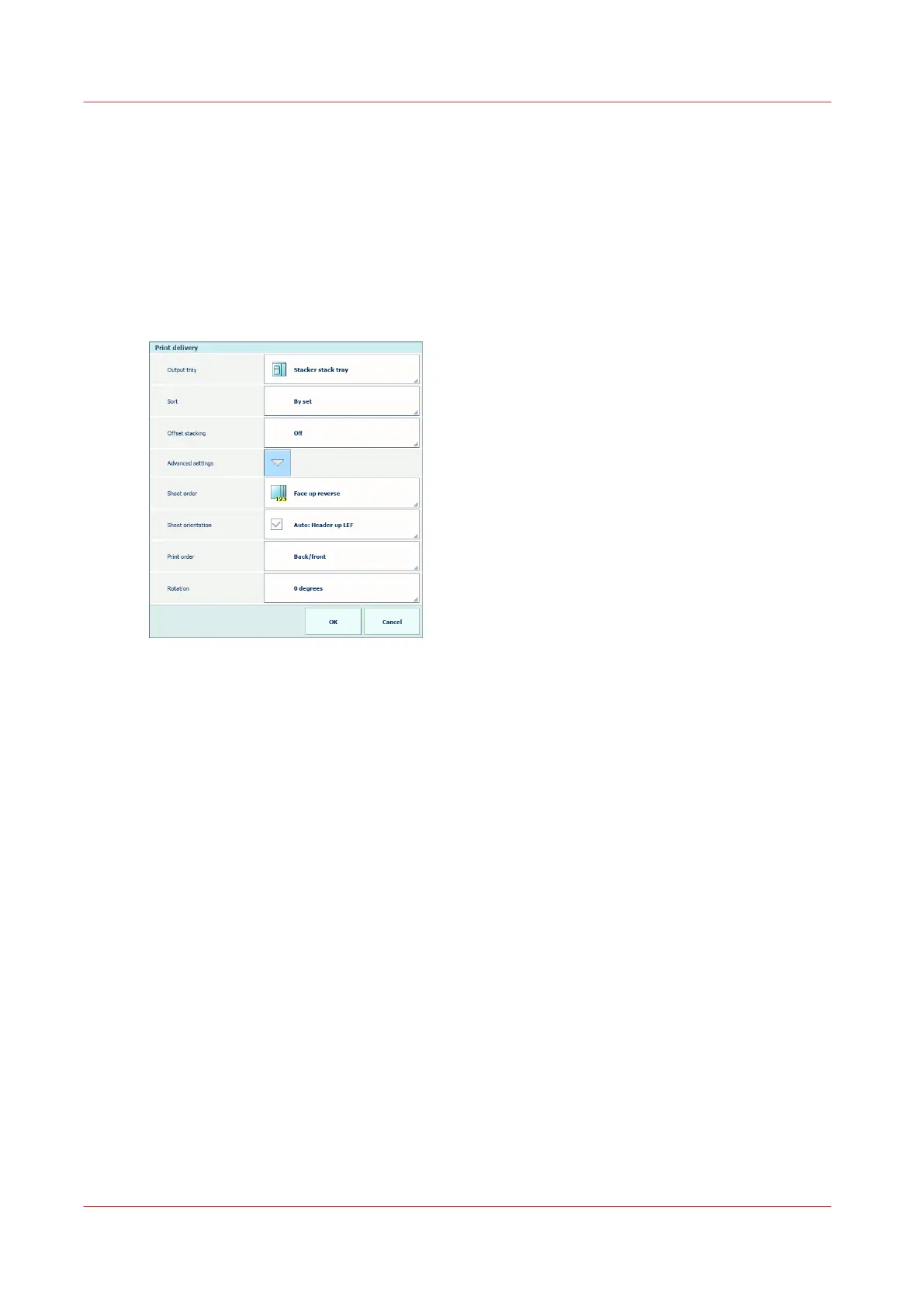
1. Select the job and touch [Edit]→[Print delivery].
2. Use the [Advanced settings]→[Print order] function to select [Back/front].
3. Use the [Advanced settings]→[Sheet order] function to select [Face up reverse].
[468] Print delivery
Edit the CMYK tone curves
Read
Adjust CMYK tone curves of a media print mode
on page 233 and
Explore the pixel-precise
preview
on page 178 to learn how to adjust the CMYK tone curves.
1. Touch [System]→[Color adjustment].
2. Touch [Edit CMYK curves].
3. Select the media family, halftone, media print mode combination.
4. Reduce the output densities.
Many sheets arrive in the sentry tray
404
Chapter 14 - Problem Solving


 To Next Page
 Loading...










