Software Version C
- 95 -
optek-converter C4101 Version 07.2009_1.2US, 23.07.2009
www.optek.com
9.9 System information display
In this menu, you can view information on the entire system:
• converter configuration
• current settings
• system data of the sensors installed
9.9.1 Viewing configuration
In this menu, you can view information on the converter configuration. Here, you
can only view the data but not change it.
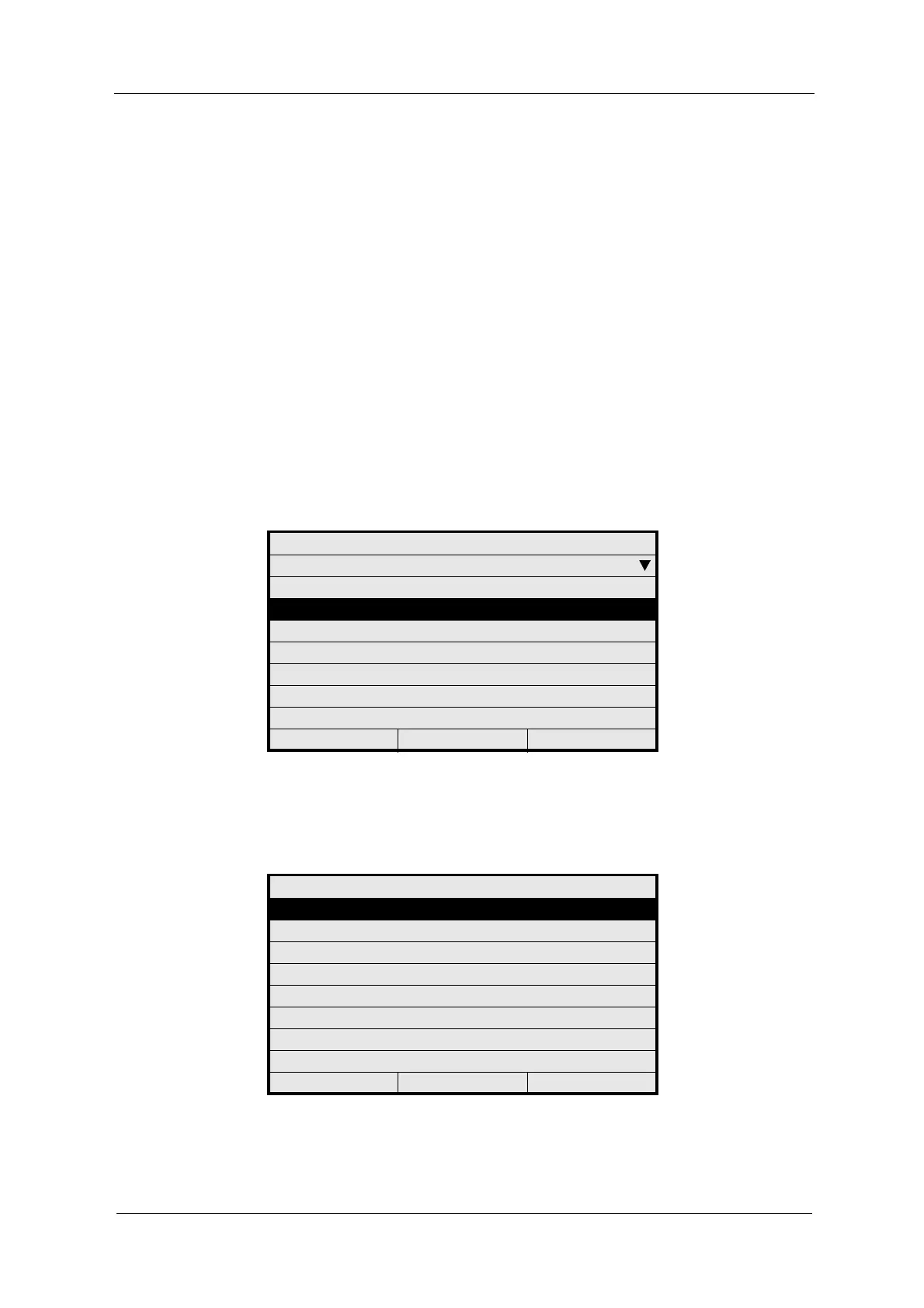
1. Select SYSTEM INFORMATION DISPLAY from the main menu and press
[ENTER].
Fig. 92 Main menu, choosing system information display
2. Select the CONFIGURATION menu item in the SYSTEM INFORMATION
DISPLAY menu and press [ENTER].
Fig. 93 Menu system information, choosing configuration
MAIN MENU
MEASUREMENT DISPLAY
DATA LOGGER DISPLAY
SYSTEM INFORMATION DISPLAY
PRODUCT CHANGE
PRODUCT CONFIGURATION
SYSTEM SETTINGS
MAINTENANCE
LANGUAGE / SPRACHE
20:05:2006 P01 11:26:55
SYSTEM INFORMATION DISPLAY
CONFIGURATION
SYSTEM SETTINGS
SYSTEM DATA SENSORS
20:05:2006 P01 11:26:55



 To Next Page