Software Version C
- 106 -
optek-converter C4101 Version 07.2009_1.2US, 23.07.2009
www.optek.com
9.10.6 System zero point
With this function, you can determine whether the system zero point is set
manually and / or via an external control system (remote) on converters C4121,
C4221, C4222, C4322 and C4422 or via PROFIBUS
®
on converters C4151,
C4251, C4252, C4352 and C4452.
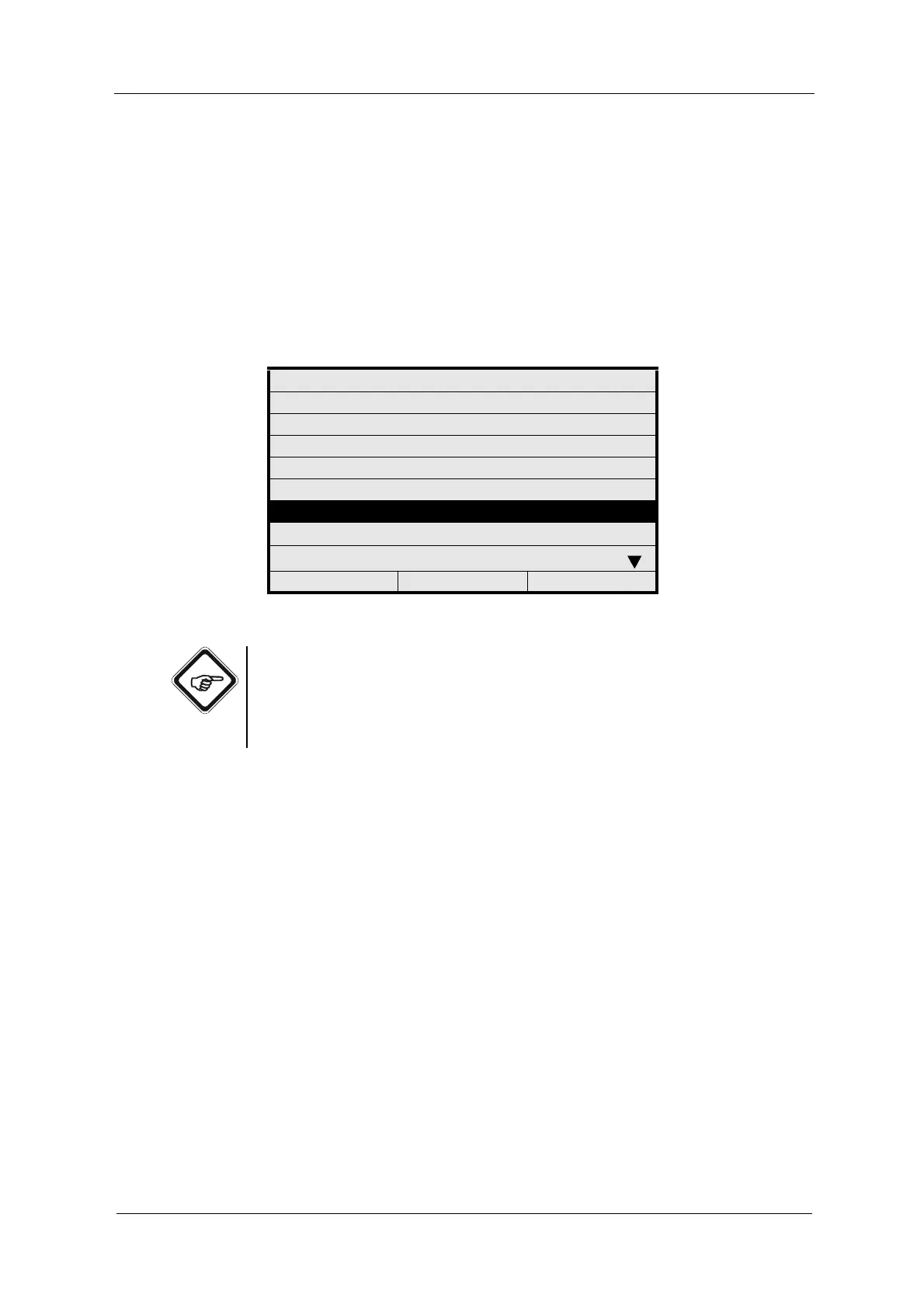
1. Select SYSTEM SETTINGS from the main menu and press [ENTER].
2. Select SYSTEM ZERO POINT and press [ENTER].
Fig. 107 Menu system settings, choosing system zero point
Note!
• To prevent a change of setting, set MANUAL and REMOTE to NO.
• If zero point setting for converters C4121, C4221, C4222, C4322, C4422,
C4151, C4251, C4252, C4352 and C4452 shall only be possible at the
control system, set MANUAL to NO and REMOTE to YES.
3. Select MANUALLY and press [ENTER]. Select YES or NO and press
[ENTER]. The cursor moves to the next menu item.
4. Press [ENTER]. Select YES or NO and press [ENTER].
SYSTEM SETTINGS
DISPLAY
DATE / TIME
DATA LOGGER
DAMPING
LAMP VOLTAGE
SYSTEM ZERO POINT
PRODUCT CHANGE
SENSOR TF
20:05:2006 P01 11:26:55



 To Next Page