Software Version C
- 140 -
optek-converter C4101 Version 07.2009_1.2US, 23.07.2009
www.optek.com
9.11.4 Sensor adaptation
With this function, each measuring result can be corrected by one factor. This is
useful when, for example, two sensors of different optical path lengths (window
distance) or different filters are to display the same results without resorting to
the linearization function.
1. Select MAINTENANCE from the main menu and press [ENTER].
2. Select SENSOR ADAPTATION and press [ENTER].
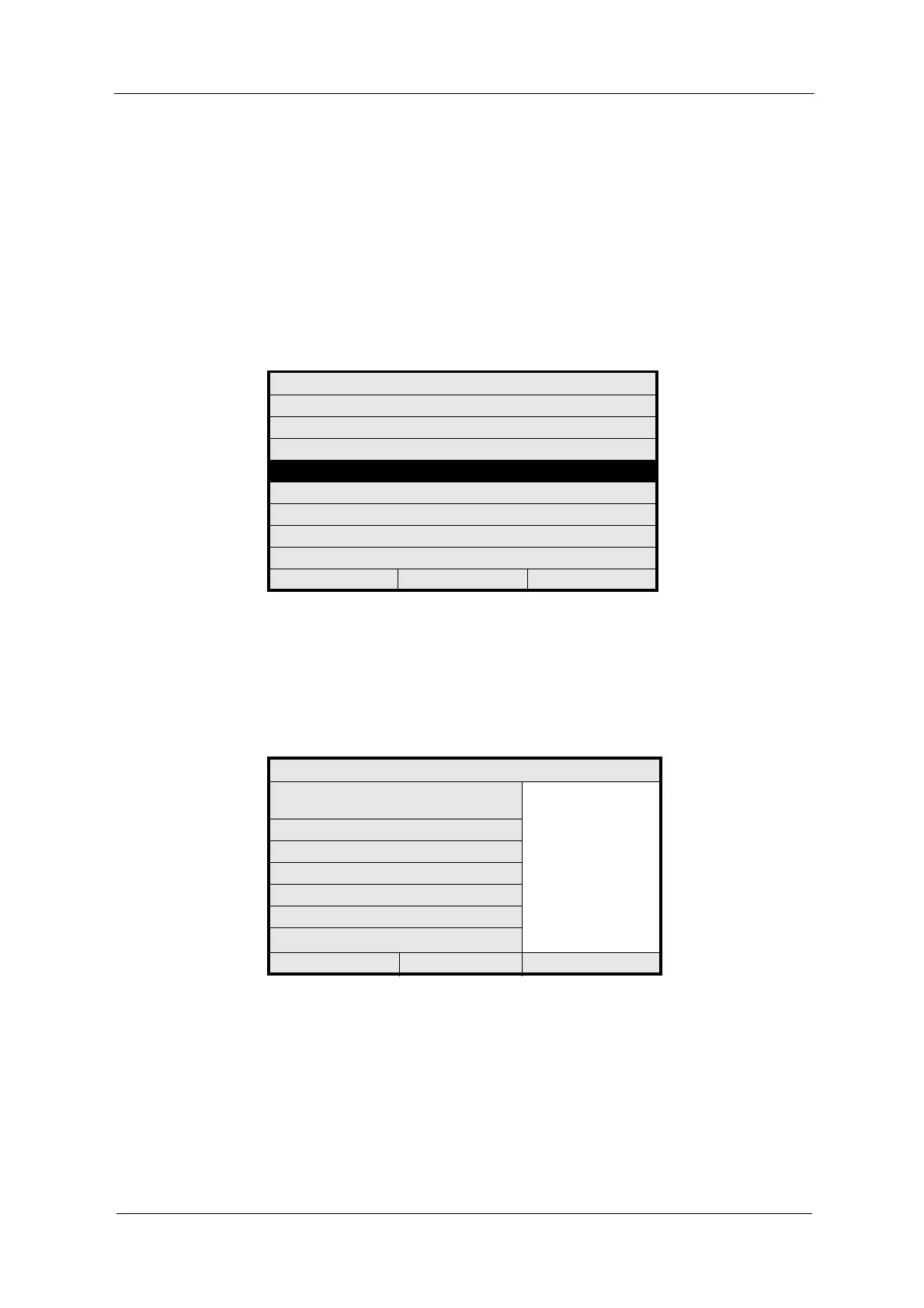
Fig. 149 Menu maintenance, sensor adaptation
3. Select FUNCTION and press [ENTER]. A list appears. Select the function
you want to adapt and press [ENTER].
In table 7 "Measuring functions for evaluating detector signals" on page 59
all possibilities are listed.
Fig. 150 Choosing factor for adaptation of measuring function
MAINTENANCE
HOLD MANUALLY
ZERO POINT SETTING MANUALLY
SYSTEM DIAGNOSTICS
SENSOR ADAPTATION
CALIBRATION SCATTERED LIGHT
CALIBRATION mA INPUTS
CALIBRATION mA OUTPUTS
SERVICE
20:05:2006 P01 11:26:55
SENSOR ADAPTATION
APPLY FACTOR FOR ADAPTATION OF
FACTORY CALIBRATION
ABS -CU (A)
ABS -CU (B)
ABS -CU (C)
ABS -CU (D)
ABS -CU (A-C)
ABS -CU (B-D)
A-CU (A-C)-(B-D)
%TRANSM (A)
%TRANSM (B)
FUNCTION :
FACTOR (0.6 - 1.4) : 1.000
FACTORY SETTINGS
FACTOR =
20:05:2006 P01 11:26:55



 To Next Page