Software Version C
- 97 -
optek-converter C4101 Version 07.2009_1.2US, 23.07.2009
www.optek.com
9.9.2 System settings display
In this menu, you can view information on the current system settings. Here, you
can only view the data but not change it.
1. Select the SYSTEM SETTINGS menu item in the SYSTEM INFORMATION
DISPLAY menu and press [ENTER].
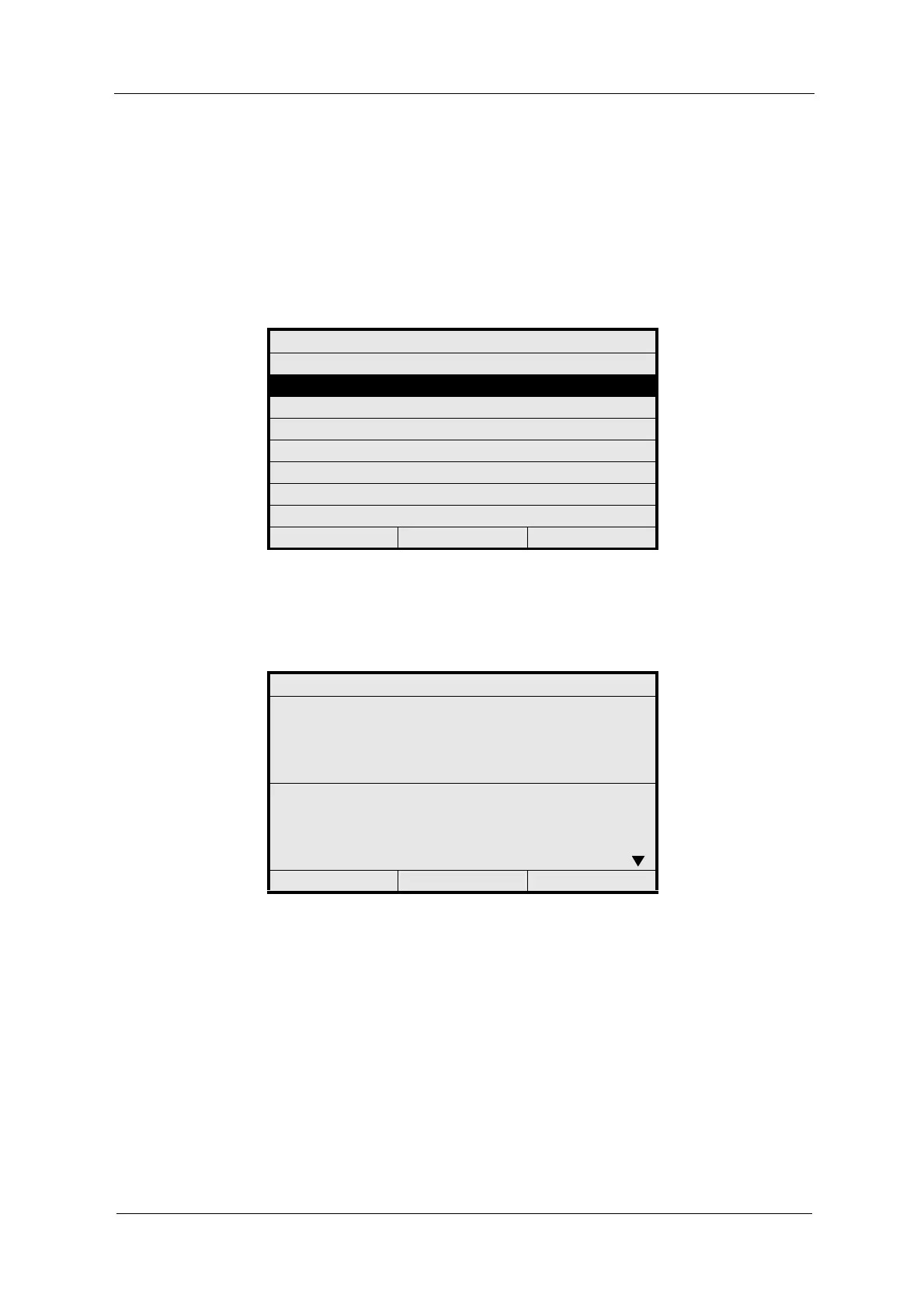
Fig. 95 Menu system information display, choosing system configuration
2. The SYSTEM INFORMATION menu appears. Scroll up or down to view the
remaining information.
Fig. 96 Menu system information - settings
SYSTEM INFORMATION DISPLAY
CONFIGURATION
SYSTEM SETTINGS
SYSTEM DATA SENSORS
20:05:2006 P01 11:26:55
SYSTEM INFORMATION
001 MODEL : C4422
002 SERIAL NO : 25750
003 SOFTWARE : C
204 - S E T T I N G S -
205 LAMP E (VDC) : 4.80 1xS
206 LAMP F (VDC) : 4.80 1xS
207 PASSWORD : 02 MIN
208 DATA LOGGER : 30 SEC
20:05:2006 P01 11:26:55



 To Next Page