Software Version C
- 155 -
optek-converter C4101 Version 07.2009_1.2US, 23.07.2009
www.optek.com
9.11.8.2.3 Measuring result monitor
With this function, the measuring functions, mA-inputs, linearization and slope +
offset functions as well as the occupied optek inputs for all selected products
and measuring results can be displayed.
1. Select the MEASURING RESULT MONITOR function in the MONITORS
menu and press [ENTER].
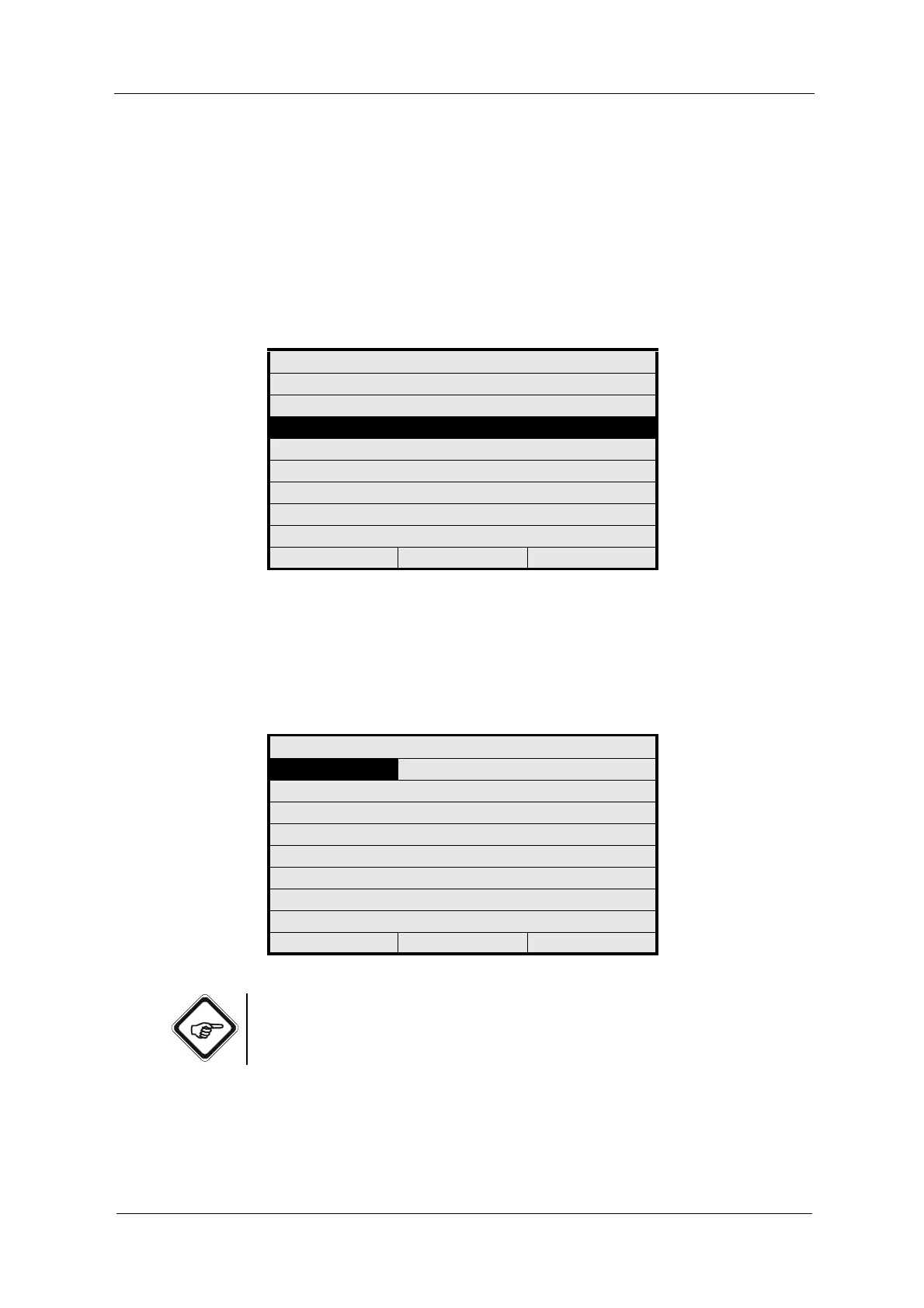
Fig. 168 Menu service, choosing measuring result monitor
2. Select PRODUCT. A list appears. Select a product (e.g. P01) and press
[ENTER]. Measuring results, measuring functions and the necessary inputs
are displayed for this product.
3. Press [CLEAR] to return to the previous menu.
Fig. 169 Menu measuring result monitor
Note!
Functions are only symbolically displayed and not with the user-defined name.
MONITORS
LAMP MONITOR
DETECTOR MONITOR
MEASURING RESULT MONITOR
mA MONITOR
RELAY + LED MONITOR
REMOTE IN MONITOR
SUBASSEMBLY MONITOR
20:05:2006 P01 11:26:55
MEASURING RESULT MONITOR
PRODUCT : P01
MEAS. RESULT FUNCTION
M01 : ABS -CU (A)
M02 : ABS -CU (A)
M03 : ABS -CU (A)
M04 : ABS -CU (A)
20:05:2006 P01 11:26:55



 To Next Page