Software Version C
- 121 -
optek-converter C4101 Version 07.2009_1.2US, 23.07.2009
www.optek.com
9.10.13 Failsafe
If there is a fault, Failsafe guides operation into a safe operating mode. Under
this function, the state of the measuring system is defined in case of a fault.
The settings for Failsafe refer to each mA output.
"Failsafe" can be triggered by signal loss at one or several optek inputs A, B, C
and / or D or at the mA-inputs 1 or 2. Lamp failure usually causes signal loss!
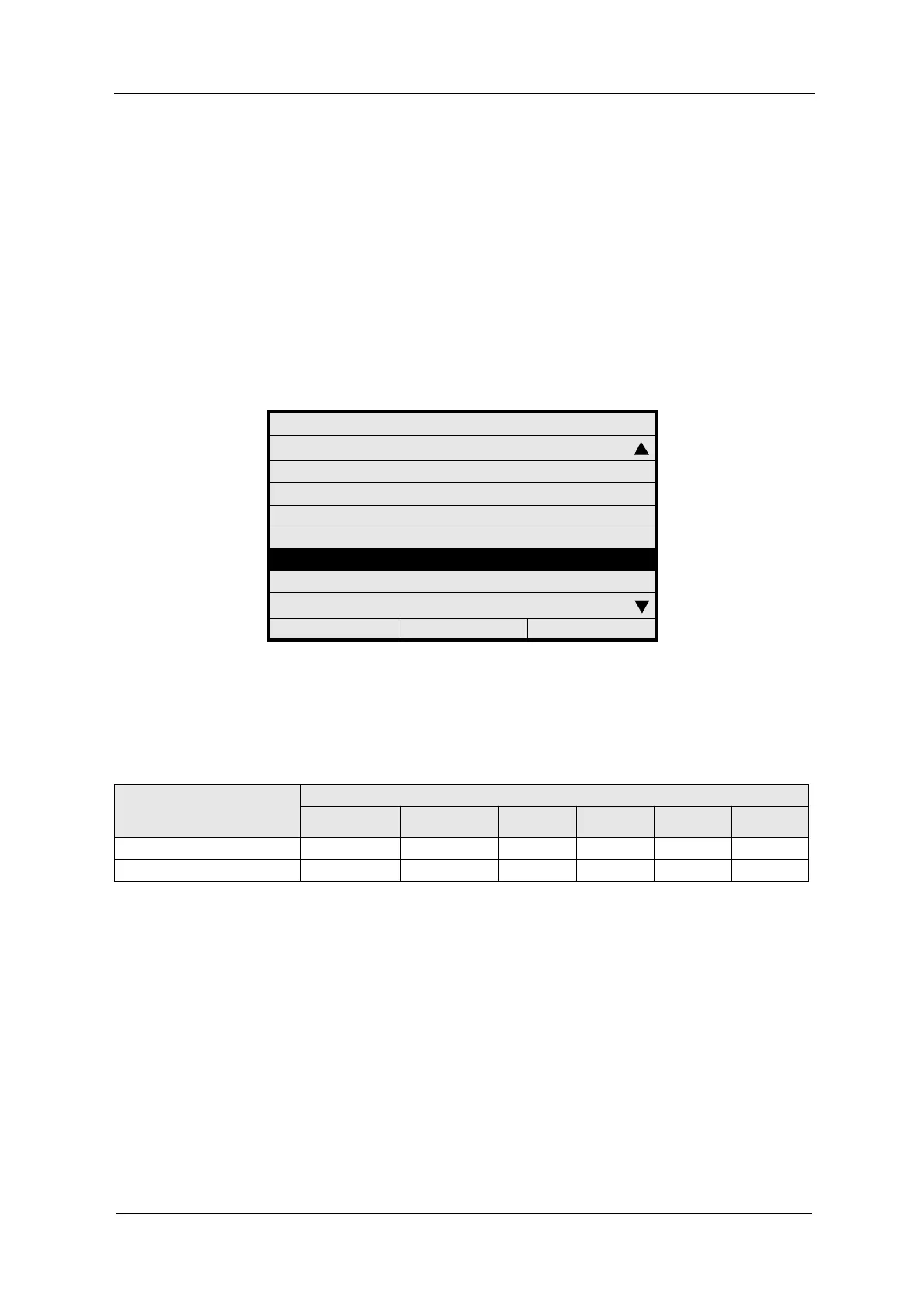
1. Select SYSTEM SETTINGS from the main menu and press [ENTER].
2. Select FAILSAFE and press [ENTER].
Fig. 125 Menu system settings, choosing failsafe
3. The cursor is located in the STATE menu item. Press [ENTER]. A list
appears. Select the desired setting.
SYSTEM SETTINGS
SENSOR TF
mA OUTPUTS
RELAY OUTPUTS
REMOTE IN
HOLD
FAILSAFE
PASSWORD PROTECTION
OPTEK INPUTS
20:05:2006 P01 11:26:55
Tab. 10 mA signals to the control system in fault condition
Definition of the mA-outputs
in the SYSTEM SETTINGS
menu
FAILSAFE SIGNAL
- 10 % - 1.25 % -0.0 % + 100.00 % +103.1 % +110 %
4.0 - 20 mA 2.4 mA 3.8 mA 4 mA 20 mA 20.5 mA 21.6 mA
0.0 - 20 mA 0 mA 0 mA 0 mA 20 mA 20.6 mA 22.0 mA



 To Next Page