Software Version C
- 148 -
optek-converter C4101 Version 07.2009_1.2US, 23.07.2009
www.optek.com
9.11.8 Service
The SERVICE menu provides various menu items, which display internal
system parameters and settings to support fault finding.
1. Select MAINTENANCE from the main menu and press [ENTER].
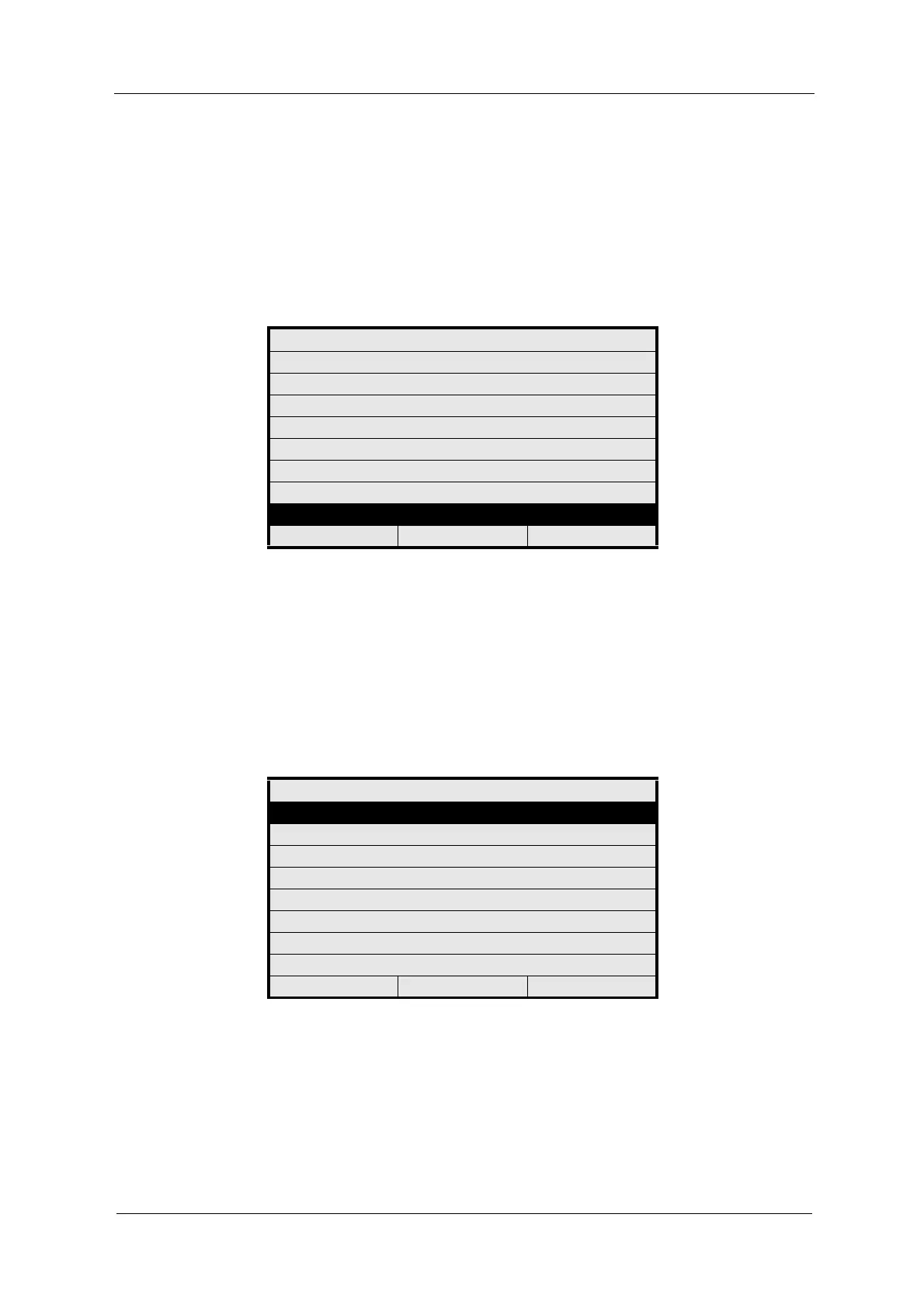
2. Select SERVICE and press [ENTER]. The SERVICE menu appears.
Fig. 159 Maintenance menu, choosing service
Amongst others, the following functions are provided:
• ENTER PASSWORD is used for entering and changing a password.
• Under MONITORS you can view all system monitors, e.g. lamp monitor,
detector monitor or subassembly monitor.
• PC TRANSFER allows you to establish communication between the
converter and a PC via an RS-232 port.
• RESET CONVERTER resets your converter to delivery state.
Fig. 160 Menu service, choosing enter password
MAINTENANCE
HOLD MANUALLY
ZERO POINT SETTING MANUALLY
SYSTEM DIAGNOSTICS
SENSOR ADAPTATION
CALIBRATION SCATTERED LIGHT
CALIBRATION mA INPUTS
CALIBRATION mA OUTPUTS
SERVICE
20:05:2006 P01 11:26:55
SERVICE
ENTER PASSWORD
MONITORS
PC TRANSFER
RESET CONVERTER
20:05:2006 P01 11:26:55



 To Next Page