Software Version C
- 184 -
optek-converter C4101 Version 07.2009_1.2US, 23.07.2009
www.optek.com
9.14.5 Settings error messages
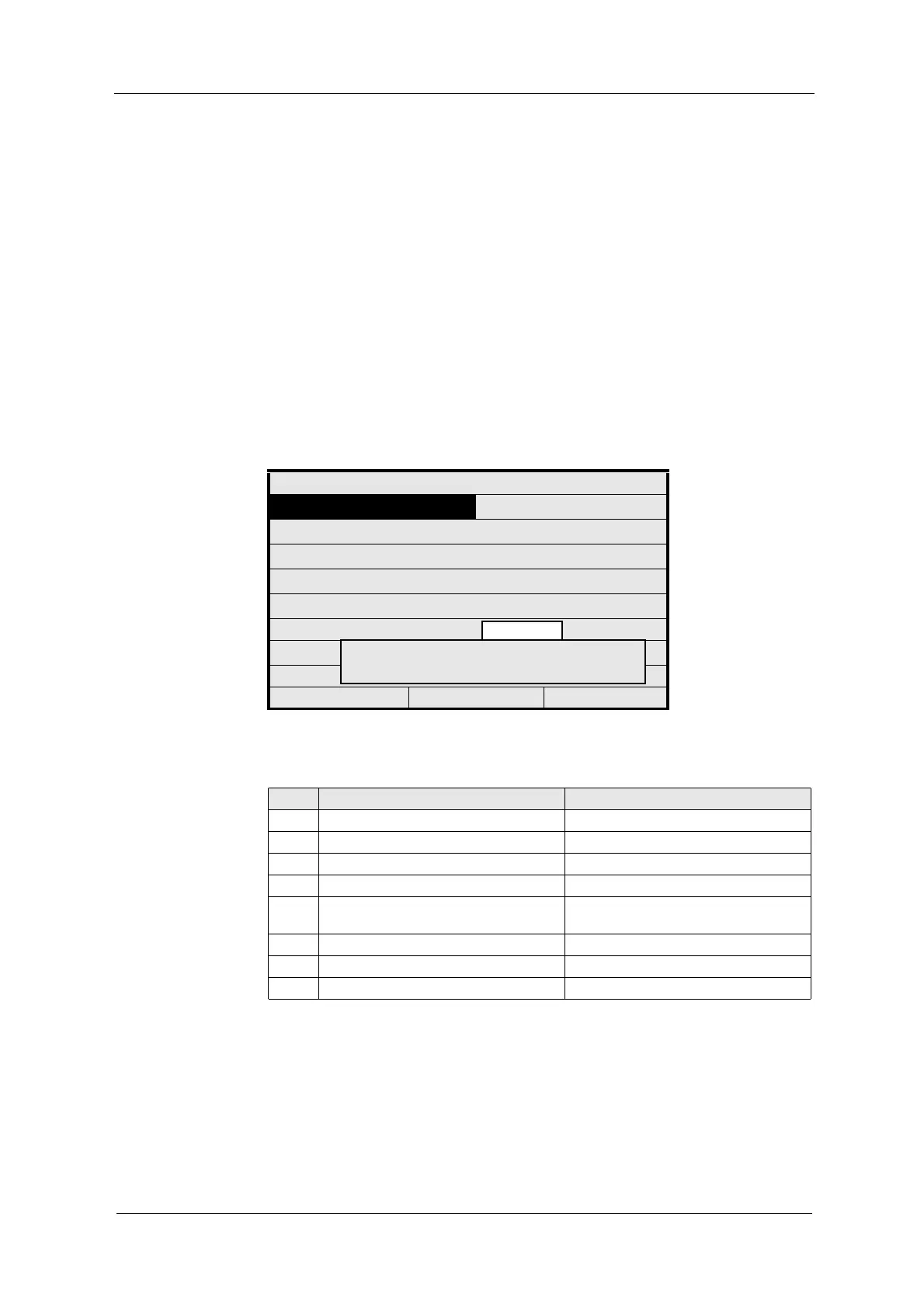
These error messages occur in system settings, product configuration or in
settings performed in the MAINTENANCE menu. They pop up in one error
message field on the display. The error number and sometimes a short
explanation describe the problem.
When numerical entries violate system-related limit values, the converter also
displays these limit values.
Deactivate the error message by pressing [CLEAR]. The converter returns to
measuring mode.
The unacceptable input is automatically deleted, the desired figure must be
entered again.
Fig. 189 Error message when entering settings
LIM. VALUE: G 01
MEASUR. RESULT :
RANGE BEGIN :
RANGE END :
UNIT :
LIMIT VALUE :
ALARM AFTER SEC. :
ALARM TYPE :
REJECT P01 SAVE
Tab. 23 Cause for error messages when entering settings
No. Entry error message Caused by errors during entry of:
1501 WRONG TIME Time
1502 WRONG DATE Date
1503 WRONG TIME OR DATE Date & time
1504 INPUT CAUSES UNDEFINED RESULT Supporting points of linearization
1505 NAME ALREADY IN USE Product name, measuring result name,
linearization name
1506 CHECK INPUT ASSIGNMENT Input check when selectively zeroing
1507 FORMULA ERROR Formula
1601 CALIBRATION ERROR Calibration of mA-inputs and mA-outputs
8888
8888 > 999
UNACCEPTABLE INPUT



 To Next Page