Software Version C
- 149 -
optek-converter C4101 Version 07.2009_1.2US, 23.07.2009
www.optek.com
9.11.8.1 Entering password
With this function, you can enter or disable a password.
1. Select the function ENTER PASSWORD in the SERVICE menu and press
[ENTER].
2. Enter a password of 8 digits max. By doing this, the password is displayed
with the
*
-character instead of the figures.
3. Press [ENTER]. To disable an active password, only press [ENTER] without
entering any figures. In both cases the SERVICE menu appears.
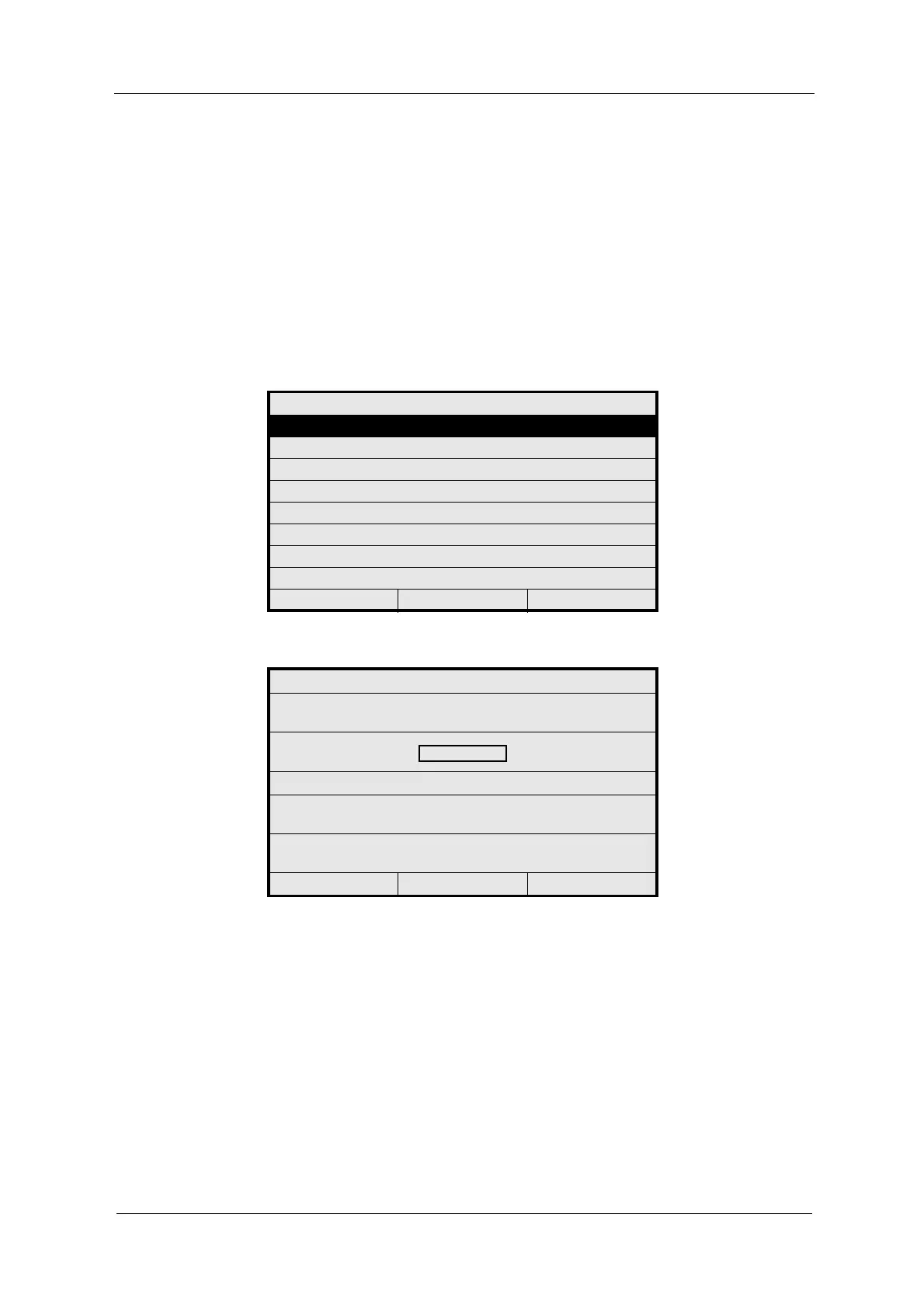
Fig. 161 Menu service, choosing enter password
Fig. 162 Entering a password
SERVICE
ENTER PASSWORD
MONITORS
PC TRANSFER
RESET CONVERTER
20:05:2006 P01 11:26:55
ENTER PASSWORD
PLEASE ENTER YOUR
PASSWORD
CONFIRM WITH ENTER
USE ENTER ONLY
TO DISABLE PASSWORD
20:05:2006 P01 11:26:55



 To Next Page