Software Version C
- 69 -
optek-converter C4101 Version 07.2009_1.2US, 23.07.2009
www.optek.com
9.5.4 Define linearization
With this function, you can define up to 16 different linearizations, which can be
assigned to each measuring result of the eight products. To assign a
linearization to a measuring result, proceed as described in chapter 9.5.3.4,
page 64.
Here you can define all data for linearization.
1. Select the DEFINE LINEARIZATION function in the PRODUCT menu and
press [ENTER].
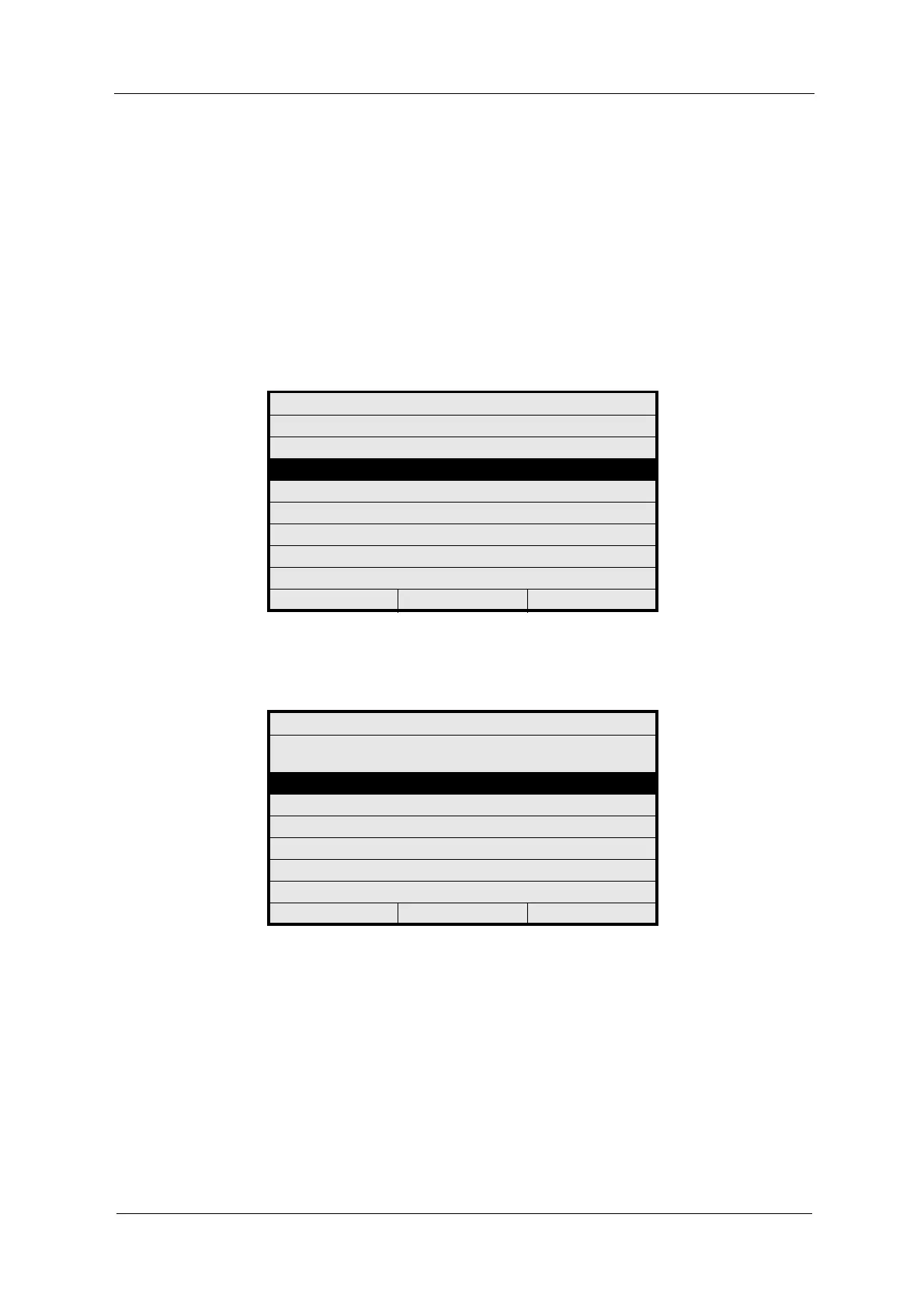
Fig. 60 Choosing define linearization
2. Select a linearization table (L01 – L16) and press [ENTER].
Fig. 61 Choosing a linearization table to be defined
PRODUCT: P01
DEFINE PRODUCT NAME
DEFINE MEASURING RESULT
DEFINE LINEARIZATION
DEFINE OFFSET + SLOPE SET
DEFINE LIMIT VALUES
DEFINE DISPLAY
DISPLAY FORMULA
DISPLAY L21 - L28
20:05:2006 P01 11:26:55
DEFINE LINEARIZATION
SELECT LINEARIZATION TABLE TO BE
DEFINED
L01
L02
L03
L04
L05
L06
20:05:2006 P01 11:26:55



 To Next Page