Software Version C
- 63 -
optek-converter C4101 Version 07.2009_1.2US, 23.07.2009
www.optek.com
9.5.3.3 Measuring result - multiplication with mA-input
This menu is available on converters C4121, C4221, C4222, C4322, C4422,
C4151, C4251, C4252, C4352 and C4452.
With this function, you can multiply the selected measuring function for
evaluating detector signals with one of the two mA-input values. Here, 4 - 20 mA
represent 0 - 100 % = 0 - 1. When "- - -" is selected, the measuring result does
not change.
1. Select X mA INPUT and press [ENTER].
2. A list appears. Select a mA-input value. Abbreviations mean the following:
• --- multiplication by 1
• IN01 multiplication by a value from 0 to 100 % depending on
the mA-signal result entering at mA-input 1
• IN02 multiplication by a value from 0 to 100 % depending on
the mA-signal result entering at mA-input 2
Additionally, you can scale the mA signal value with a linearization table.
Choose e. g. IN01 x L15. The linearizations can be defined according to the
instructions in chapter 9.5.4, page 69.
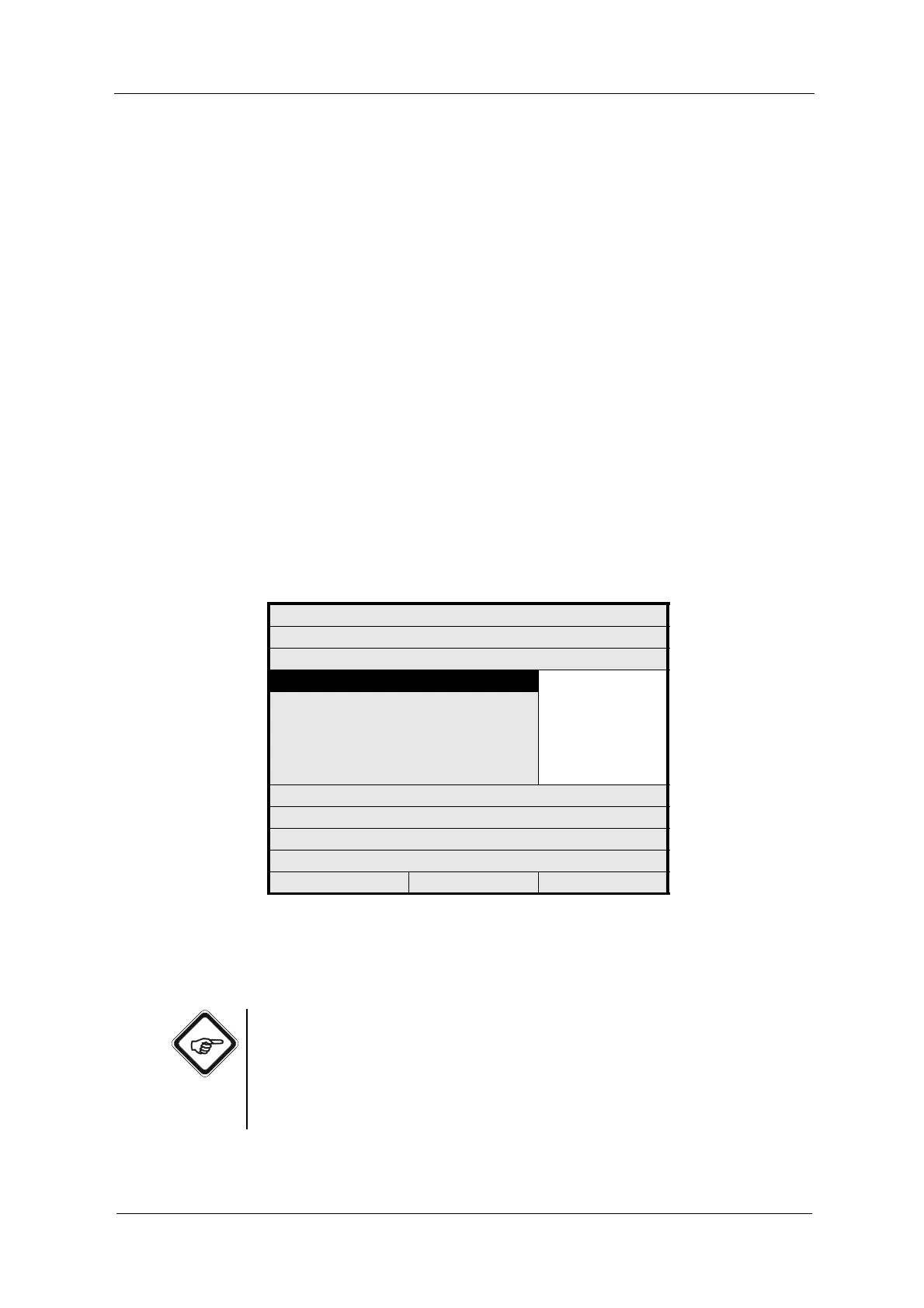
Fig. 53 Setting measuring result - multiplication with mA-input
3. Save and press [ENTER]. The menu item X LINEARIZATION is marked.
4. Save the new setting.
Note!
The mA-inputs are designed for the basic setting 4 - 20 mA according to the
NAMUR recommendation NE 43!
Use the values of the connected devices between 3.6 and 21.0 mA!
Measuring results below 3.6 or above 21.0 mA trigger the error message "Signal
loss mA", if the mA-input is used.
MEASURING RESULT: M01
DEFINE NAME:
FUNCTION ABS -CU (A)
X mA INPUT ---
IN01 (0-100 %)
IN02 (0-100 %)
IN01 x L15
IN02 x L16
1 + IN01 x L15
1 + IN02 x L16
X LINEARIZATION
X SLOPE + OFFSET
RANGE BEGIN / END
UNIT
FORMAT
REJECT P01 SAVE



 To Next Page