Software Version C
- 127 -
optek-converter C4101 Version 07.2009_1.2US, 23.07.2009
www.optek.com
9.10.14.3 Password duration
This function sets up the duration of time the menu items can be accessed once
a valid password is entered. When this period is over, all menu items are blocked
and the password must be entered again.
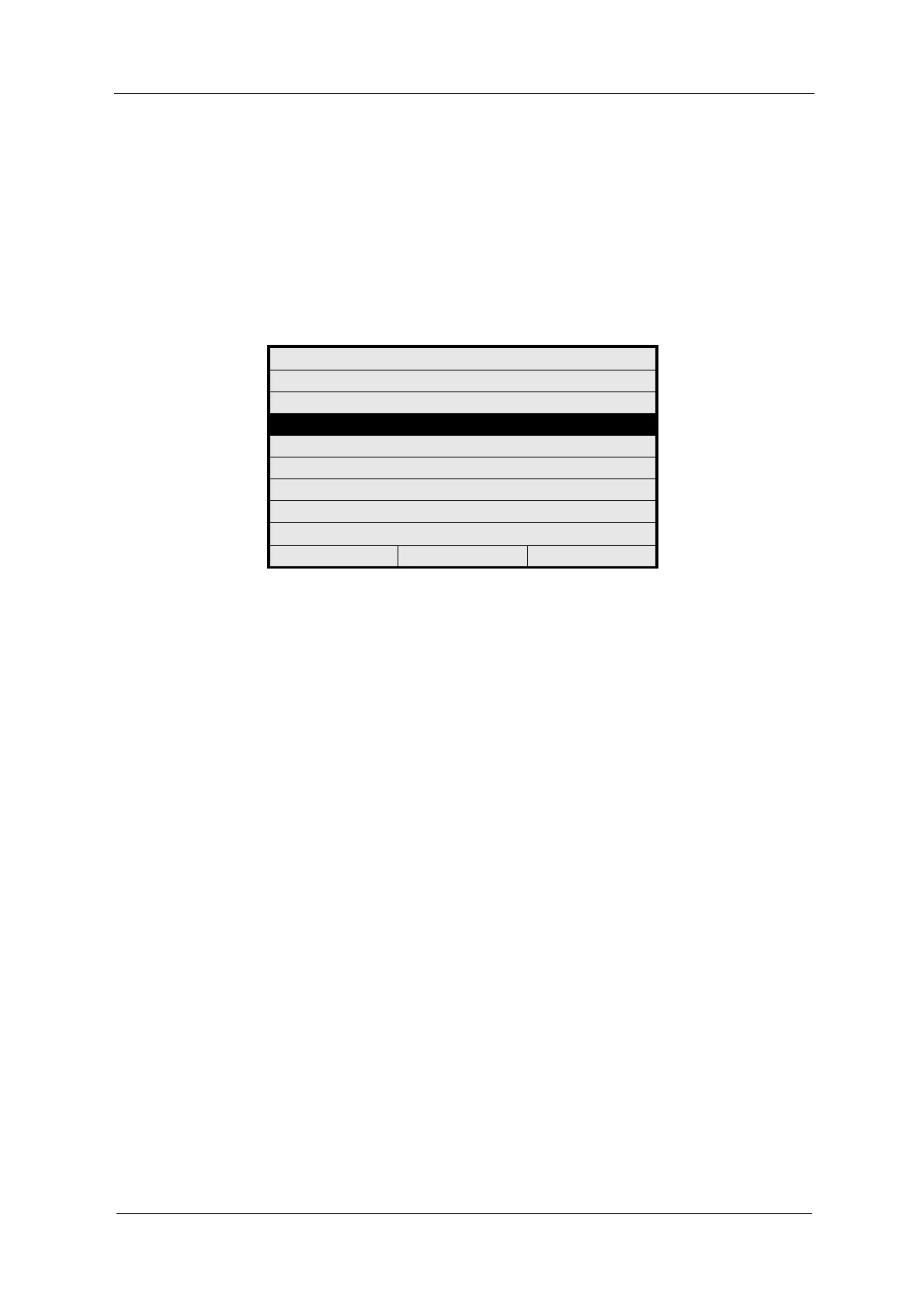
1. Select the PASSWORD DURATION menu item in the PASSWORD menu
and press [ENTER].
Fig. 133 Choosing password duration
2. The PASSWORD DURATION menu appears. The cursor is located on the
DURATION menu item. Press [ENTER]. A list with different times appears.
PASSWORD
PASSWORD DEFINITION
PASSWORD ALLOCATION
PASSWORD DURATION
20:05:2006 P01 11:26:55



 To Next Page