Software Version C
- 128 -
optek-converter C4101 Version 07.2009_1.2US, 23.07.2009
www.optek.com
3. Select a time and press [ENTER].
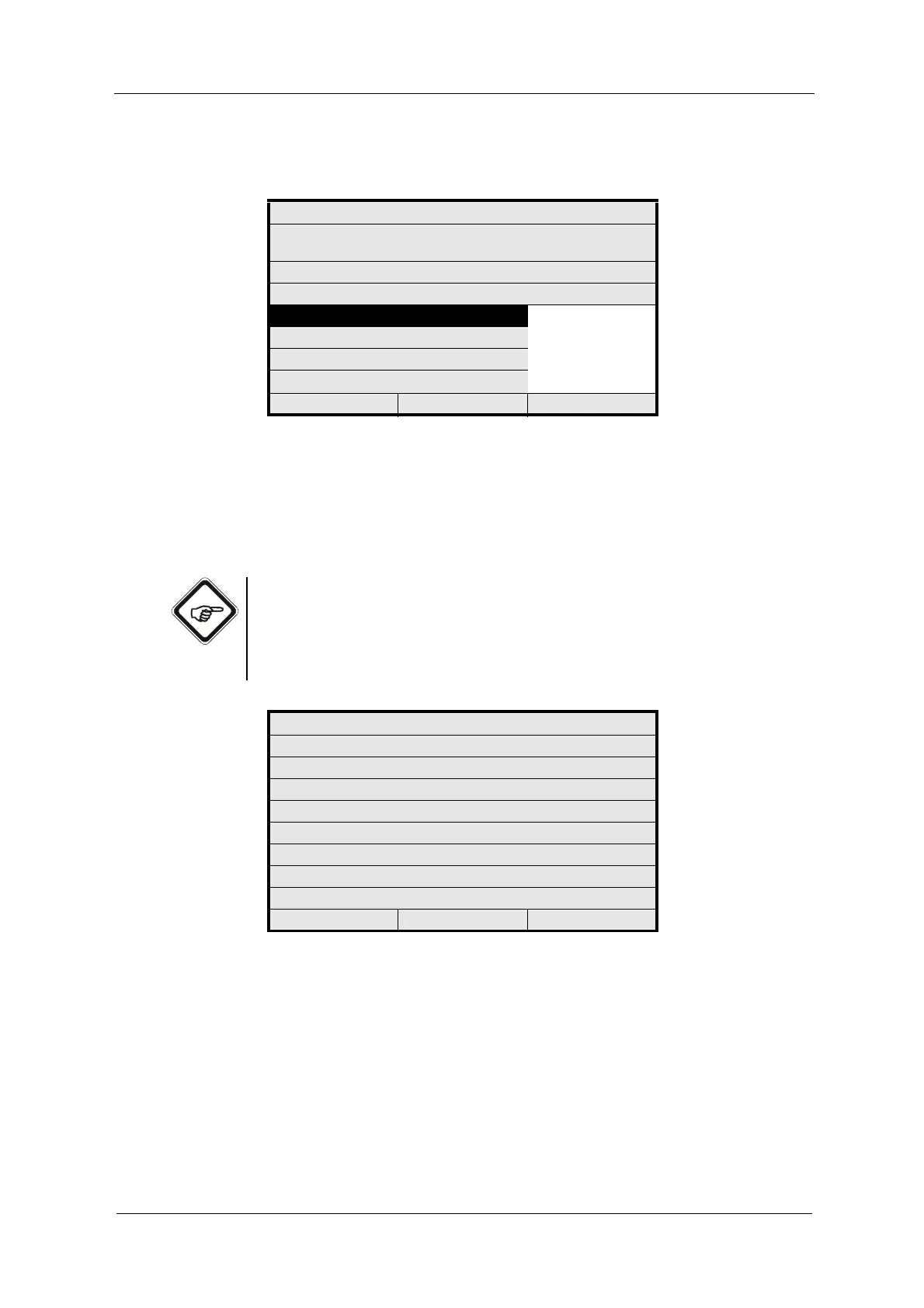
Fig. 134 Entering interval for access duration
4. Save the setting. The PASSWORD menu appears.
5. The new duration for the password is not saved until you press [CLEAR] to
quit the PASSWORD menu. Now, the new time is applied for the password.
Note!
If you forgot one of the passwords, there is an encoded password displayed in
the SYSTEM INFORMATION DISPLAY under SYSTEM SETTINGS. Please
contact us and tell us the encoded password. We will then give out your
forgotten password as quickly as possible.
Fig. 135 System information display, system settings
PASSWORD DURATION
SELECT TIME INTERVAL FOR
PASSWORD TO ALLOW ACCESS
CURRENT SETTING IS: 02 MIN
DURATION 02 MIN
05 MIN
...
90 MIN
REJECT P01 SAVE
SYSTEM INFORMATION
001 MODEL
002 SERIAL NO.
003 SOFTWARE
204 - SETTINGS -
229 INTERNAL DATA
230 INTERNAL DATA
231 INTERNAL DATA
232
20:05:2006 P01 11:26:55



 To Next Page