Software Version C
- 42 -
optek-converter C4101 Version 07.2009_1.2US, 23.07.2009
www.optek.com
9.3 Choosing the language
To change the software language, proceed as follows:
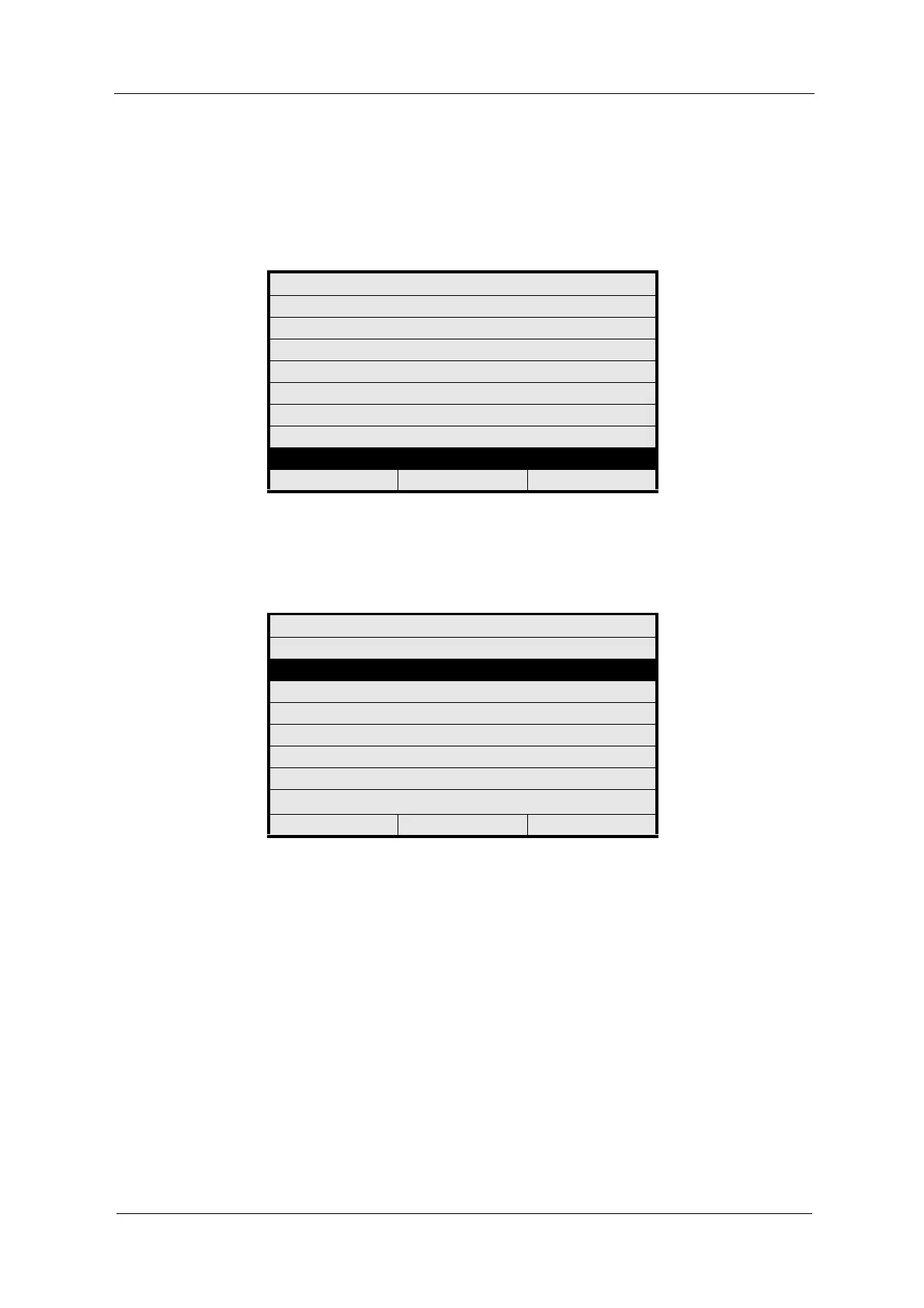
1. Select LANGUAGE / SPRACHE from the main menu and press [ENTER].
Fig. 30 Main menu, choosing Language / Sprache
2. Select your language from the LANGUAGE / SPRACHE menu and press
[ENTER]. The main menu appears.
Fig. 31 Menu Language / Sprache
MAIN MENU
MEASUREMENT DISPLAY
DATA LOGGER DISPLAY
SYSTEM INFORMATION DISPLAY
PRODUCT CHANGE
PRODUCT CONFIGURATION
SYSTEM SETTINGS
MAINTENANCE
LANGUAGE / SPRACHE
20:05:2006 P01 11:26:55
LANGUAGE / SPRACHE
PLEASE CHOOSE / BITTE WÄHLEN SIE:
DEUTSCH
ENGLISH
FRANCAIS
ESPANOL
NEDERLANDS
PORTUGUES
PУССКИЙ яЗЫК
20:05:2006 P01 11:26:55



 To Next Page