Software Version C
- 66 -
optek-converter C4101 Version 07.2009_1.2US, 23.07.2009
www.optek.com
9.5.3.6 Measuring result - measuring range beginning and end
With this function, you can define the beginning and the end of the measuring
range. The measuring range begin can also be a negative value. When the
starting value is positive, a negative output value is produced after the system's
zero point is read in. This can result in error messages in the control system. It
is recommended to set the starting value to 0.
1. Select RANGE BEGIN / END and press [ENTER].
2. Type in the measuring range beginning via the numerical keyboard and
press [ENTER].
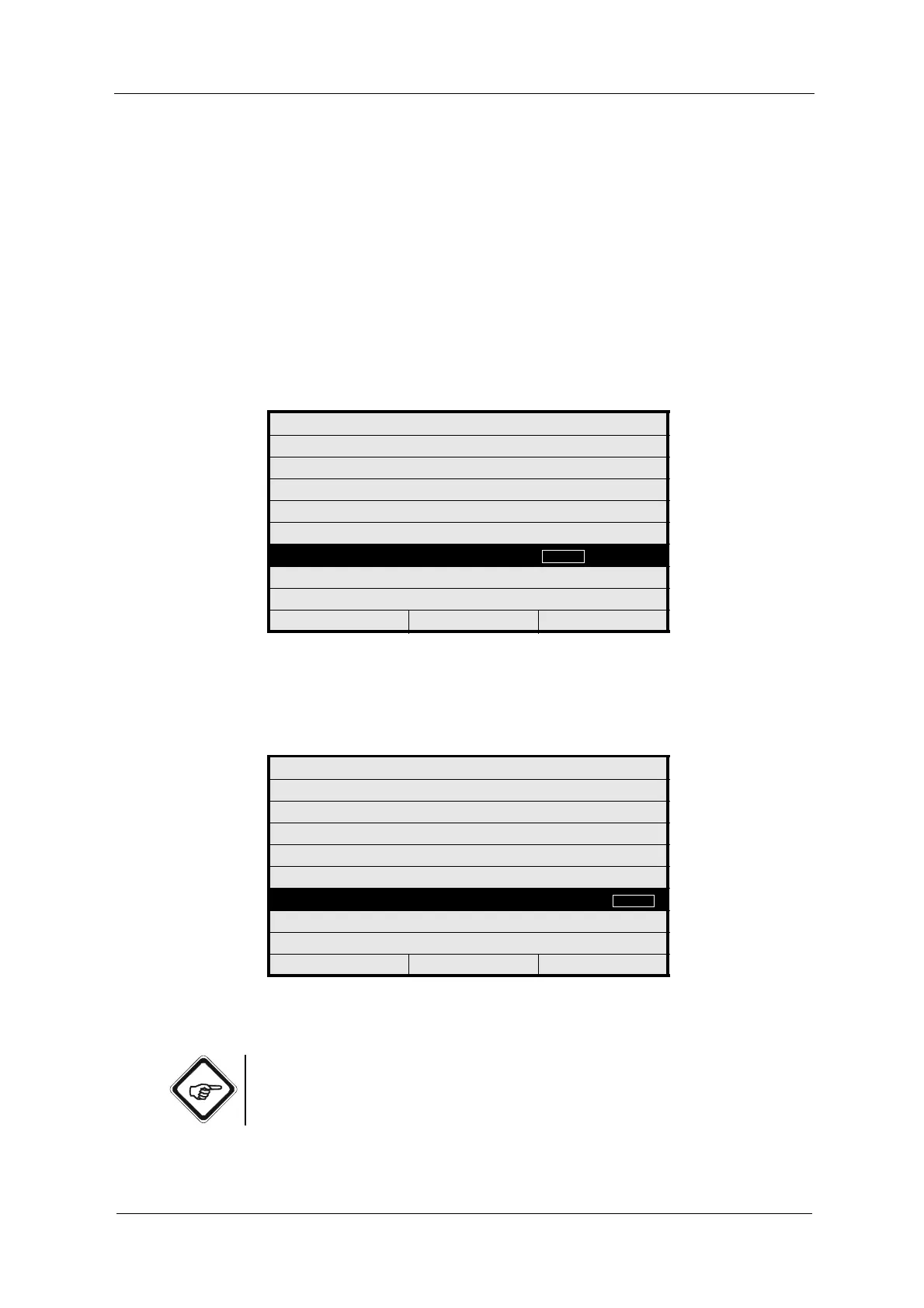
Fig. 56 Setting range begin
3. Afterwards, enter the range end and press [ENTER]. The UNIT menu item
is marked.
Fig. 57 Setting range end
4. Save the new setting.
Note!
Observe the definition of the limit values in (see chapter 9.5.6.2, page 79).
MEASURING RESULT: M01
DEFINE NAME:
FUNCTION ABS -CU (A)
X mA INPUT - - -
X LINEARIZATION - - -
X SLOPE + OFFSET - - -
RANGE BEGIN / END
UNIT CU
FORMAT +99.99
REJECT P01 SAVE
MEASURING RESULT: M01
DEFINE NAME:
FUNCTION ABS -CU (A)
X mA INPUT - - -
X LINEARIZATION - - -
X SLOPE + OFFSET - - -
RANGE BEGIN / END
UNIT CU
FORMAT +99.99
REJECT P01 SAVE



 To Next Page