Software Version C
- 86 -
optek-converter C4101 Version 07.2009_1.2US, 23.07.2009
www.optek.com
9.6 Product change
With this function, you can change the product you currently want to measure
and / or display. The currently selected product is displayed in the center of the
status bar on the converter.
Follow the instructions in this section to change the product manually. At
converters C4121, C4221, C4222, C4322 and C4422, the product can also be
changed via remote mode. At converters C4151, C4251, C4252, C4352 and
C4452, it can be changed with the fieldbus. Whether you can change a product
manually or in remote mode depends on the entries in the PRODUCT CHANGE
menu item in the SYSTEM SETTINGS menu. For more information see
chapter 9.10.7, page 108.
Note!
During product change, the converter is inoperable for three seconds. All
outputs are frozen during this time!
To change a product manually, proceed as follows:
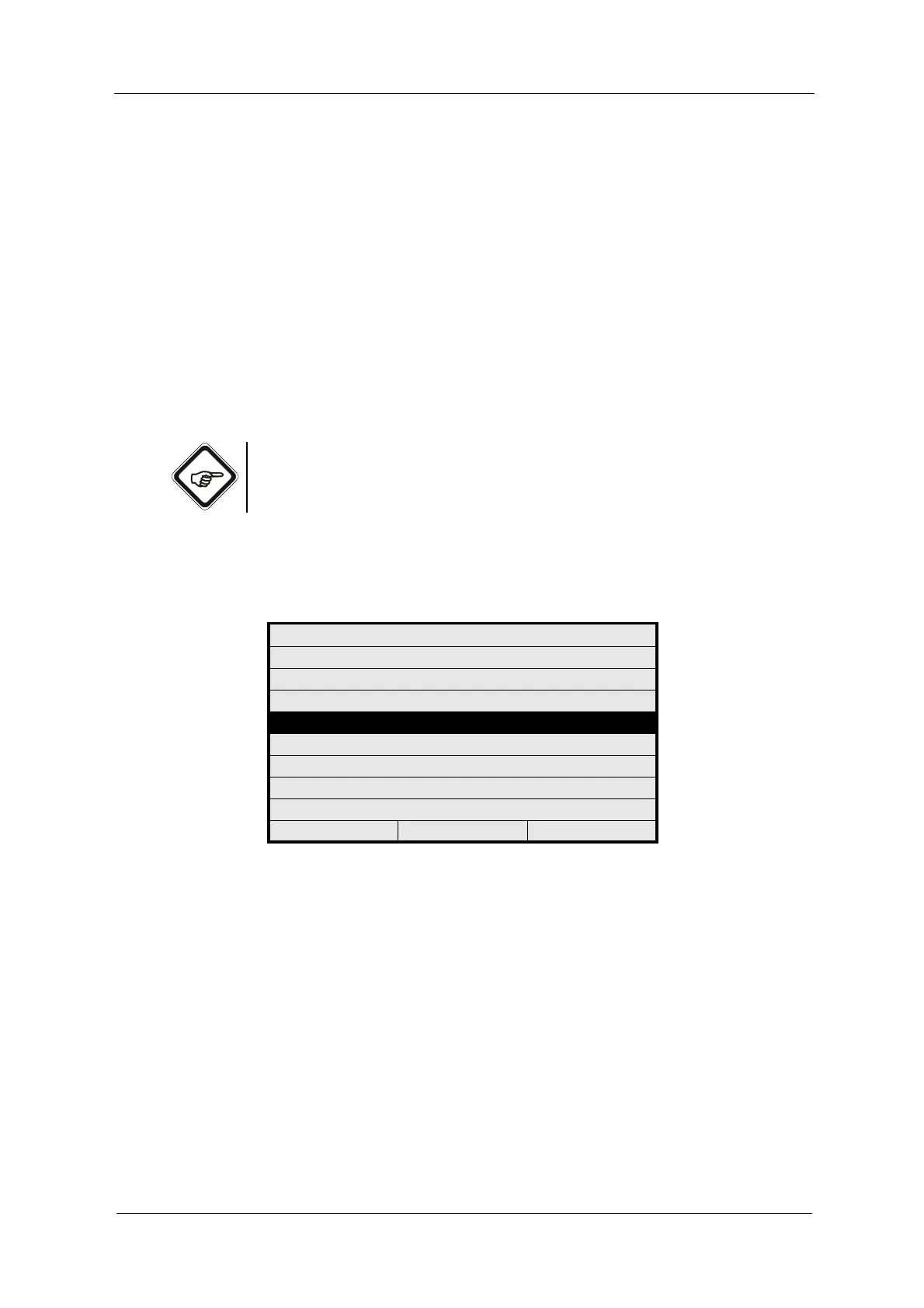
1. Select PRODUCT CHANGE from the main menu and press [ENTER].
Fig. 82 Choosing product change
When the manual product change is disabled, the "Product change locked"
message or the "Product change only remote" message for converters with
remote input appears.
When the manual product change is enabled, the PRODUCT CHANGE menu
appears.
MAIN MENU
MEASUREMENT DISPLAY
DATA LOGGER DISPLAY
SYSTEM INFORMATION DISPLAY
PRODUCT CHANGE
PRODUCT CONFIGURATION
SYSTEM SETTINGS
MAINTENANCE
LANGUAGE / SPRACHE
20:05:2006 P02 11:26:55



 To Next Page