Software Version C
- 67 -
optek-converter C4101 Version 07.2009_1.2US, 23.07.2009
www.optek.com
9.5.3.7 Measuring result - measuring range, unit and format
With these functions you can define the unit (max. 5 characters) and the format
of the measuring result.
1. Select UNIT and press [ENTER].
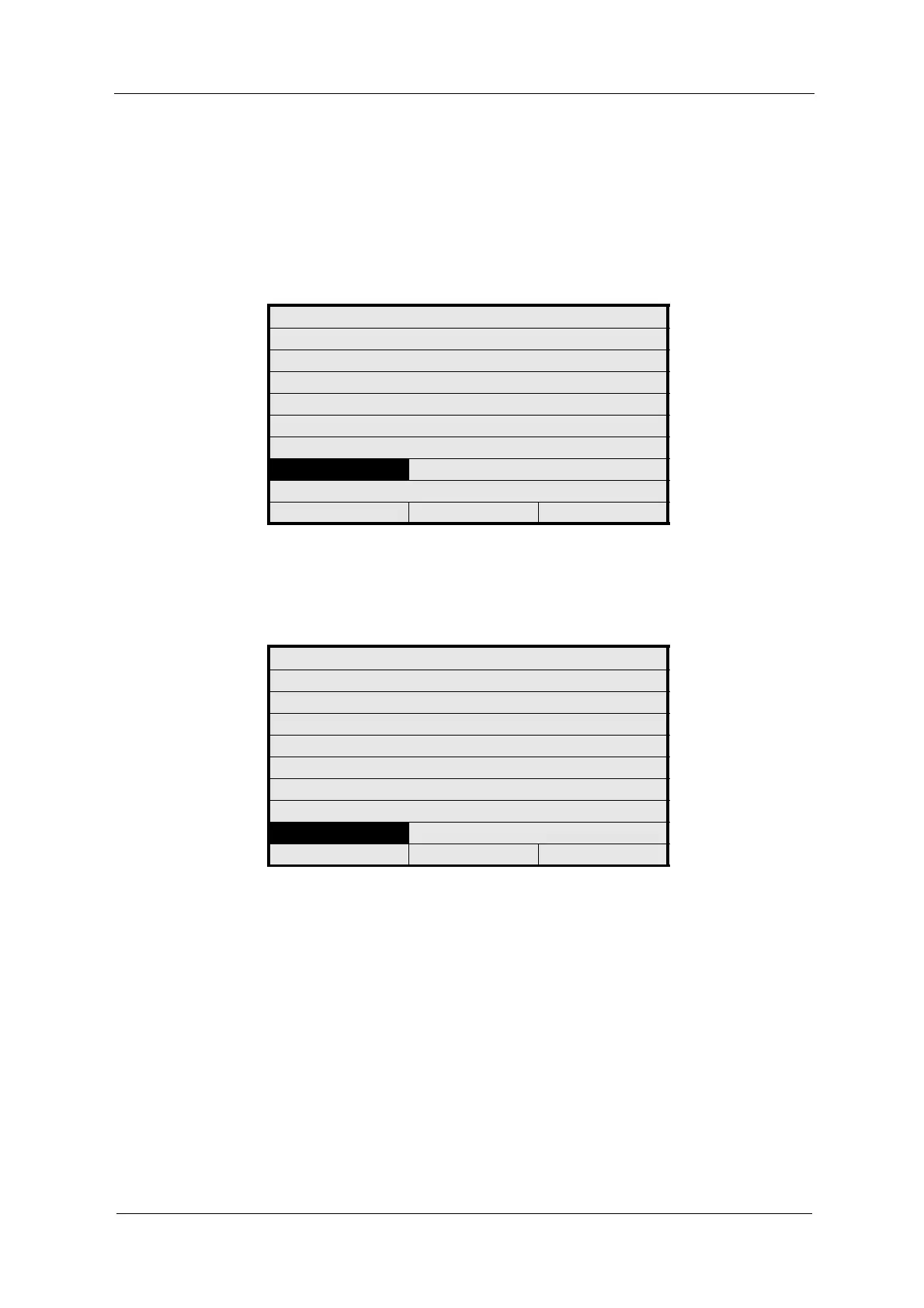
Fig. 58 Entering the measuring result unit
2. Enter a new unit via the character field (see chapter 9.2, page 37).
3. The FORMAT menu item is marked.
Fig. 59 Entering the measuring result format
4. Press [ENTER]. A list with different formats appears. Options mean the
following:
• +9999 entering measuring result in thousands.
• +999.9 entering measuring result in hundreds to one decimal place.
• +99.99 entering measuring result in tens to two decimal places.
• +9.999 entering measuring result in unit to three decimal places.
• +9.9999 entering measuring result in unit to four decimal places.
5. Select a format and press [ENTER].
MEASURING RESULT: M01
DEFINE NAME:
FUNCTION ABS -CU (A)
X mA INPUT - - -
X LINEARIZATION - - -
X SLOPE + OFFSET
RANGE BEGIN / END 0.0 5.0
UNIT CU
FORMAT +99.99
REJECT P01 SAVE
MEASURING RESULT: M01
DEFINE NAME:
FUNCTION ABS -CU (A)
X mA INPUT - - -
X LINEARIZATION - - -
X SLOPE + OFFSET
RANGE BEGIN / END 0.0 5.0
UNIT CU
FORMAT +99.99
REJECT P01 SAVE



 To Next Page