Wiring
- 21 -
optek-converter C4101 Version 07.2009_1.2US, 23.07.2009
www.optek.com
7.2 Connecting the voltage supply 115 or 230 V AC
Danger!
Electrical voltage!
Switch the converter voltage-free before connecting the sensor!
Install electrical connections only by qualified electricians!
Tool • Screw driver
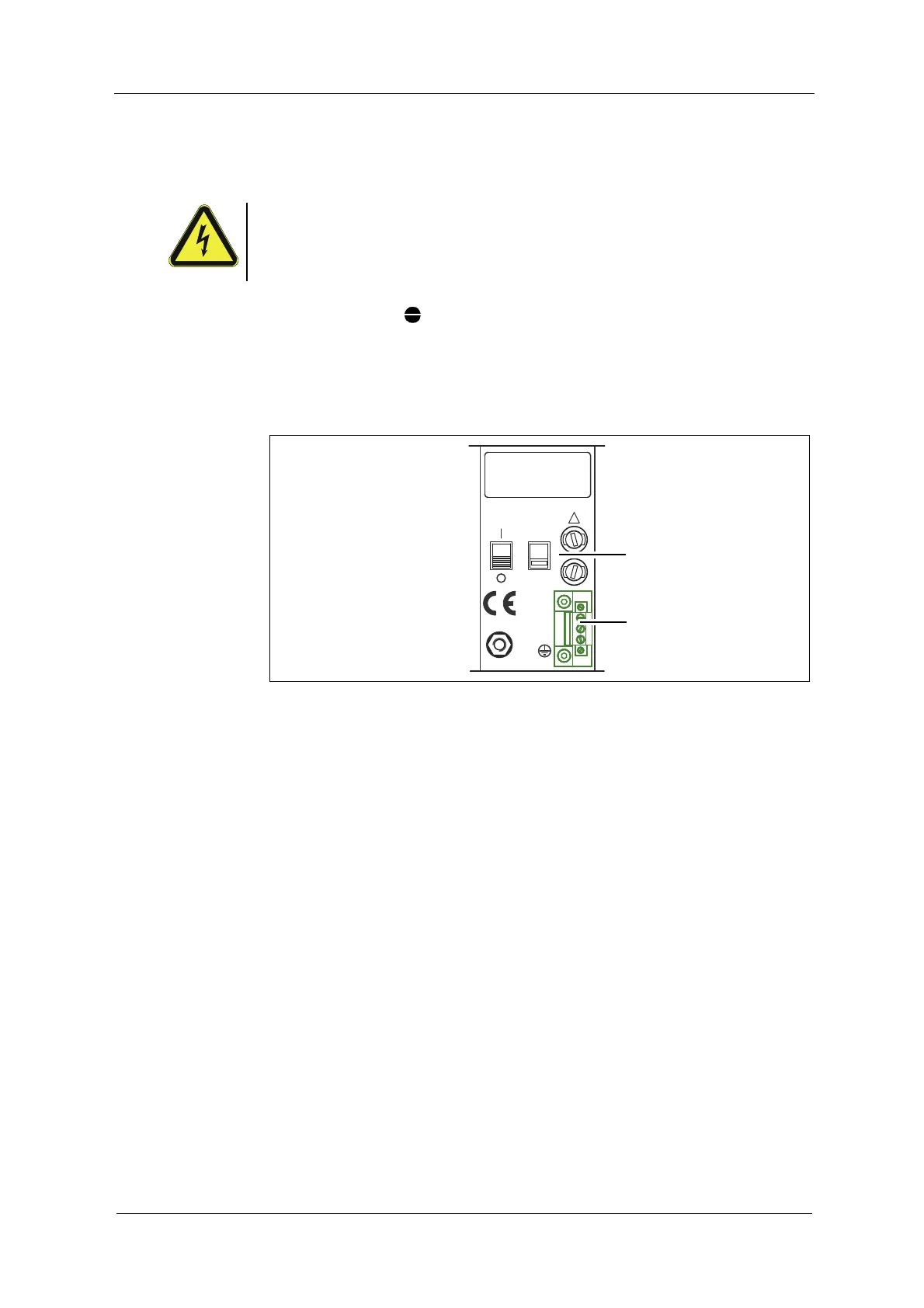
1. Flip the selector switch (13) to the provided voltage supply (115 or
230 V AC).
2. Connect the power supply to the power supply socket (12).
Fig. 13 Connecting the power supply 115 or 230 V AC
20 2119
PA
M6
N
PE
L
115 / 230 V, 50 / 60 Hz, 50 VA
115 / 230 V, T 1,6 A
230V
!



 To Next Page