Software Version C
- 157 -
optek-converter C4101 Version 07.2009_1.2US, 23.07.2009
www.optek.com
9.11.8.2.5 Relay + LED monitor
With this function, the current status of the light emitting diodes, the calculated
switching status of the LEDs and the contact status of the relays are displayed.
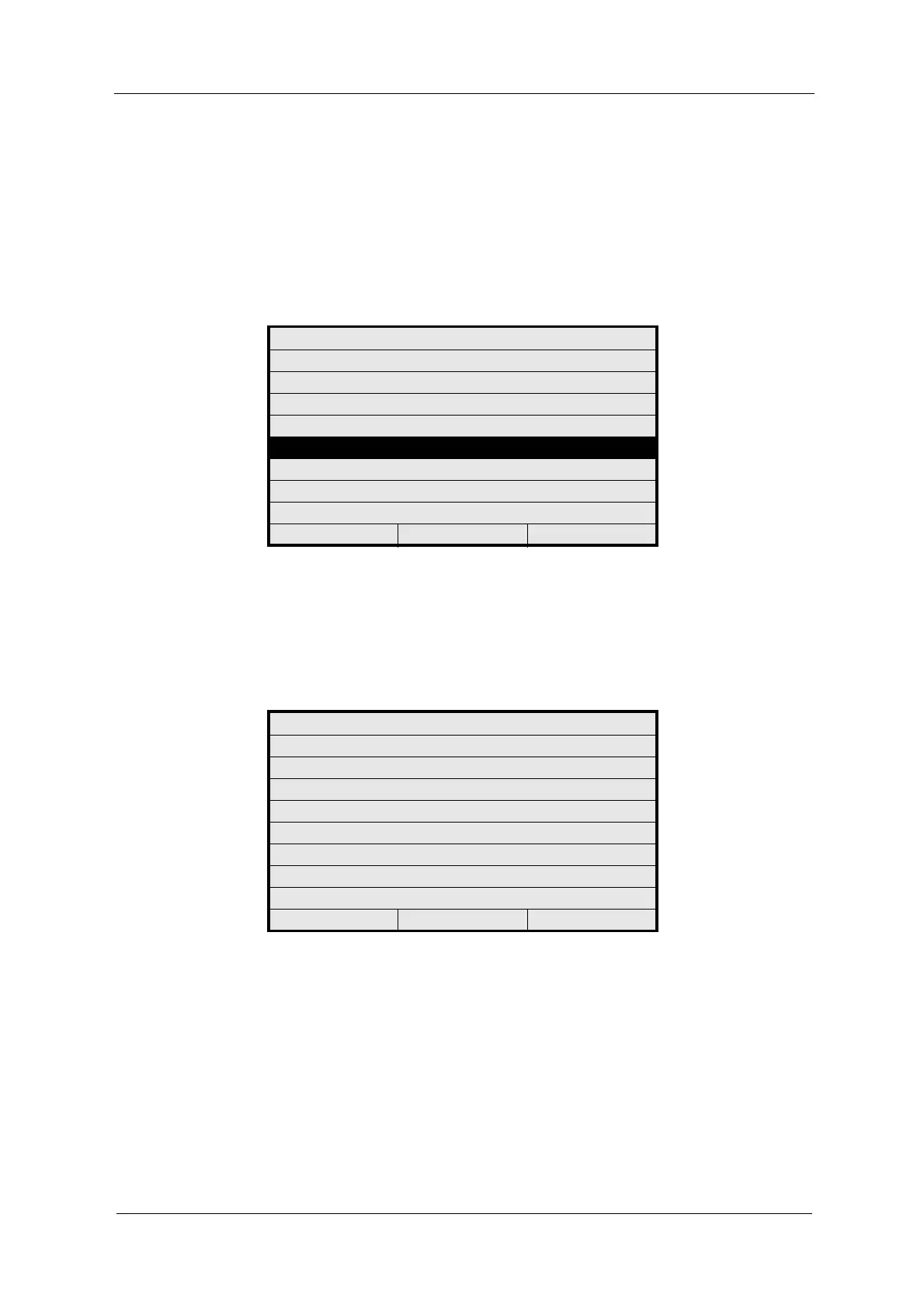
1. Select the RELAY + LED MONITOR function in the MONITORS menu and
press [ENTER].
Fig. 172 Menu service, choosing relay + LED monitor
2. The RELAY + LED MONITOR menu appears. If the displays do not
correspond to the current LED or relay status, a hardware failure has
probably occurred.
3. Press [CLEAR] to return to the previous menu.
Fig. 173 Menu relay + LED monitor
MONITORS
LAMP MONITOR
DETECTOR MONITOR
MEASURING RESULT MONITOR
mA MONITOR
RELAY + LED MONITOR
REMOTE IN MONITOR
SUBASSEMBLY MONITOR
20:05:2006 P01 11:26:55
RELAY + LED MONITOR
CONTACT LED
POWER ON : - - - GREEN
RELAY 1 10-11 : OPEN OFF
RELAY 2 12-13 : OPEN OFF
RELAY 3 14-15 : OPEN OFF
RELAY 4 16-17 : NOT ACTIVE OFF
20:05:2006 P01 11:26:55



 To Next Page