Software Version C
- 123 -
optek-converter C4101 Version 07.2009_1.2US, 23.07.2009
www.optek.com
9.10.14 Password protection
With this function, you can protect different converter functions with a password.
Four password levels are provided: --, 1, 2, 3.
Password level -- allows access without entering a password.
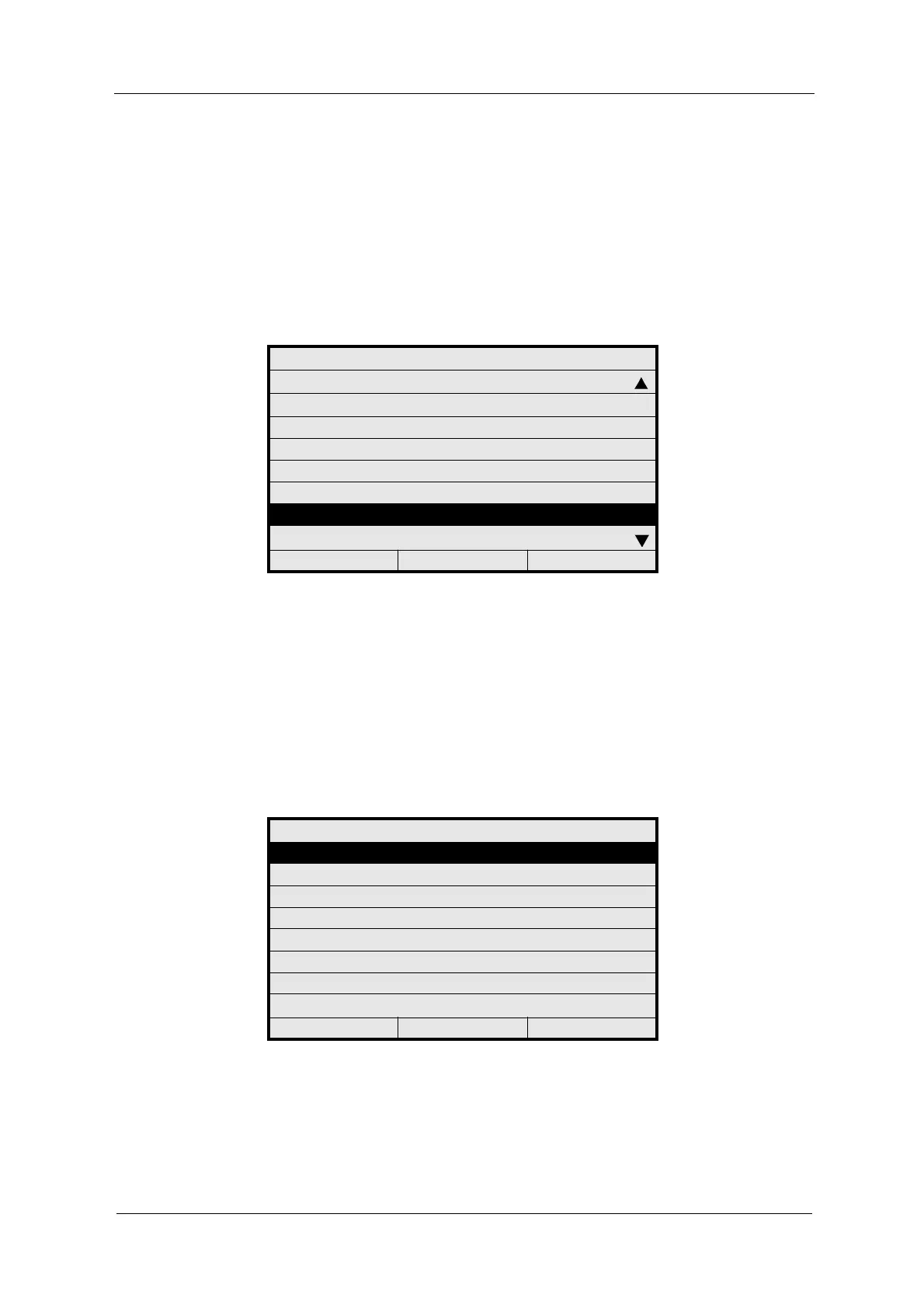
1. Select SYSTEM SETTINGS from the main menu and press [ENTER].
2. Select PASSWORD PROTECTION and press [ENTER].
Fig. 127 Menu system settings, choosing password protection
9.10.14.1 Password definition
With this function, you can allocate passwords to the three levels 1, 2, and 3.
Enter a maximum of 8 figures between 0 and 9 for each password.
1. Select PASSWORD DEFINITION and press [ENTER].
Fig. 128 Choosing password definition
SYSTEM SETTINGS
SENSOR TF
mA OUTPUTS
RELAY OUTPUTS
REMOTE IN
HOLD
FAILSAFE
PASSWORD PROTECTION
OPTEK INPUTS
20:05:2006 P01 11:26:55
PASSWORD
PASSWORD DEFINITION
PASSWORD ALLOCATION
PASSWORD DURATION
20:05:2006 P01 11:26:55



 To Next Page