Software Version C
- 124 -
optek-converter C4101 Version 07.2009_1.2US, 23.07.2009
www.optek.com
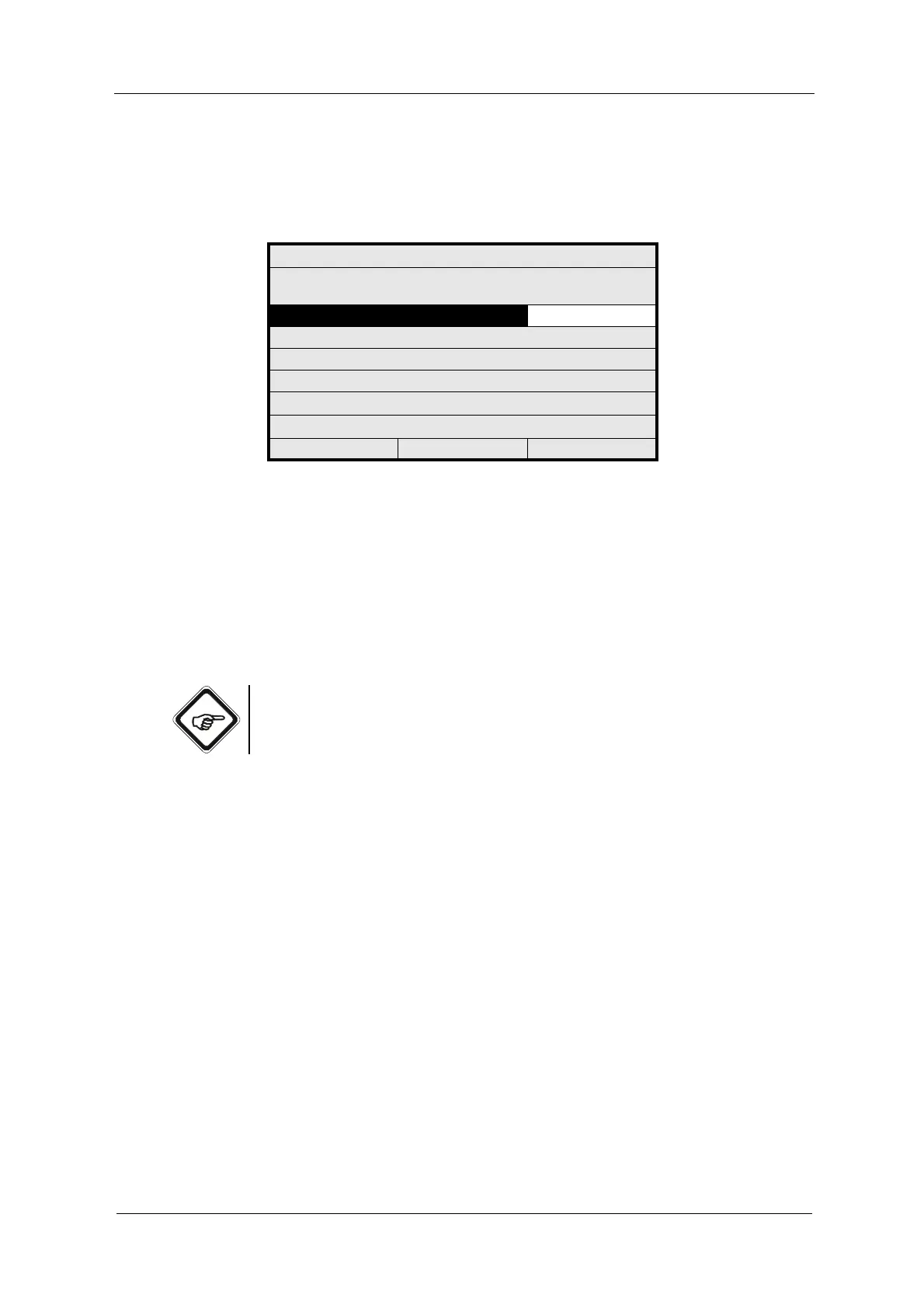
2. Select PASSWORD LEVEL 1 and press [ENTER]. Type in a password via
the numerical keyboard and press [ENTER]. The cursor moves to the
PASSWORD LEVEL 2 menu item.
Fig. 129 Defining the password levels 1 to 3
3. Press [ENTER] and type in a password. Press [ENTER]. The cursor moves
to the PASSWORD LEVEL 3 menu item.
4. Press [ENTER] and type in a password. Press [ENTER]. The cursor moves
to the REJECT menu item.
5. To delete the settings, press [ENTER].
6. To save the new passwords, press SAVE and [ENTER]. The PASSWORD
menu appears.
Note!
Note the password and keep it in a safe place.
The higher password level automatically releases the lower password level.
PASSWORD
PLEASE DEFINE YOUR
PASSWORDS HERE
PASSWORD LEVEL 1: 11111111
PASSWORD LEVEL 2: 222
PASSWORD LEVEL 3: 333
NOTE YOUR PASSWORD -3-
REJECT P01 SAVE



 To Next Page