Software Version C
- 78 -
optek-converter C4101 Version 07.2009_1.2US, 23.07.2009
www.optek.com
9.5.6.1 Limit value - selecting measuring result
With this function, you can define the limit values for each measuring result.
A measuring result is chosen for which the limit value is valid.
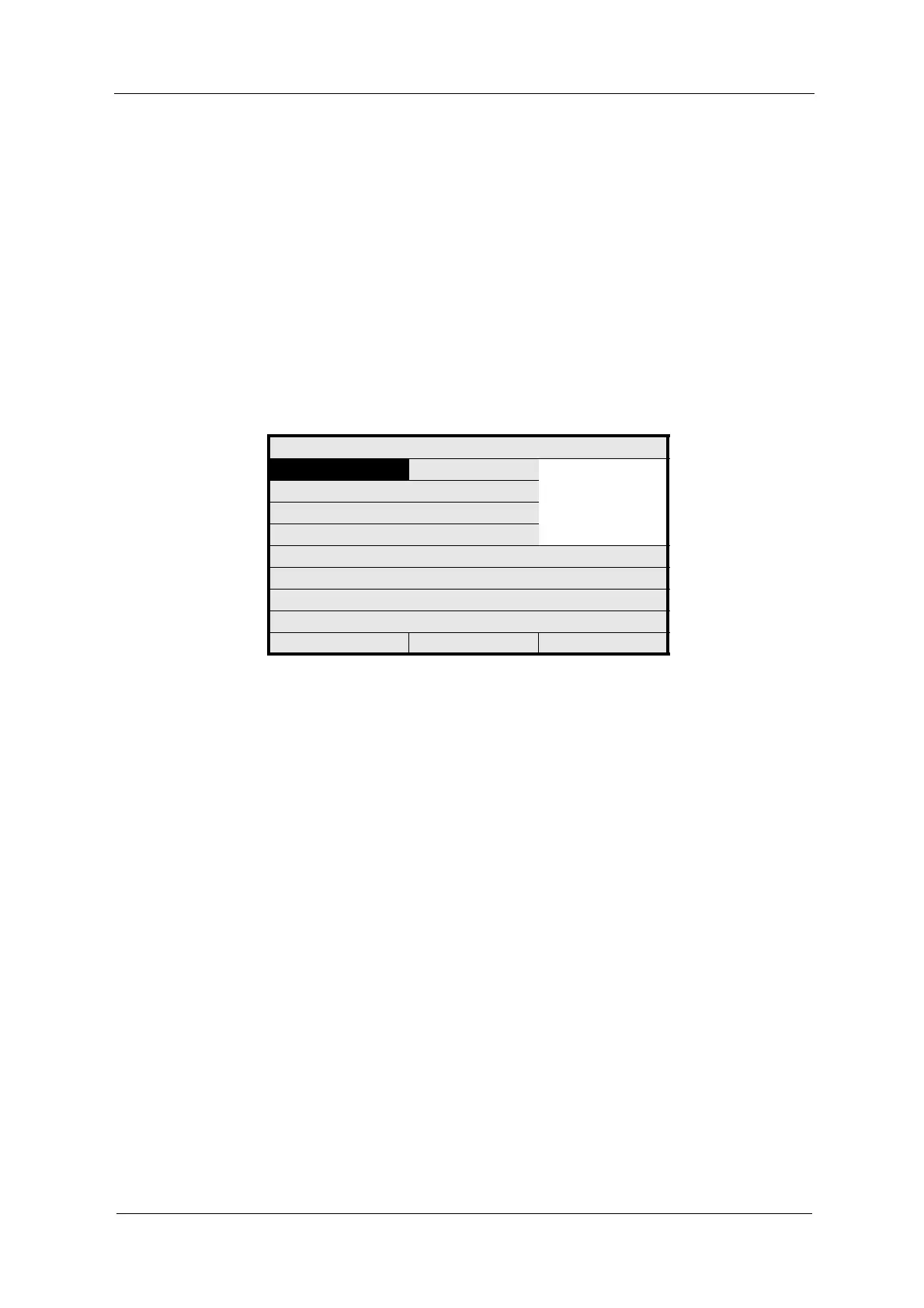
1. Select MEASUR. RESULT and press [ENTER].
2. A list of the four measuring results appears. Select a measuring result
(M01 – M04) and press [ENTER].
The system automatically shows the values for the measuring range
beginning and the measuring range end as well as the unit of the selected
measuring result. These three values cannot be changed in this menu. The
menu item LIMIT VALUE is marked.
Fig. 72 Limit value – choosing measuring result
3. To deactivate a current limit value setting, select - - - - - from the list and
press [ENTER]. The software automatically deactivates all settings for this
limit value.
4. Save the new settings.
LIM. VALUE: G01
MEASUR. RESULT ------
M01
M02
M03
M04
RANGE BEGIN
RANGE END
UNIT
LIMIT VALUE 1.0000
ALARM AFTER SEC. 2
ALARM TYPE LOW
REJECT P01 SAVE



 To Next Page