Software Version C
- 77 -
optek-converter C4101 Version 07.2009_1.2US, 23.07.2009
www.optek.com
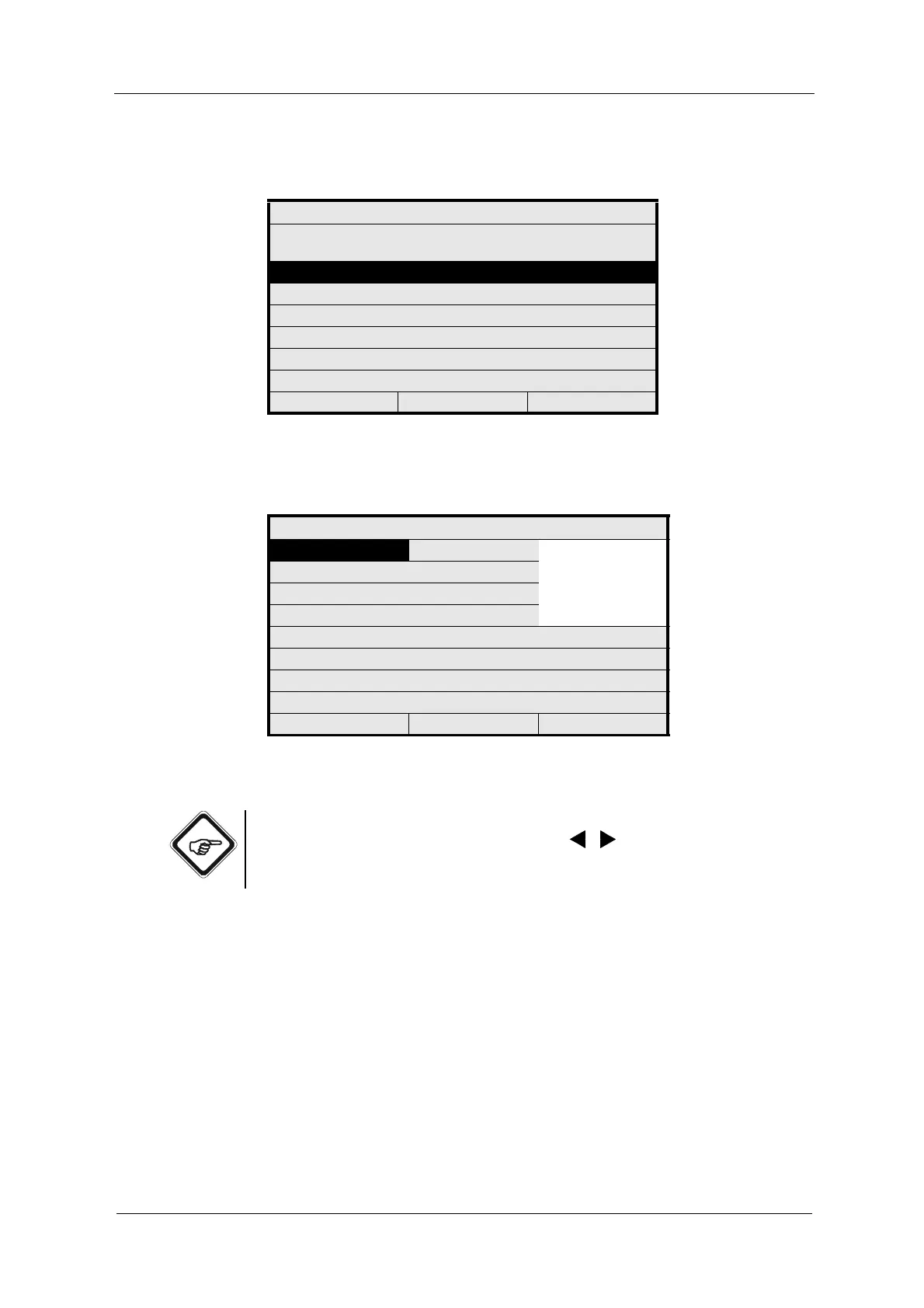
2. Select a limit value (G01 – G03) and press [ENTER].
Fig. 70 Define limit values
3. The LIM. VALUE menu appears.
Fig. 71 Limit value – choosing measuring result
Note!
Limit values are always indicated as arrows ,
for HIGH and LOW above
the bargraph in the "measurement" display. The yellow LEDs on the front panel
indicate the alarm.
DEFINE LIMIT VALUES
SELECT THE LIMIT VALUE TO BE
DEFINED
G01
G02
G03
20:05:2006 P01 11:26:55
LIM. VALUE: G01
MEASUR. RESULT ------
M01
M02
M03
M04
RANGE BEGIN
RANGE END
UNIT
LIMIT VALUE 1.0000
ALARM AFTER SEC. 2
ALARM TYPE LOW
REJECT P01 SAVE



 To Next Page