Software Version C
- 110 -
optek-converter C4101 Version 07.2009_1.2US, 23.07.2009
www.optek.com
9.10.8 Sensor TF
With this function, you can optimally adjust the converter to the TF sensor.
Note!
The entry of the scattered light parameter (see "Calibration scattered light",
chapter 9.11.5, page 142) in the MAINTENANCE \ CALIBRATION
SCATTERED LIGHT menu directly affects the SENSOR TF menu. Therefore,
always enter the scattered light parameter in the MAINTENANCE \
CALIBRATION SCATTERED LIGHT menu before adjusting the settings in the
SENSOR TF menu.
1. Select SYSTEM SETTINGS from the main menu and press [ENTER].
2. Select SENSOR TF and press [ENTER].
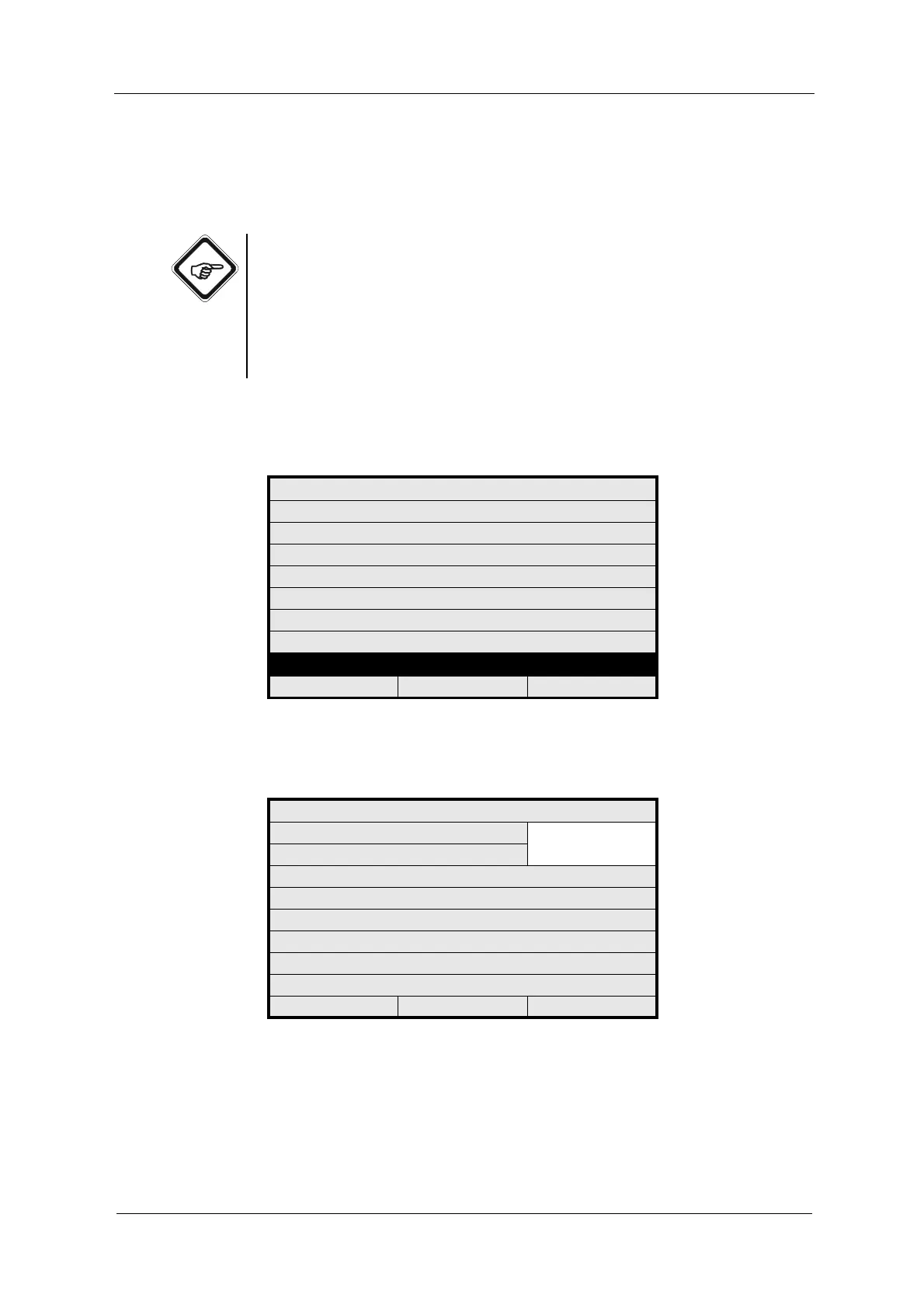
Fig. 111 System settings menu, choosing sensor TF
3. Select FUNCTION and press [ENTER]. A list appears.
Fig. 112 Entering function
SYSTEM SETTINGS
DISPLAY
DATE / TIME
DATA LOGGER
DAMPING
LAMP VOLTAGE
SYSTEM ZERO POINT
PRODUCT CHANGE
SENSOR TF MA-
20:05:2006 P01 11:26:55
SYSTEM SETTINGS
FUNCTION TURB A/C
TURB B/D
SENSOR
MEDIUM
ZERO POINT
REJECT P01 SAVE



 To Next Page