Software Version C
- 73 -
optek-converter C4101 Version 07.2009_1.2US, 23.07.2009
www.optek.com
9.5.5 Define offset + slope set
This function allows you to define eight different sets with one value each for
slope and one value for offset, which can be assigned to every measuring result
of the eight products. To assign a set to a measuring result, proceed as
described in chapter 9.5.3.5, page 65.
Here you can define all data for the base line.
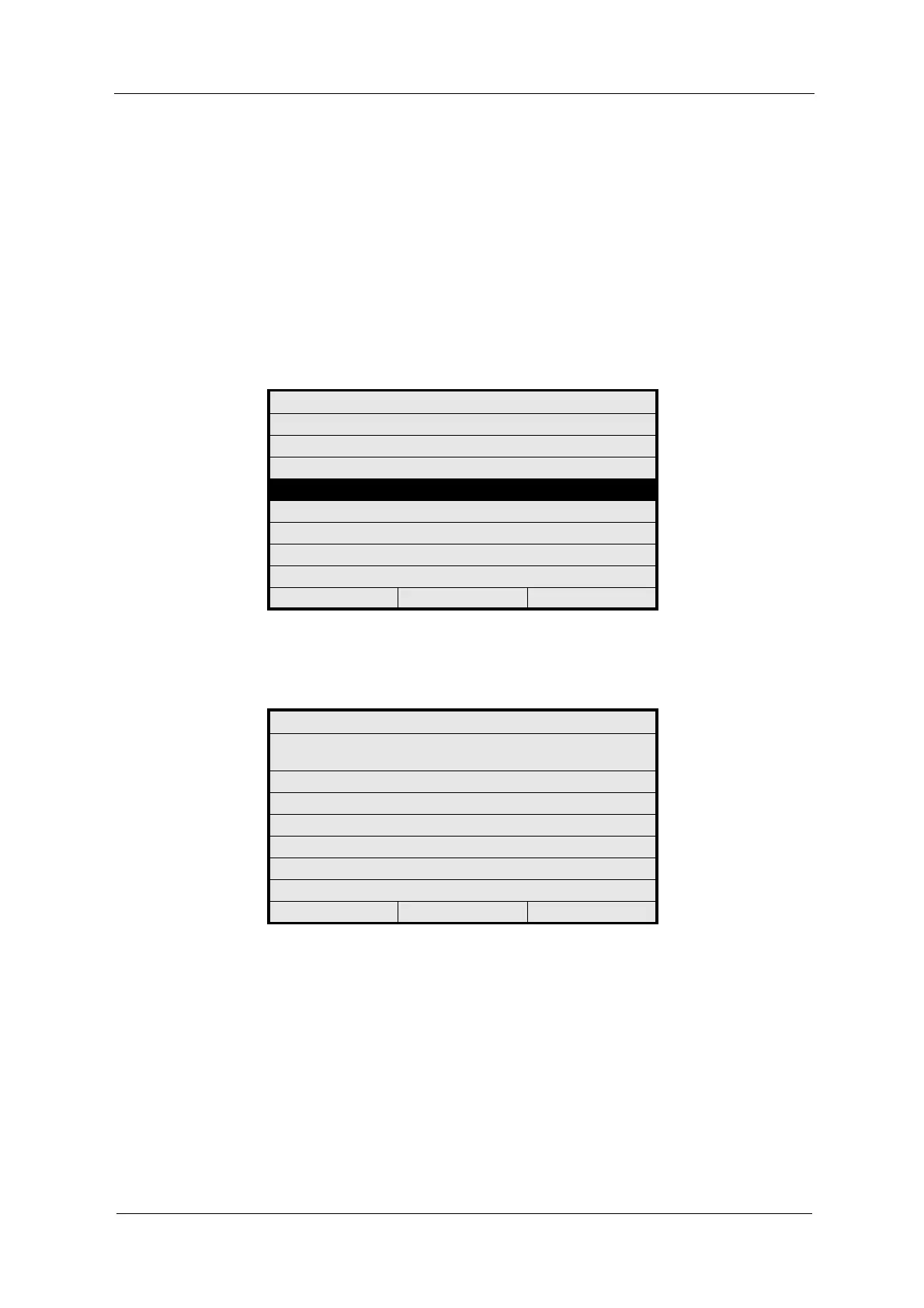
1. Select the DEFINE OFFSET + SLOPE SET function in the PRODUCT menu
and press [ENTER].
Fig. 64 Choosing define offset + slope set
2. Select an X OFFSET+ SLOPE SET (SUF01 - SUF08) and press [ENTER].
Fig. 65 Choosing an offset and slope set to be defined
PRODUCT: P01
DEFINE PRODUCT NAME
DEFINE MEASURING RESULT
DEFINE LINEARIZATION
DEFINE OFFSET + SLOPE SET
DEFINE LIMIT VALUES
DEFINE DISPLAY
DISPLAY FORMULA
DISPLAY L21 - L28
20:05:2006 P01 11:26:55
PRODUCT: P01
SELECT OFFSET + SLOPE SET TO BE
DEFINED
SUF01
SUF02
SUF03
SUF04
SUF05
SUF06
20:05:2006 P01 11:26:55



 To Next Page