Software Version C
- 43 -
optek-converter C4101 Version 07.2009_1.2US, 23.07.2009
www.optek.com
9.4 Carrying out system settings prior to initial commissioning
Carry out or check the following system settings prior to initial commissioning:
• system settings - display
• system settings - date / time
• system settings - lamp voltage
• system settings - optek inputs
• system settings - mA-inputs
Note!
The measuring mode is switched off for parameterization regarding system
settings. Measuring mode is restarted upon return to the main menu.
9.4.1 System settings - display
With this function, you can set contrast, brightness and temperature
compensation of the converter display. Brightness and contrast range between
0 and 40 units, temperature compensation between -20 to +20 units.
1. Select SYSTEM SETTINGS from the main menu and press [ENTER].
2. Select DISPLAY and press [ENTER].
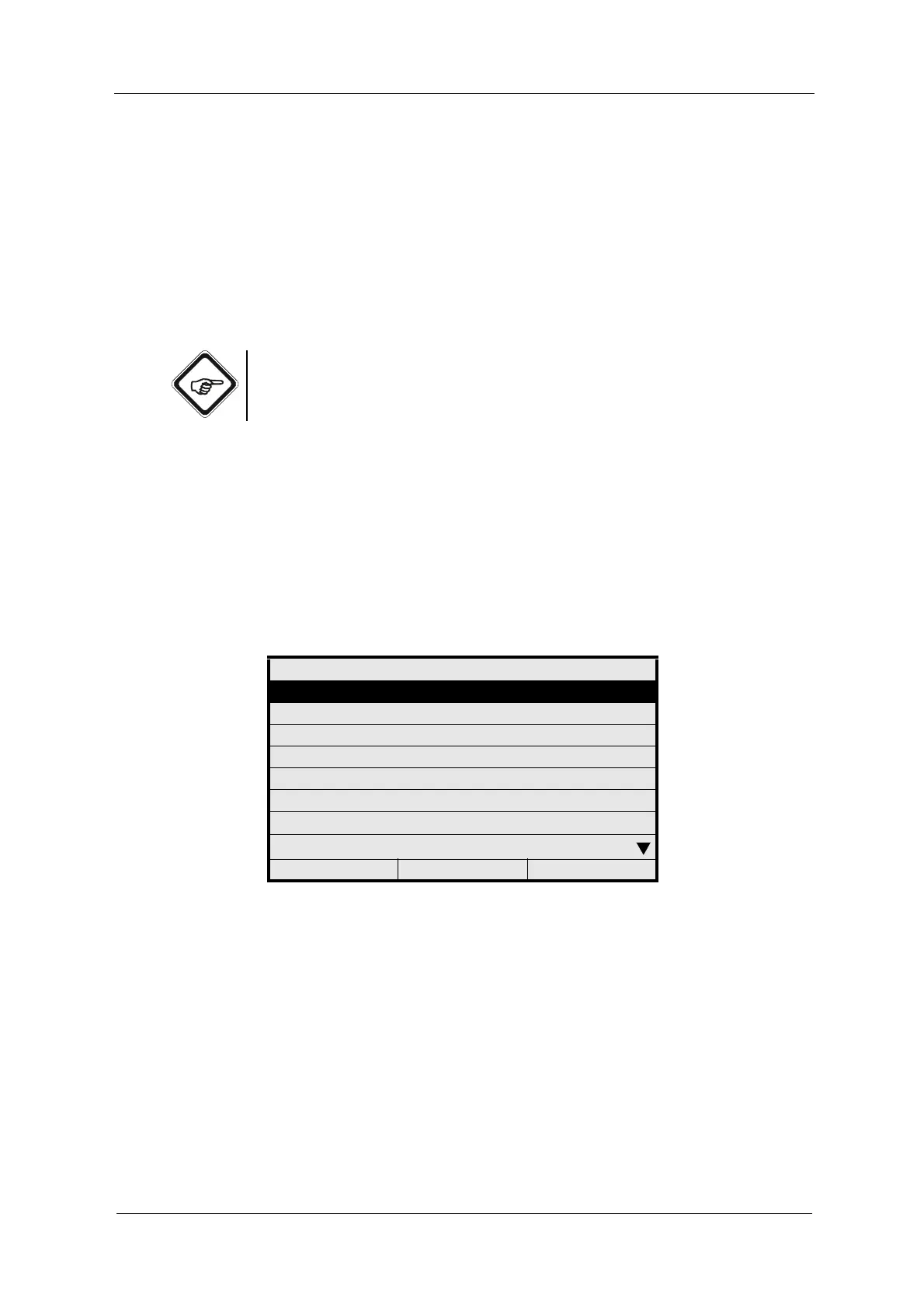
Fig. 32 Menu system settings, choosing display
SYSTEM SETTINGS
DISPLAY
DATE / TIME
DATA LOGGER
DAMPING
LAMP VOLTAGE
SYSTEM ZERO POINT
PRODUCT CHANGE
SENSOR TF
20:05:2006 P01 11:26:55



 To Next Page