Software Version C
- 75 -
optek-converter C4101 Version 07.2009_1.2US, 23.07.2009
www.optek.com
9.5.5.2 Determine offset + slope
With this function you can define the value for offset + slope.
1. Select the OFFSET menu item in the OFFSET + SLOPE menu and press
[ENTER].
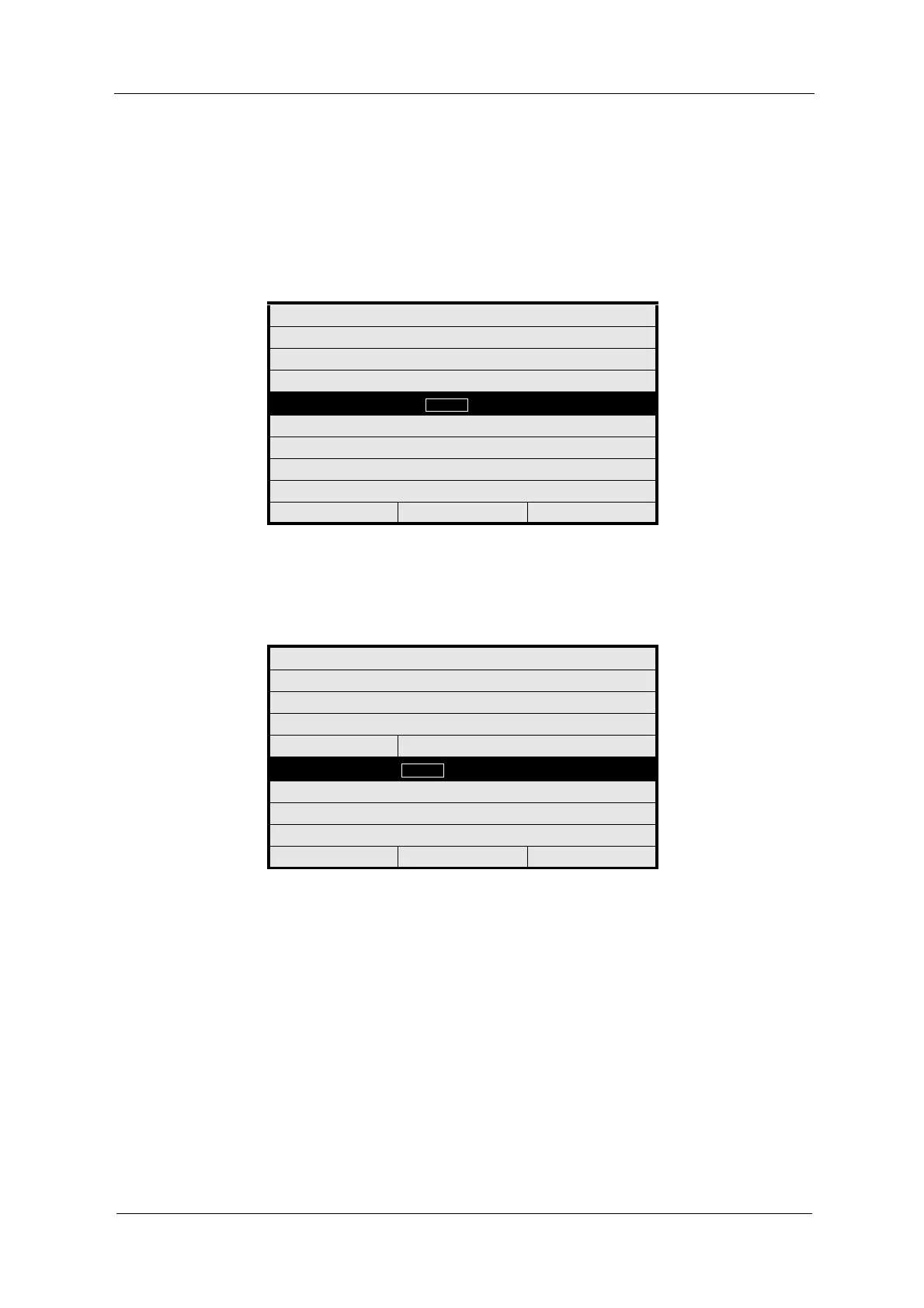
Fig. 67 Offset - define figure
2. Type in the value for OFFSET via the numerical keyboard.
3. Press [ENTER]. The SLOPE menu item is marked.
Fig. 68 Slope - define figure
4. Type in the value for SLOPE via the numerical keyboard.
5. Save the new settings.
OFFSET + SLOPE: SUF01
DEFINE NAME: SUF 01
OFFSET
SLOPE 1.0000
REJECT P01 SAVE
OFFSET + SLOPE: SUF01
DEFINE NAME: SUF 01
OFFSET 0.0000
SLOPE
REJECT P01 SAVE



 To Next Page