Software Version C
- 163 -
optek-converter C4101 Version 07.2009_1.2US, 23.07.2009
www.optek.com
9.11.8.4 Reset converter
This function allows you to reset your converter to delivery state.
1. Select the RESET CONVERTER function in the SERVICE menu and press
[ENTER].
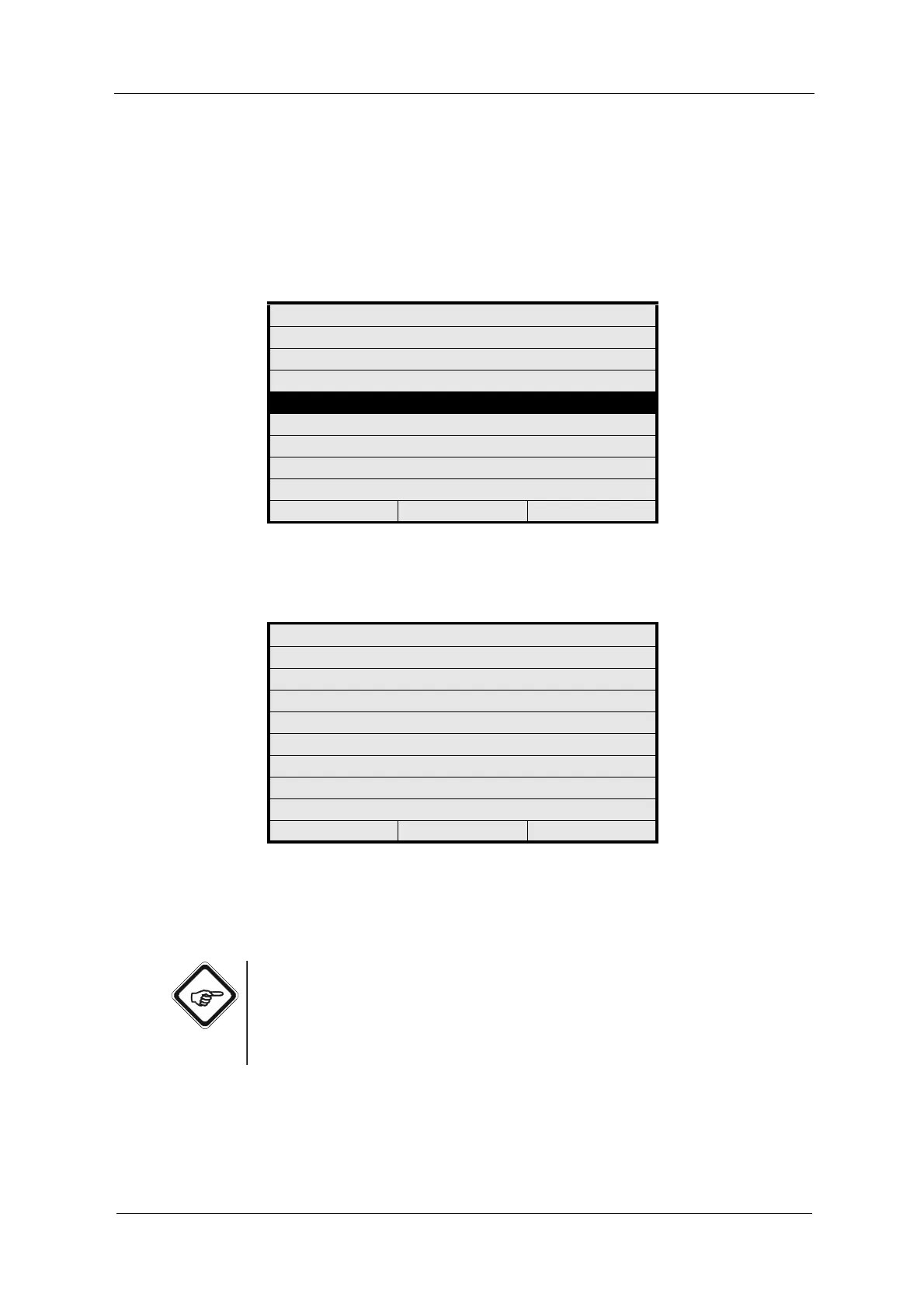
Fig. 178 Menu service, choosing reset converter
2. The RESET CONVERTER menu appears including a security check.
Fig. 179 Reset converter menu
3. Choose NO to return to the previous menu and not carry out a reset.
4. Choose YES to carry out a reset.
Note!
RESET CONVERTER deletes data and settings carried out by you. The
converter is reset to its delivery state.
Linearization tables, offset and slope sets and mathematical functions are
maintained, but disabled.
SERVICE
ENTER PASSWORD
MONITORS
PC TRANSFER
RESET CONVERTER
20:05:2006 P01 11:26:55
RESET CONVERTER
ATTENTION: PRESSING RESET WILL
CLEAR DATA AND SETTINGS
NO P01 YES



 To Next Page