Software Version C
- 133 -
optek-converter C4101 Version 07.2009_1.2US, 23.07.2009
www.optek.com
9.11 Maintenance
Note!
Measuring mode is switched off during maintenance. Measuring mode is
restarted upon return to the main menu.
9.11.1 Hold manually
With this function, the "Hold" function defined in the SYSTEM SETTINGS menu
is enabled and disabled. This may be necessary during maintenance if you wish
to retain a fix signal and do not want to forward faulty results to an external
system (e.g. PLC).
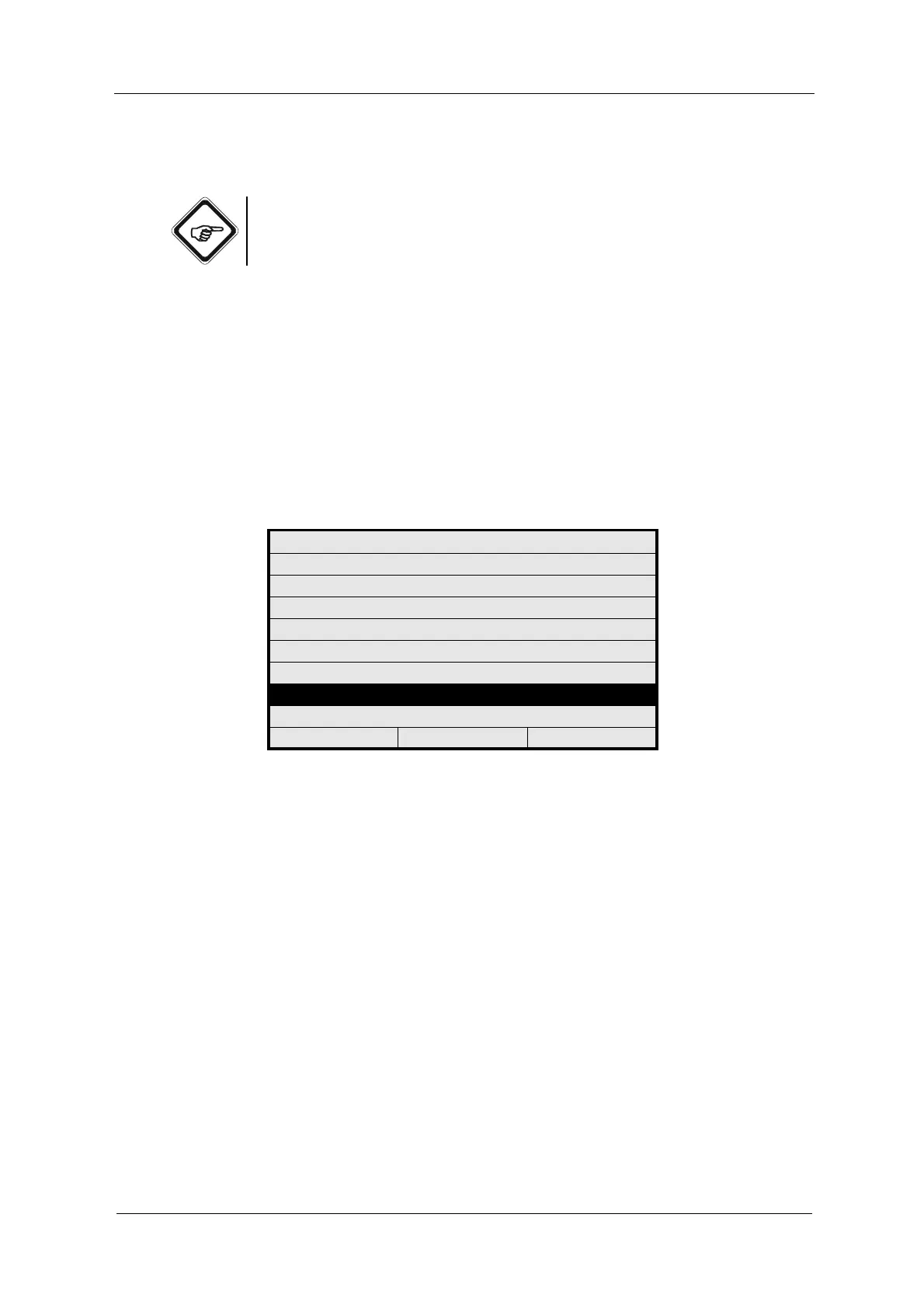
1. Select MAINTENANCE from the main menu and press [ENTER].
Fig. 140 Main menu, choosing maintenance
MAIN MENU
MEASUREMENT DISPLAY
DATA LOGGER DISPLAY
SYSTEM INFORMATION DISPLAY
PRODUCT CHANGE
PRODUCT CONFIGURATION
SYSTEM SETTINGS
MAINTENANCE
LANGUAGE / SPRACHE
20:05:2006 P01 11:26:55



 To Next Page