Software Version C
- 81 -
optek-converter C4101 Version 07.2009_1.2US, 23.07.2009
www.optek.com
9.5.6.4 Limit value - define alarm type
With this function, you can define the alarm type. "High" triggers the alarm when
the limit value is exceeded, "Low" triggers the alarm when the value falls below
the limit value.
In case of "HIGH", the hysteresis slows down the triggering of the relay until the
measuring result falls below the set limit value by more than 2 % of the
measuring range.
In case of "LOW", the hysteresis slows down the triggering of the relay until the
measuring result exceeds the set limit value by more than 2 % of the measuring
range.
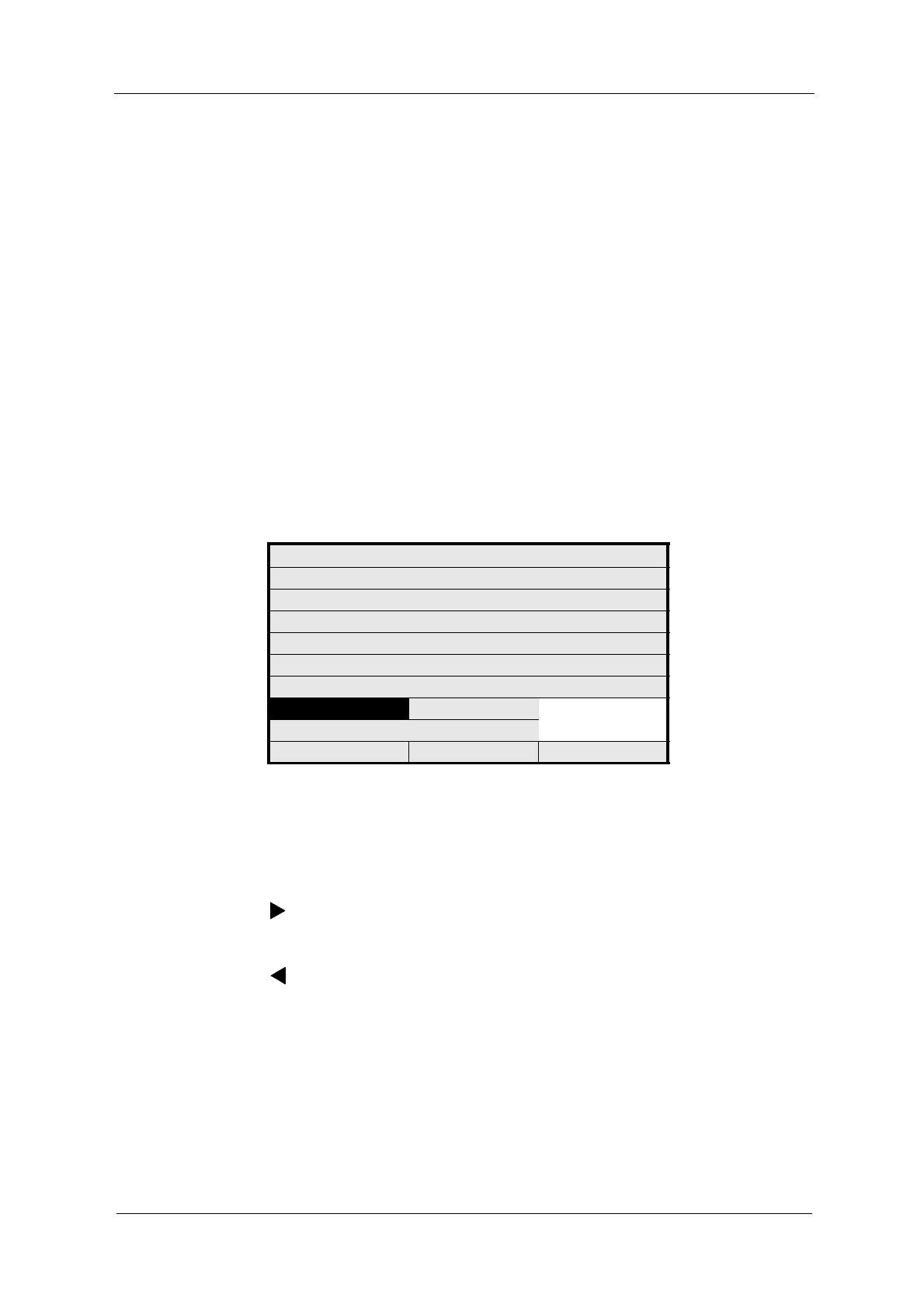
1. Select the ALARM TYPE menu item in the LIM. VALUE menu and press
[ENTER].
2. Select HIGH or LOW from the list and press [ENTER].
Fig. 75 Limit value – define alarm type
3. Save the setting.
If the limit values are defined, they are indicated as arrowheads on the
measuring range bar on the measuring result display.
= HIGH ALARM is triggered when the measuring result on the measuring
range bar exceeds the limit value from the left!
= LOW ALARM is triggered when the measuring result on the measuring
range bar falls below the limit value from the right!
LIM. VALUE: G01
MEASUR. RESULT M01
RANGE BEGIN 0.0000
RANGE END 5.0000
UNIT CU
LIMIT VALUE 1.0000
ALARM AFTER SEC. 2
ALARM TYPE HIGH
LOW
REJECT P01 SAVE



 To Next Page