Software Version C
- 35 -
optek-converter C4101 Version 07.2009_1.2US, 23.07.2009
www.optek.com
9 Software Version C
All converters are provided with software with the entire function scope. Some
converter models are provided with certain software functions only to a limited
extent due to the converter's hardware configuration. This instruction manual
describes the entire function scope of the software, even if some functions, such
as the remote function in the C4XYZ series (Y = 0, 5), are not available with your
converter model.
Before using the software, check which converter model you use. You find the
necessary information on your system data sheet.
9.1 Starting the software
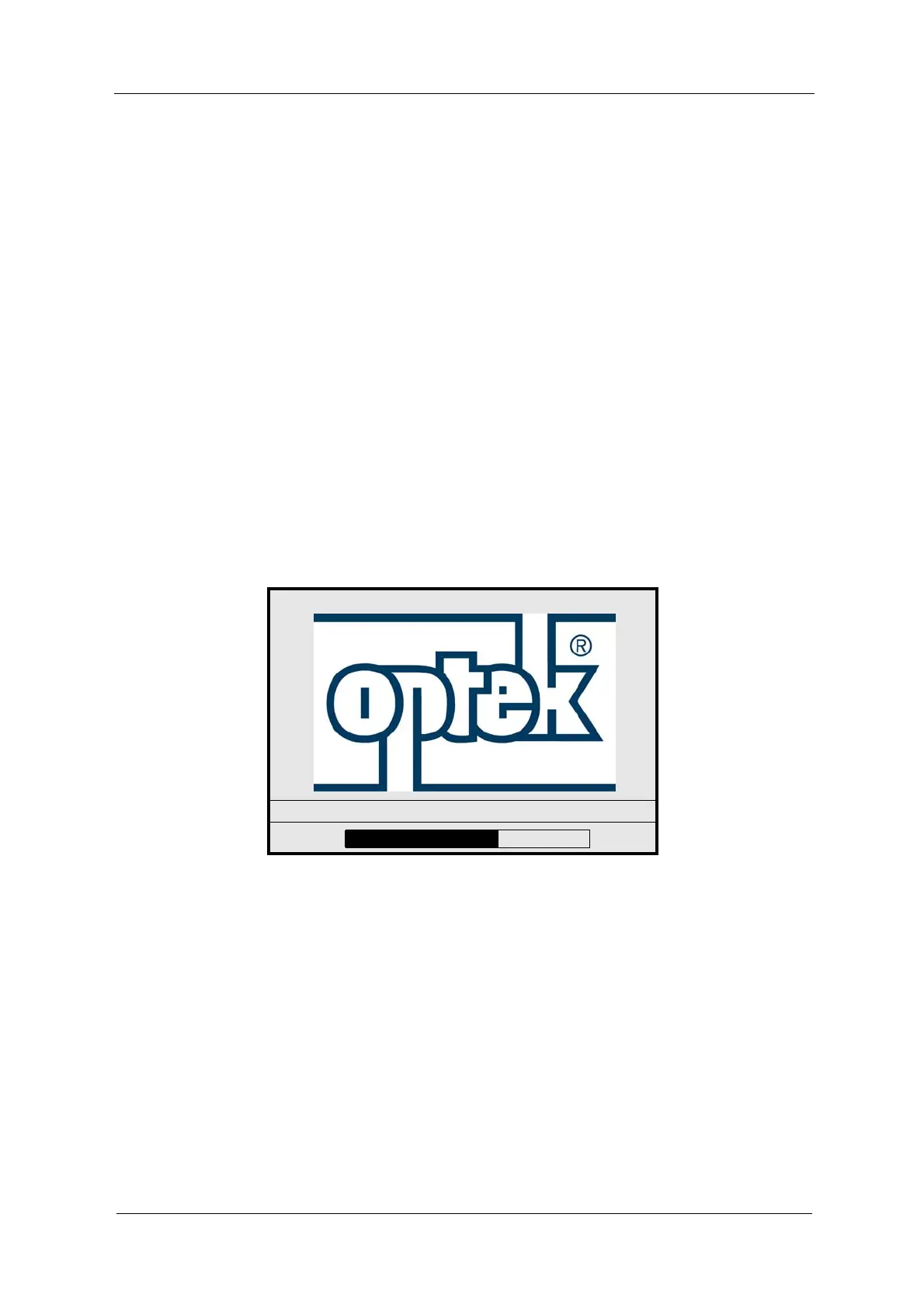
After switching on the converter, the optek menu appears (fig. 23). Meanwhile,
the software is loaded, internal communication is checked and the configuration
is identified.
Fig. 22 Loading of software
Afterwards, the MEASUREMENT DISPLAY menu automatically pops up on the
display if this menu was active when the measuring system was switched off the
last time.
Otherwise, the MAIN MENU appears after switching on the system.
www.optek.com
SC



 To Next Page