Software Version C
- 36 -
optek-converter C4101 Version 07.2009_1.2US, 23.07.2009
www.optek.com
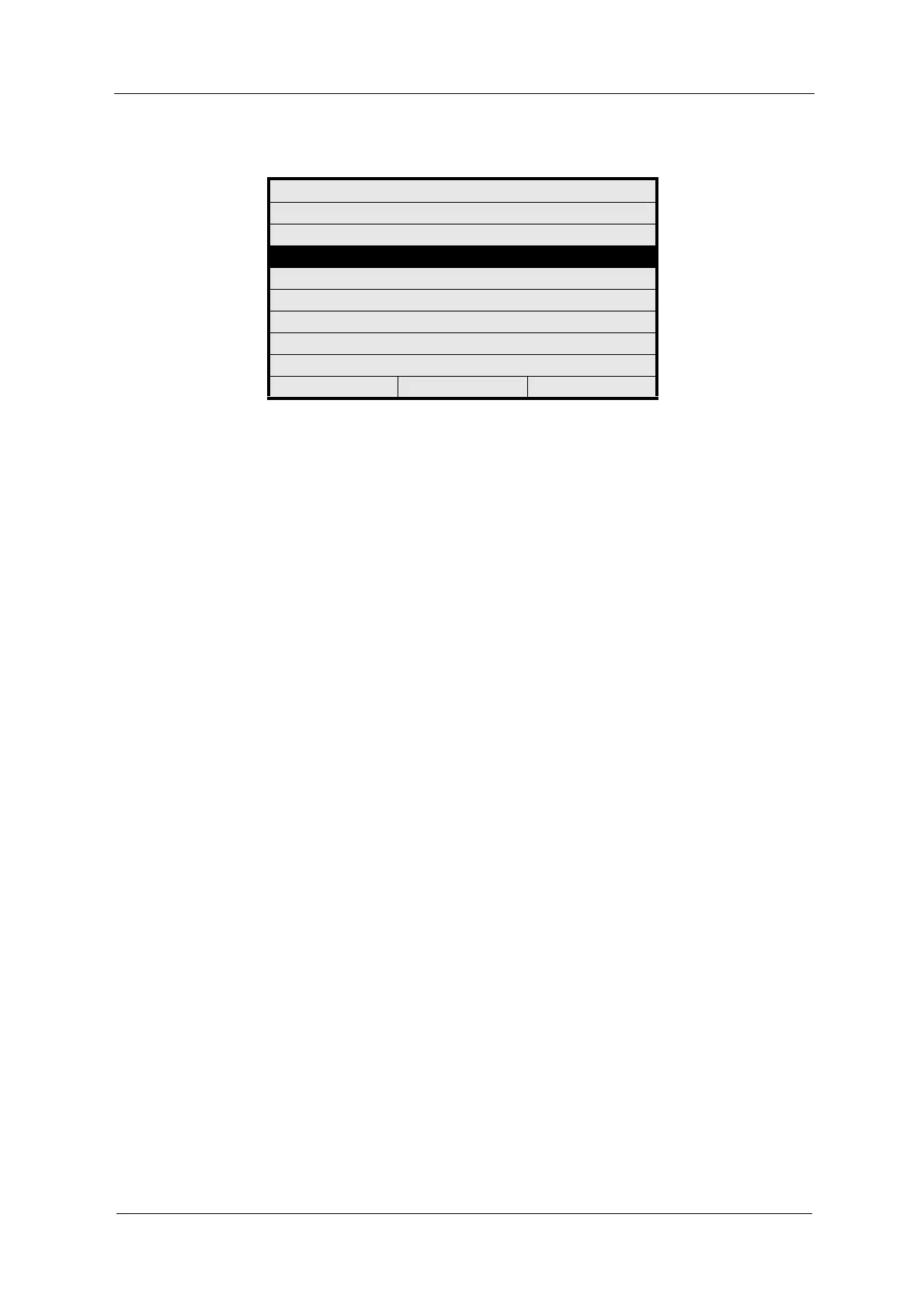
Fig. 23 Main menu
If the converter was in measuring mode when switched off, it automatically
returns to the measuring mode with the settings of the product used last. The
measuring results are displayed in the MEASUREMENT DISPLAY.
In order to change from the measurement display to the main menu, press
[CLEAR].
MAIN MENU
MEASUREMENT DISPLAY
DATA LOGGER DISPLAY
SYSTEM INFORMATION DISPLAY
PRODUCT CHANGE
PRODUCT CONFIGURATION
SYSTEM SETTINGS
MAINTENANCE
LANGUAGE / SPRACHE
20:05:2006 P01 11:26:55



 To Next Page