Software Version C
- 129 -
optek-converter C4101 Version 07.2009_1.2US, 23.07.2009
www.optek.com
9.10.15 optek inputs
This menu is described in chapter 9.4.4, page 48.
9.10.16 mA-inputs
This menu is described in chapter 9.4.5, page 50.
9.10.17 System data sensors 1 to 4
With this function, you can document the system. The entries made here do not
affect the measurement.
You can recall data stored here anytime via the SYSTEM INFORMATION
DISPLAY in the main menu without interrupting the measuring process.
1. Select SYSTEM SETTINGS from the main menu and press [ENTER].
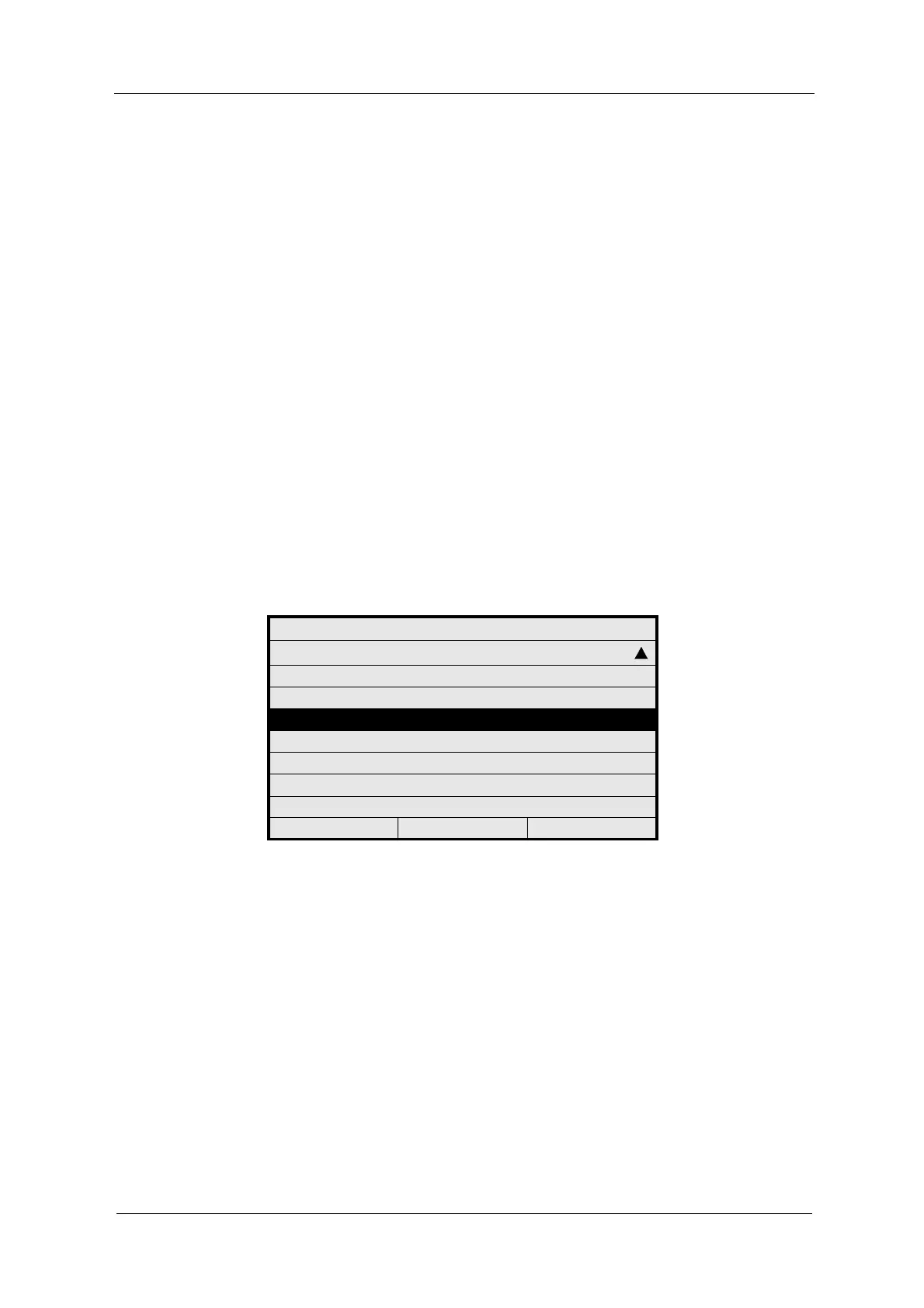
2. Select SYSTEM DATA SENSOR 1 and press [ENTER].
Fig. 136 Menu system settings, choosing system data sensor 1
SYSTEM SETTINGS
PASSWORD PROTECTION
OPTEK INPUTS
mA INPUTS
SYSTEM DATA SENSOR 1
SYSTEM DATA SENSOR 2
SYSTEM DATA SENSOR 3
SYSTEM DATA SENSOR 4
FIELDBUS
20:05:2006 P01 11:26:55



 To Next Page