Software Version C
- 130 -
optek-converter C4101 Version 07.2009_1.2US, 23.07.2009
www.optek.com
3. Select the MODEL menu item and press [ENTER]. The character field
appears.
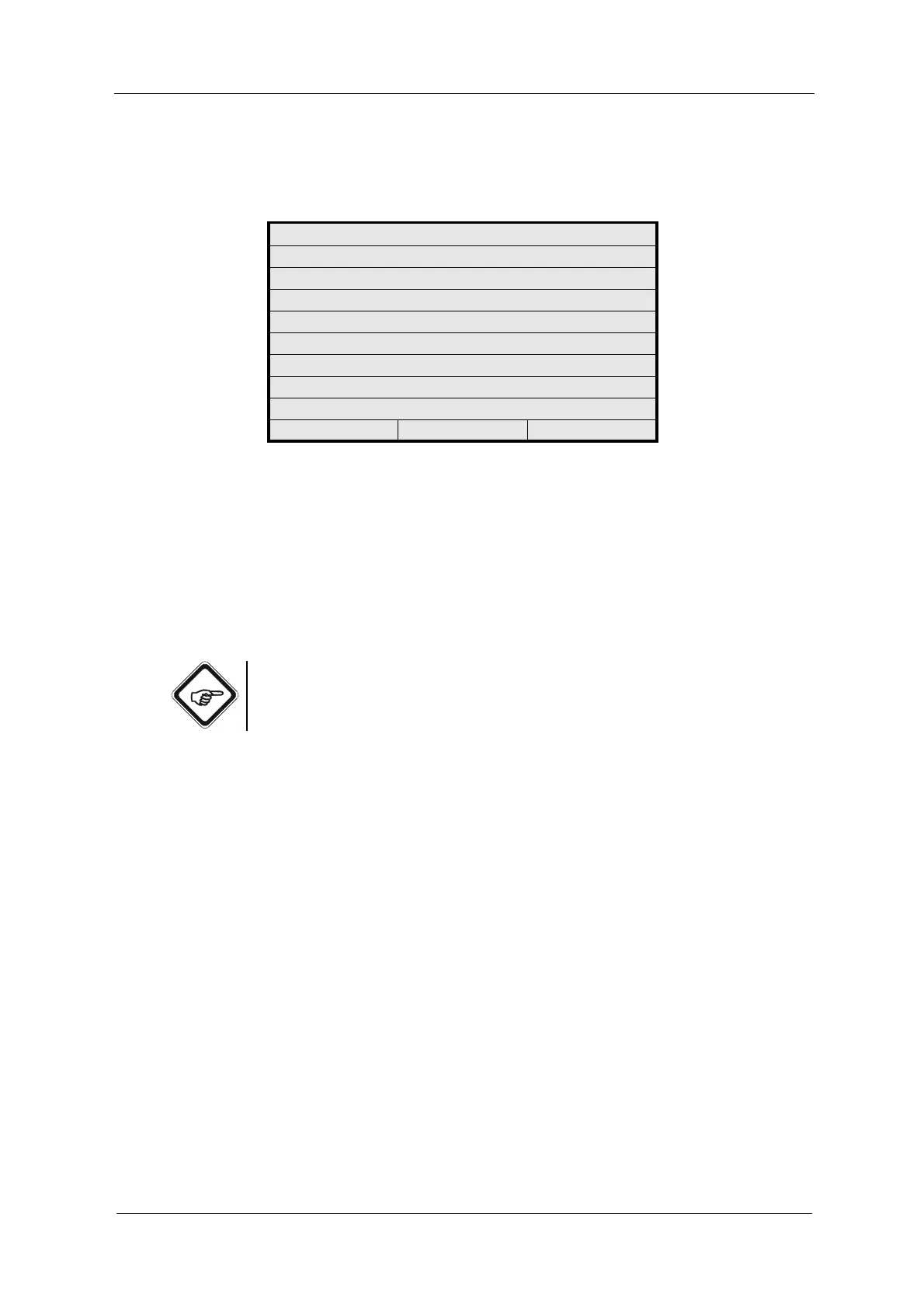
Fig. 137 Entering system data sensor 1
4. Enter the model.
5. After entering the text, select OK and press [ENTER]. The cursor moves to
the next menu item.
6. Make entries in all menu items.
7. Save the settings. The SYSTEM SETTINGS menu appears.
8. If more sensors are connected, repeat the entries for the SYSTEM DATA
SENSOR 2 to 4.
Note!
These entries serve for documentation purposes only. They do not affect
measurement.
SYSTEM SETTINGS
SYSTEM DATA SENSOR 1
MODEL
SERIAL NO
OPL
WAVELENGTH
OPTEK INPUTS
CABLE LENGTH
LAMP OUTPUT
REJECT P01 SAVE



 To Next Page