Software Version C
- 153 -
optek-converter C4101 Version 07.2009_1.2US, 23.07.2009
www.optek.com
9.11.8.2.2 Detector monitor
With this function, the real-time detector currents and the currents measured at
the last zero point setting can be displayed in nanoampere (1/1000000 mA).
1. Select the DETECTOR MONITOR function in the MONITORS menu and
press [ENTER].
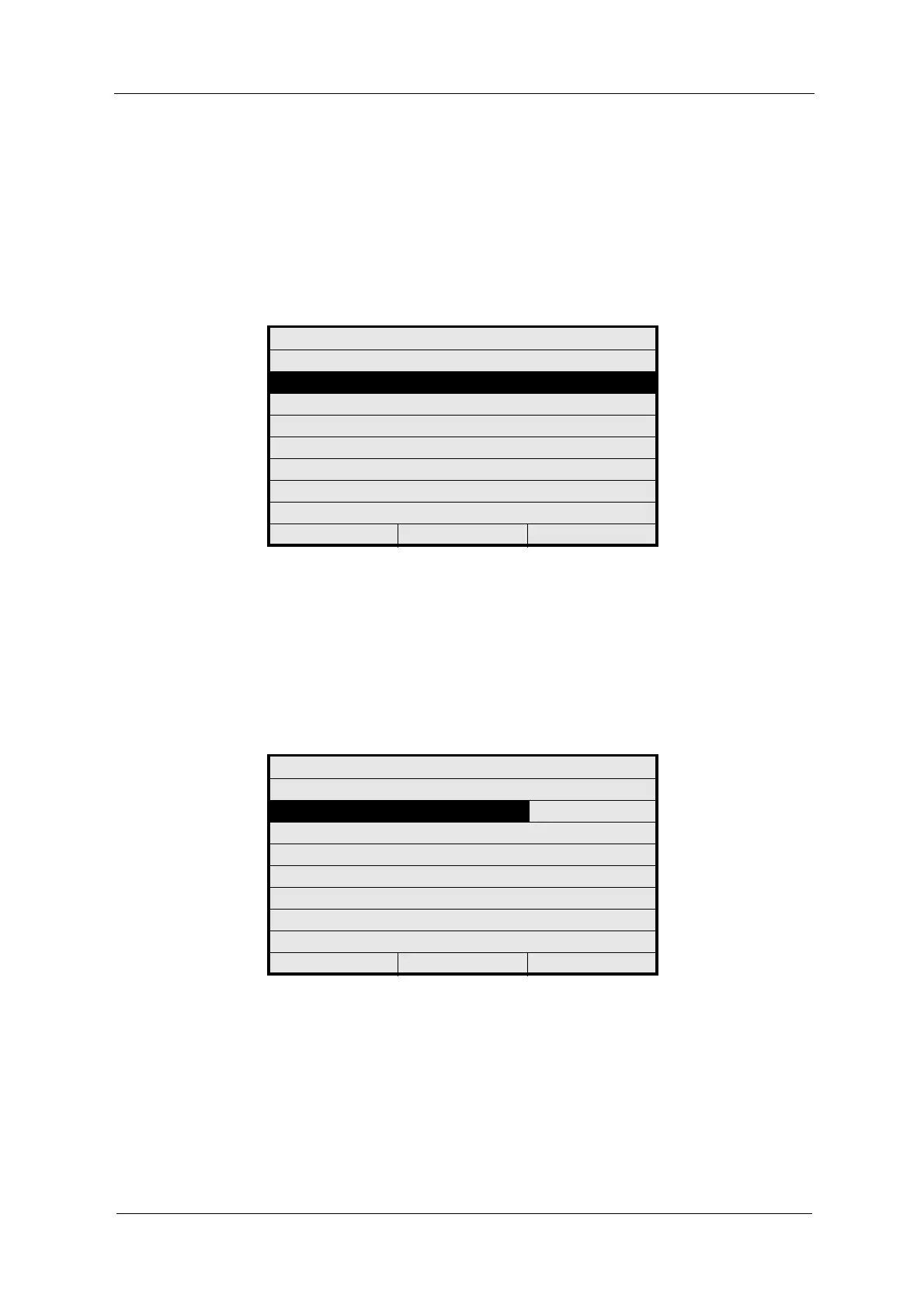
Fig. 166 Menu service, choosing detector monitor
2. Select DETECTOR INPUT. A list appears. Select a detector input (e. g.
CHANNEL A). You can only select installed and enabled optek inputs.
3. Press [ENTER]. The converter calculates the CU value for the current
PHOTO CURRENT (CU) with and without sensor adaptation and the
MAX. RANGE in CU.
4. Press [CLEAR] to return to the previous menu.
Fig. 167 Detector monitor
MONITORS
LAMP MONITOR
DETECTOR MONITOR
MEASURING RESULT MONITOR
mA MONITOR
RELAY + LED MONITOR
REMOTE IN MONITOR
SUBASSEMBLY MONITOR
20:05:2006 P01 11:26:55
DETECTOR MONITOR
DETECTOR INPUT : CHANNEL A
PHOTO CURRENT (nA) : 0.010
ZERO CURRENT (nA) : 557863.200
PHOTO CURRENT (CU) : 7.747
INCL.SEN.ADAPTATION (CU)
MAX. RANGE (CU) : 6.048
20:05:2006 P01 11:26:55



 To Next Page