Software Version C
- 104 -
optek-converter C4101 Version 07.2009_1.2US, 23.07.2009
www.optek.com
9.10.4 Damping
With this function, you can set the damping type and damping integration time.
You can choose between symmetric and asymmetric damping:
• Symmetric damping:
Equally damps increasing and decreasing measuring results with regard
to integration time.
• Asymmetric damping:
Damps increasing measuring results with regard to integration time,
decreasing measuring results, however, only at 1/10 of the time. A quick
sequence of very high measuring results (peaks) can be damped in its
increase without the results adding up like with symmetric damping.
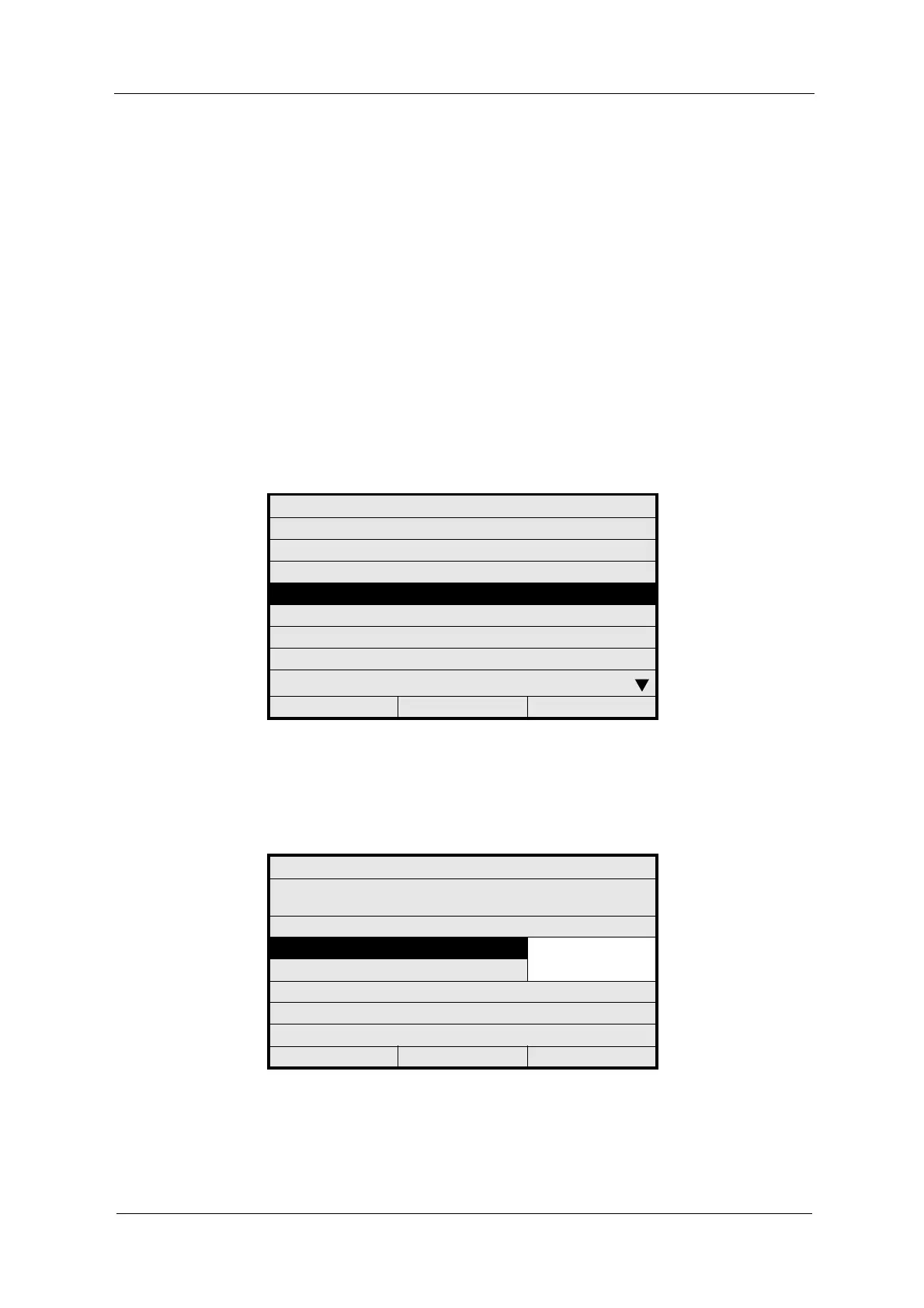
1. Select SYSTEM SETTINGS from the main menu and press [ENTER].
2. Select DAMPING and press [ENTER].
Fig. 104 Menu system settings, choosing damping
3. Select DAMPING and press [ENTER]. A list appears. Select the
SYMMMETRIC or the ASYMMETRIC function and press [ENTER]. The
cursor moves to the DAMPING (SEC) menu item.
Fig. 105 Choosing the damping type
SYSTEM SETTINGS
DISPLAY
DATE / TIME
DATA LOGGER
DAMPING
LAMP VOLTAGE
SYSTEM ZERO POINT
PRODUCT CHANGE
SENSOR TF
20:05:2006 P01 11:26:55
SYSTEM SETTINGS
ALL MEASURING RESULTS ARE DAMPED AS
FOLLOWS:
DAMPING SYMMETRIC
ASYMMETRIC
DAMPING (SEC): 1.0
REJECT P01 SAVE



 To Next Page