Software Version C
- 37 -
optek-converter C4101 Version 07.2009_1.2US, 23.07.2009
www.optek.com
9.2 General software information
9.2.1 General information on operating the software
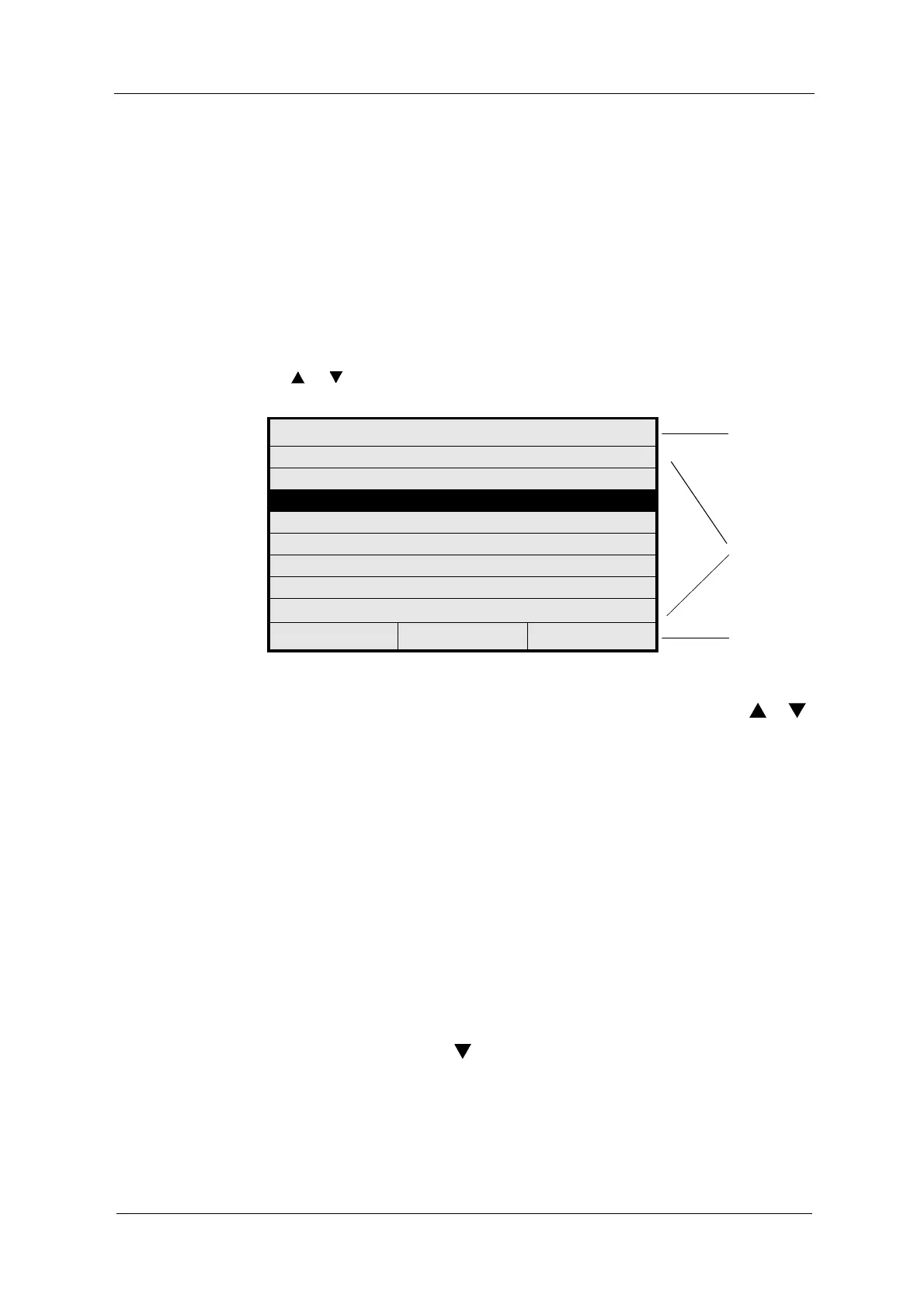
Each menu consists of:
• menu name in the headline (21)
• menu items (22)
• status bar in the last line (23)
If there are more menu items than can be displayed, this is indicated by
an
or arrow on the right side of the display.
Fig. 24 Main menu
Scrolling within a
menu
To scroll from one line or menu item to the next, press the arrow keys or
below the display. The selected menu item is highlighted as light text on dark
background.
Changing the menu To select a menu item or to change to another menu, select the desired menu
item and press [ENTER].
To return to the last menu, press [CLEAR].
Selecting options There are three different ways of entering options:
• choosing from list
• entering figures
• entering text
In some menus you can choose a parameter by selecting from several options
from a list.
• Select the menu item and press [ENTER]. The list appears (fig. 25).
• Press the arrow key to change to another option, e. g. to
ASYMMETRIC. This option is displayed as light text on dark background.
• Press [ENTER] to enable the selected option.
MAIN MENU
21
MEASUREMENT DISPLAY
22
DATA LOGGER DISPLAY
SYSTEM INFORMATION DISPLAY
PRODUCT CHANGE
PRODUCT CONFIGURATION
SYSTEM SETTINGS
MAINTENANCE
LANGUAGE / SPRACHE
20:05:2006 P01 11:26:55
23



 To Next Page