Software Version C
- 64 -
optek-converter C4101 Version 07.2009_1.2US, 23.07.2009
www.optek.com
9.5.3.4 Measuring result - multiplication with linearization
With this function, you can additionally multiply the selected measuring function
by one of the 16 linearization tables to evaluate the detector signals. Prior to this,
the linearization tables must be defined. To do this, proceed as described in
chapter 9.5.4, page 69.
When "- - -" is selected, the measuring result does not change.
The linearizations can be defined according to the instructions in chapter 9.5.4,
page 69.
1. Select X LINEARIZATION and press [ENTER].
2. A list with linearization tables appears. Select an option.
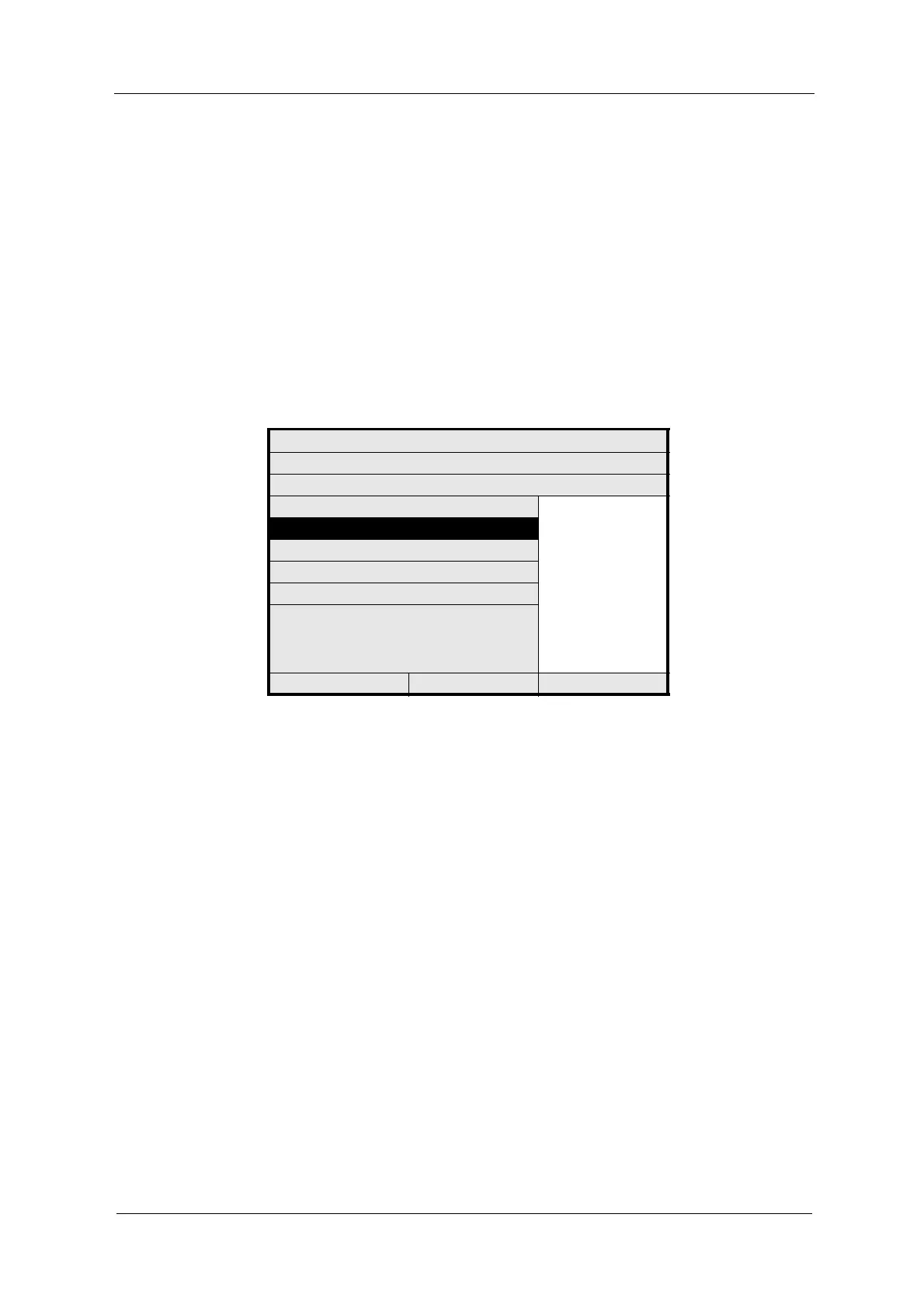
Fig. 54 Setting measuring result - multiplication with linearization
3. Press [ENTER]. The menu item X SLOPE + OFFSET is marked.
4. Save the new setting.
MEASURING RESULT: M01
DEFINE NAME:
FUNCTION ABS -CU (A)
X mA INPUT ---
L01
L02
L03
L04
L05
L06
L07
L08
:
L16
X LINEARIZATION
X SLOPE + OFFSET
RANGE BEGIN / END
UNIT
FORMAT
REJECT P01 SAVE



 To Next Page