Software Version C
- 84 -
optek-converter C4101 Version 07.2009_1.2US, 23.07.2009
www.optek.com
9.5.8 Display formula
This function gives you a brief overview, which formulas you have used for
RES1 to RES4.
Entering the formula is carried out with the C4000 PC-Transfer Advanced
software which is separately available at optek. Read the corresponding pages
in the C4000 PC-Transfer software manual.
1. Select the DISPLAY FORMULA menu item in the PRODUCT menu and
press [ENTER].
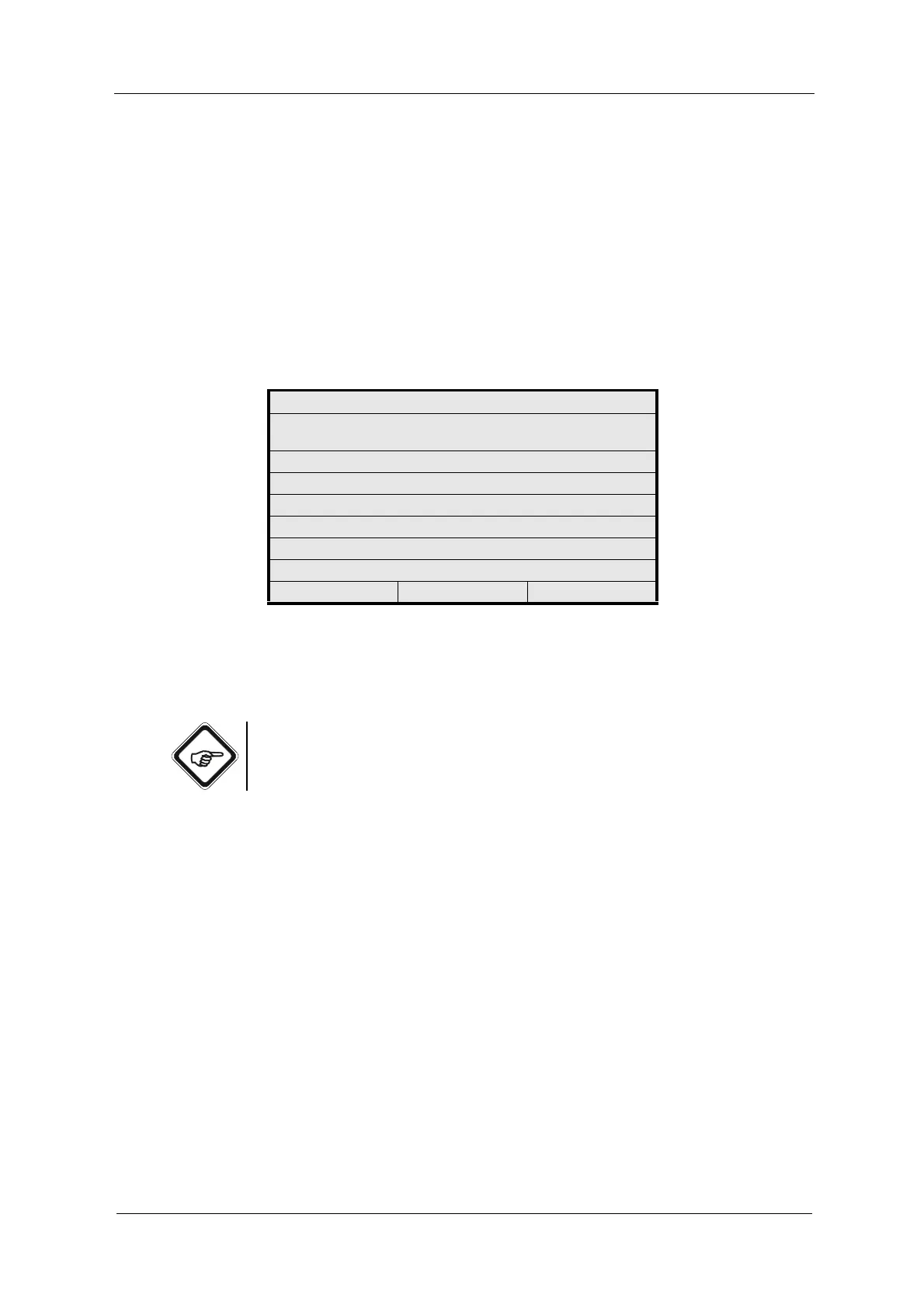
Fig. 80 Display formula display
2. Choose a formula (RES1 - RES4) and press [ENTER]. The chosen formula
is displayed.
Note!
If you have not entered a formula via the C4000 PC-Transfer Advanced
software, the message "Formula not defined!" appears.
DISPLAY FORMULA
SELECT FORMULA YOU WANT
TO DISPLAY
RES1
RES2
RES3
RES4
20:05:2006 P01 11:26:55



 To Next Page