Software Version C
- 83 -
optek-converter C4101 Version 07.2009_1.2US, 23.07.2009
www.optek.com
4. The DISPLAY X RESULT appears. Select the desired display position of the
measuring result / measuring results on the display and press [ENTER].
5. A list appears. Select the measuring result, for which the display position is
valid and press [ENTER].
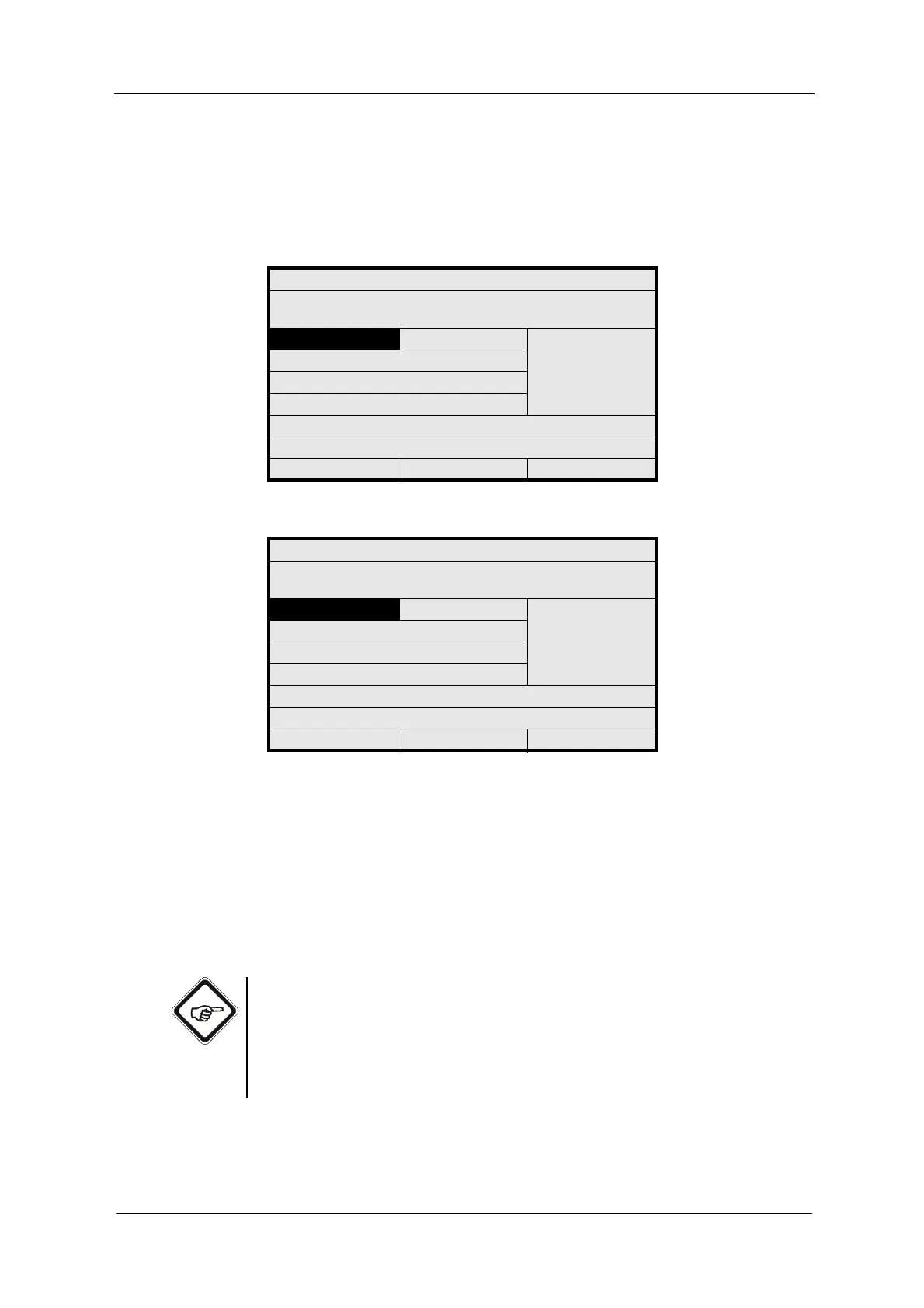
Fig. 78 Menu display single result
Fig. 79 Menu display quad result
6. Repeat the entries for the other display positions if necessary.
• In dual display the figure display is displayed on the left and the trend
chart on the right.
• In quad display the figure displays are displayed on the top and the trend
charts on the bottom.
7. Save the setting.
Note!
The time resolution of the trend chart corresponds to the intervals of the data
recording in the data logger (see chapter 9.10.3, page 102 and chapter 9.8,
page 89).
Trends will not be displayed if the data logger has been disabled in the SYSTEM
SETTINGS menu (interval is set to "- - -").
DISPLAY SINGLE RESULT
SELECT WHERE THE MEASURING RESULTS
ARE DISPLAYED
CENTERED : M01
M02
M03
M04
REJECT P01 SAVE
DISPLAY QUAD RESULT
SELECT WHERE THE MEASURING RESULTS
ARE DISPLAYED
UPPER LEFT : M01
M02
M03
M04
UPPER RIGHT :
LOWER LEFT :
LOWER RIGHT :
REJECT P01 SAVE



 To Next Page